← All worlds
⏰

Clock & Schedule

Time Quest

Clocks, calendars and routines. Practice reading time, ordering the day, and reasoning about before / after.

13 games · in the order we'd teach them

How to play, for
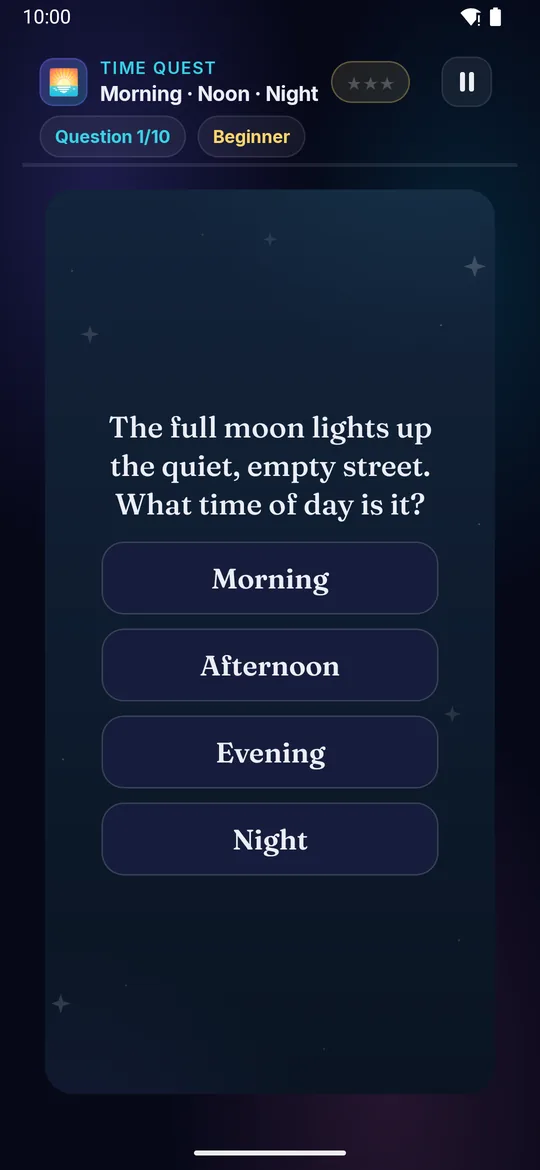
Morning · Noon · Night on a television Morning · Noon · Night on a phone
🌅

Morning · Noon · Night

Ages 3–8 3 min Easy

Breakfast, lunch, bedtime — pick which part of the day each scene belongs to.

Builds

  • 🌅 Time of day
  • 🧠 Daily rhythm
  • 📅 Time sense
  • 🎯 Quick sort

How to play · TV remote· touch

  1. Read the question — or look at the picture
  2. Think when in the day it happens
  3. ▲ ▼ move down the choices
  4. Press OK on the time of day
  5. Green card = right — more ⭐!
  1. Read the question — or look at the picture
  2. Think when in the day it happens
  3. Tap the time of day
  4. Green card = right — more ⭐!
Did you know? Roosters crow at morning — they're nature's alarm clock.
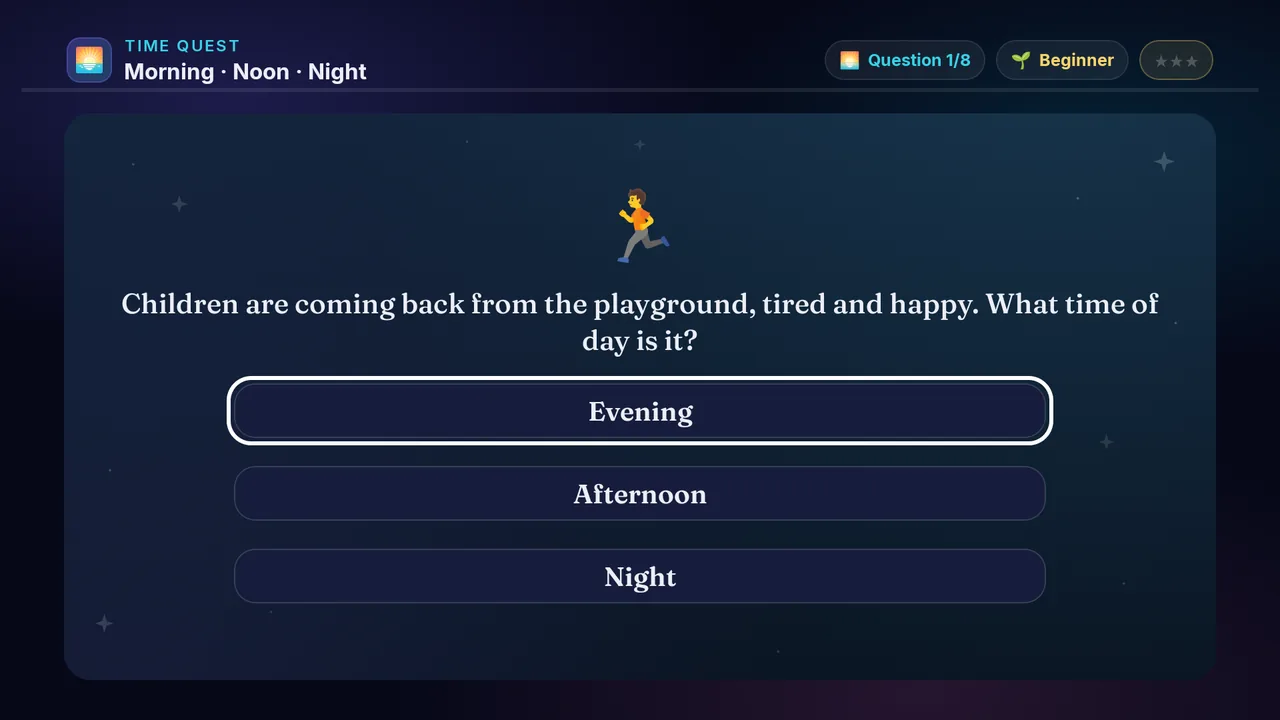
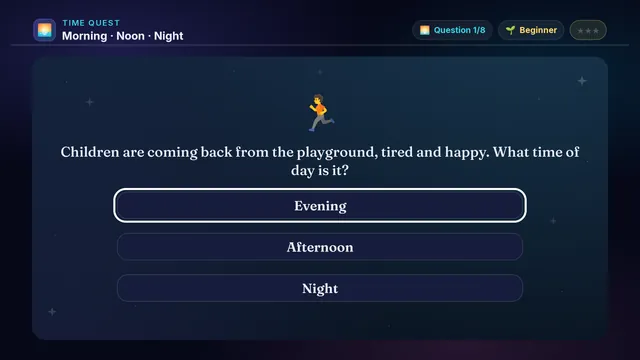
× Morning · Noon · Night full screenshot
Morning · Noon · Night — actual gameplay on Android TV
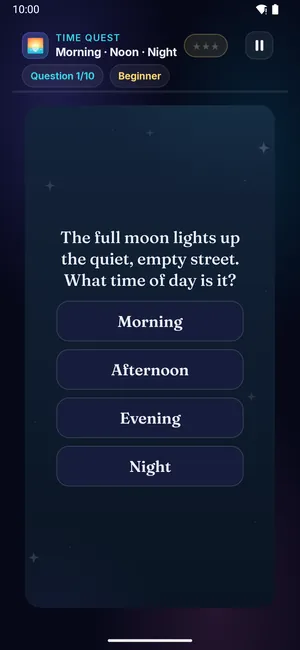
× Morning · Noon · Night full phone screenshot
Morning · Noon · Night — actual gameplay on a phone
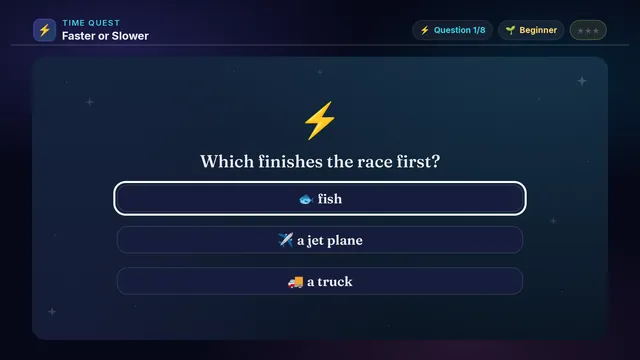
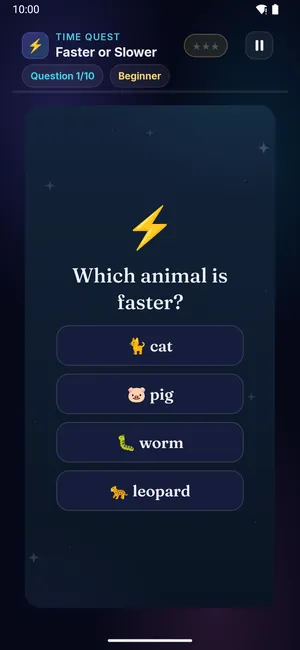
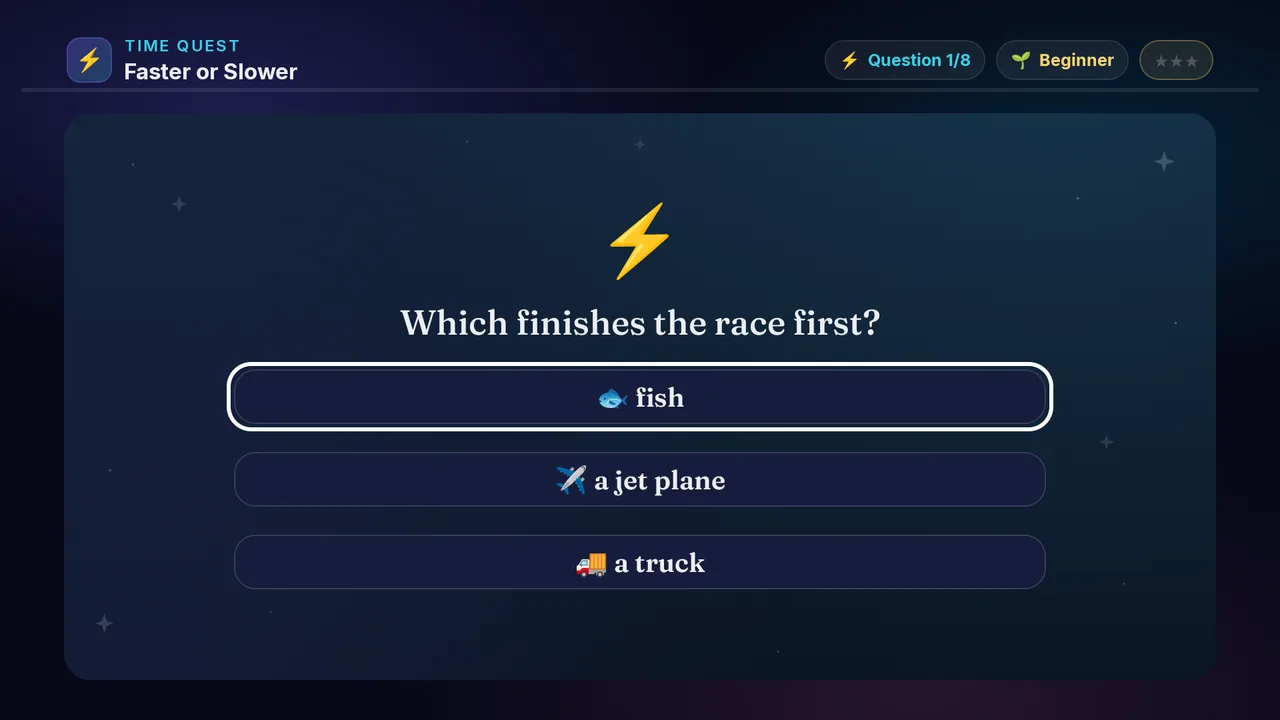
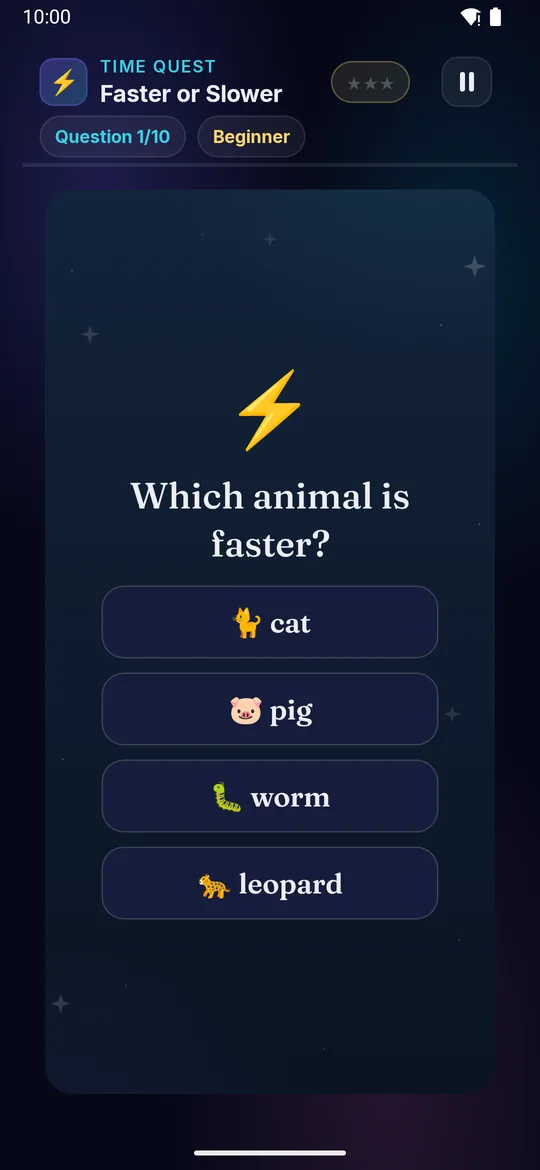
Faster or Slower on a television Faster or Slower on a phone
⚡

Faster or Slower

Ages 3–10 3 min Easy

A snail, a cheetah, a rocket — read the question and pick the one that moves faster. Some questions ask for the SLOWER one instead, so read carefully!
Builds

  • ⚡ Speed sense
  • 🧠 Compare and judge
  • 🐆 Animal & vehicle facts
  • 🎯 Careful reading

How to play · TV remote· touch

  1. Read the question — faster, or slower?
  2. Look at every choice on the card
  3. ▲ ▼ move down the choices
  4. Press OK on your pick
  5. Green card = right — more ⭐!
  1. Read the question — faster, or slower?
  2. Look at every choice on the card
  3. Tap your pick
  4. Green card = right — more ⭐!
Did you know? A cheetah runs about 120 km an hour — the fastest animal on land.
× Faster or Slower full screenshot
Faster or Slower — actual gameplay on Android TV
× Faster or Slower full phone screenshot
Faster or Slower — actual gameplay on a phone
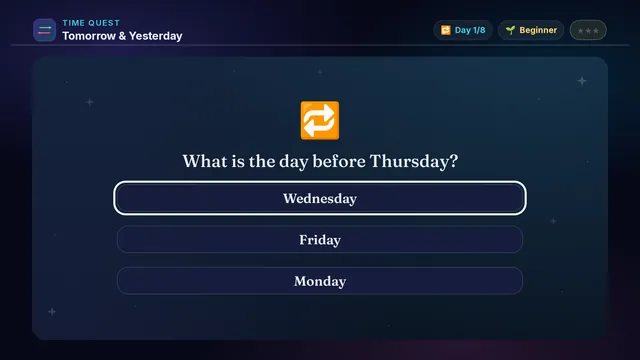
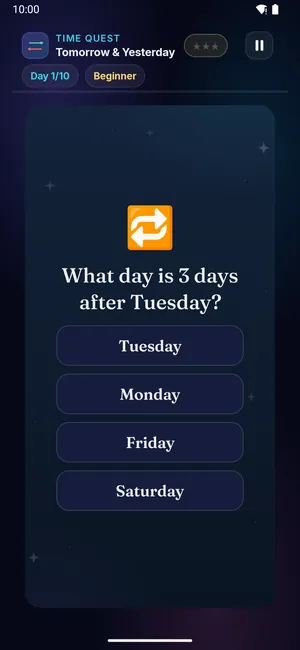
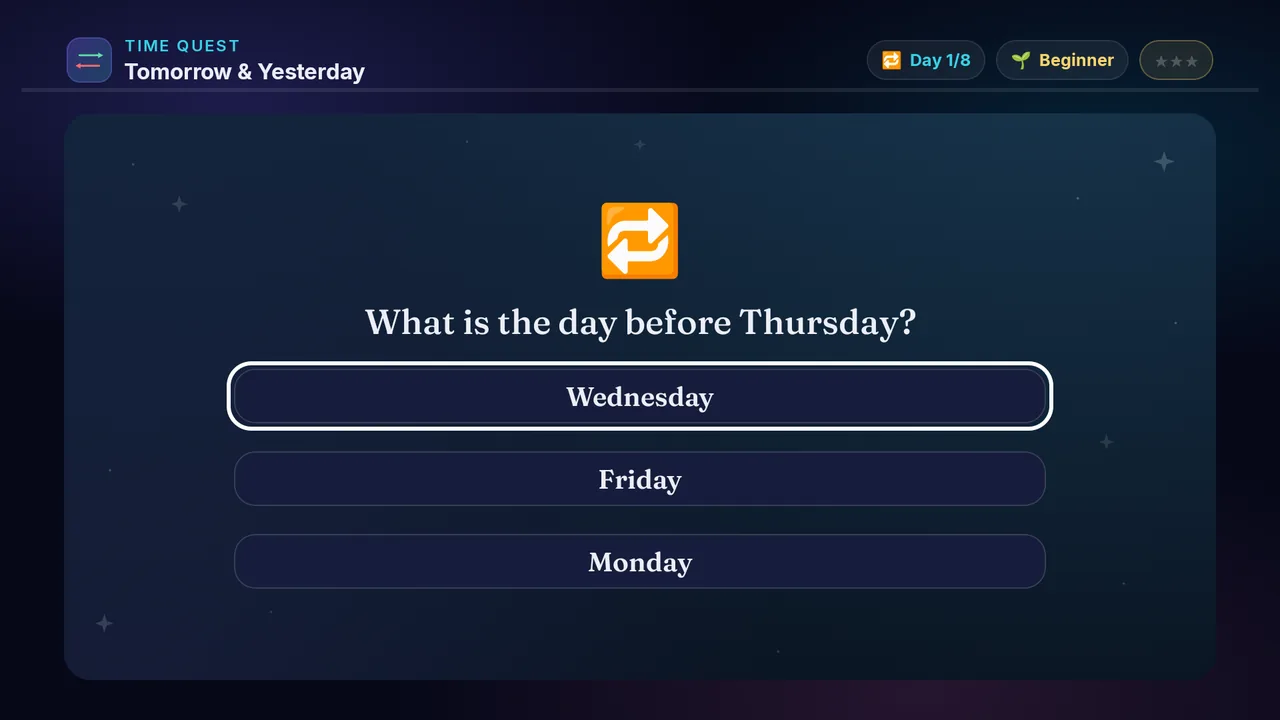
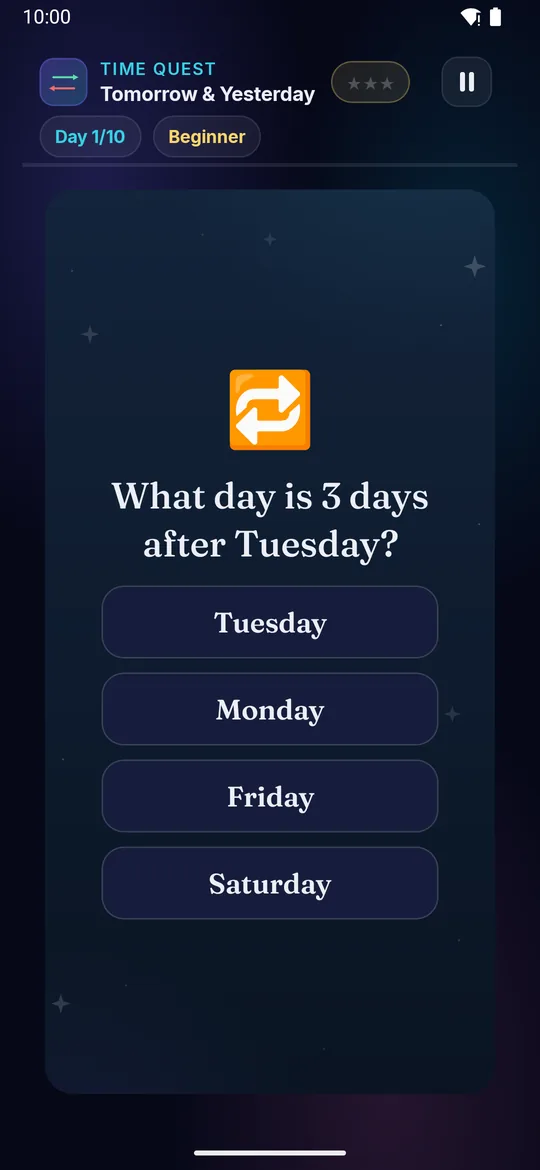
Tomorrow & Yesterday on a television Tomorrow & Yesterday on a phone
🔁

Tomorrow & Yesterday

Ages 3–10 3 min Easy

What is the day after Monday? What day is three days before Friday? Work along the week and pick the right day.

Builds

  • 🔁 Day relations
  • 📅 Week order
  • 🧠 Sequence sense
  • ⏳ Before and after

How to play · TV remote· touch

  1. Read the day the question names
  2. Spot BEFORE or AFTER — they go opposite ways
  3. Count that many days along the week
  4. Press OK on the day you land on
  5. Right day = more ⭐!
  1. Read the day the question names
  2. Spot BEFORE or AFTER — they go opposite ways
  3. Count that many days along the week
  4. Tap the day you land on
  5. Right day = more ⭐!
Did you know? Saturday always follows Friday — the week never changes its order.
× Tomorrow & Yesterday full screenshot
Tomorrow & Yesterday — actual gameplay on Android TV
× Tomorrow & Yesterday full phone screenshot
Tomorrow & Yesterday — actual gameplay on a phone
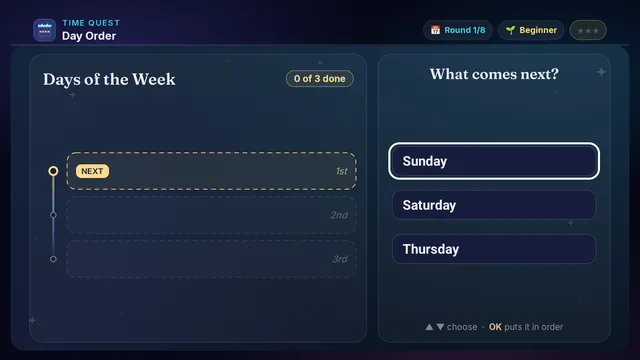
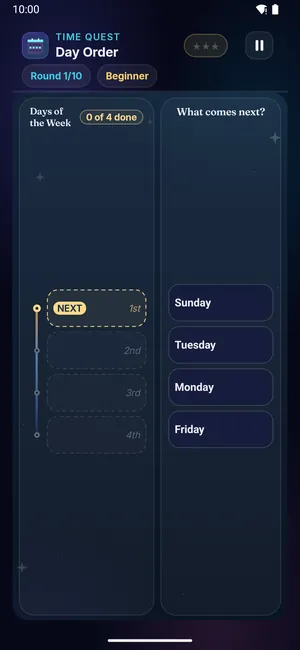
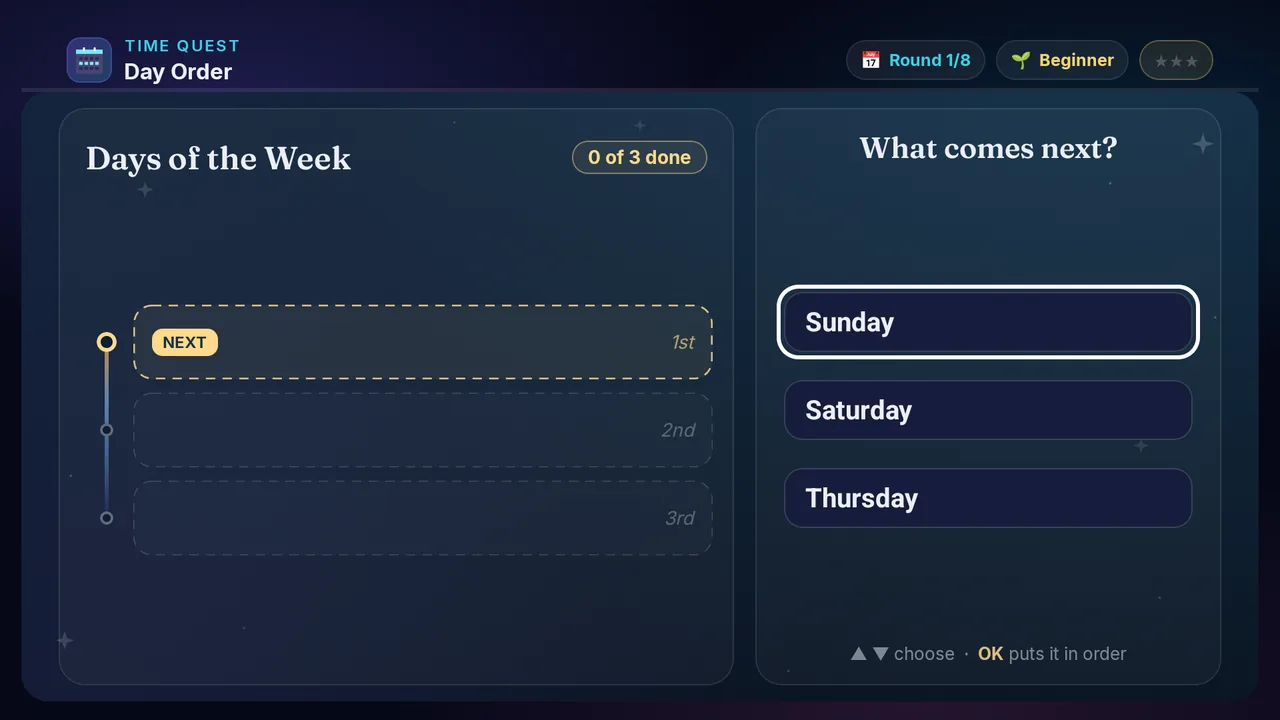
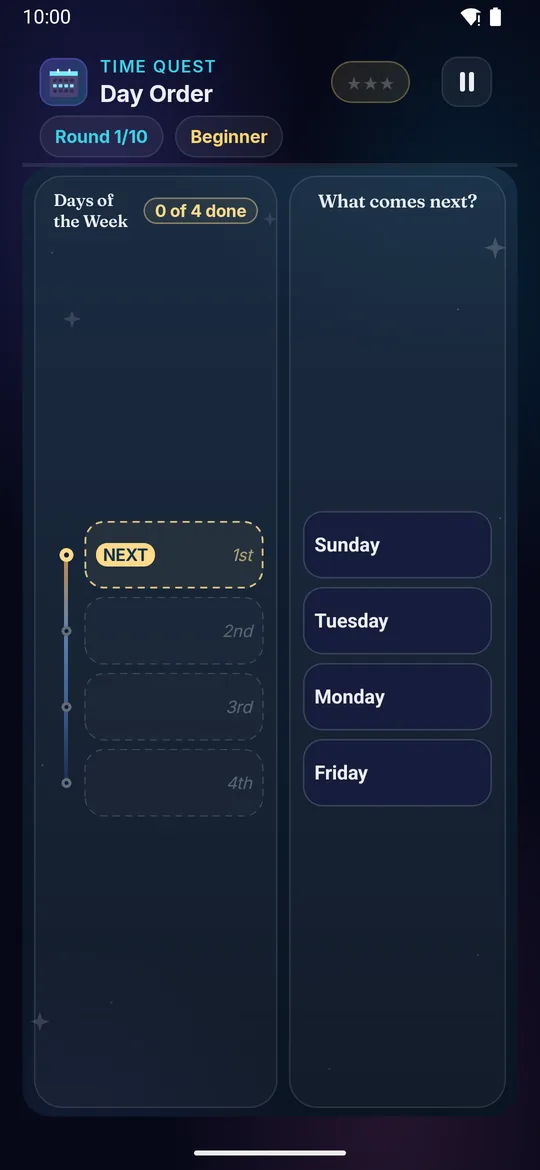
Day Order on a television Day Order on a phone
📅

Day Order

Ages 3–8 3 min Easy

A few days of the week appear, all mixed up. Tap them in the order they come.

Builds

  • 📅 Week order
  • 🧠 Day sequence
  • 🔢 Time fluency
  • ⚡ Quick recall

How to play · TV remote· touch

  1. Read the day chips
  2. Find the earliest one
  3. Press OK to place it
  4. Then the next earliest
  5. All in order = stars!
  1. Read the day chips
  2. Find the earliest one
  3. Tap it to place it
  4. Then the next earliest
  5. All in order = stars!
Did you know? The week has 7 days, named after planets + gods!
× Day Order full screenshot
Day Order — actual gameplay on Android TV
× Day Order full phone screenshot
Day Order — actual gameplay on a phone
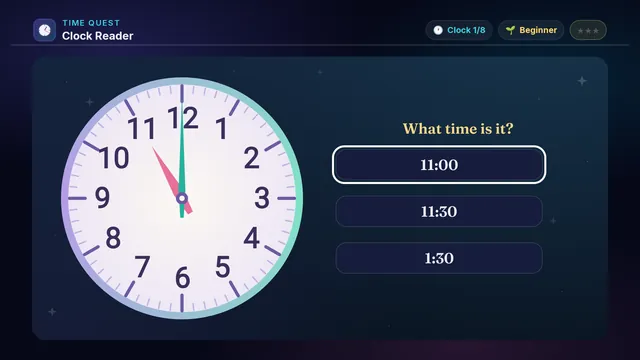
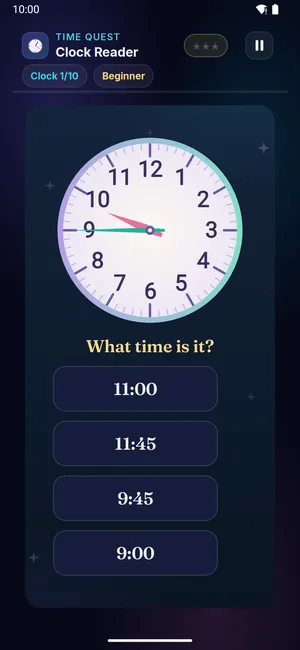
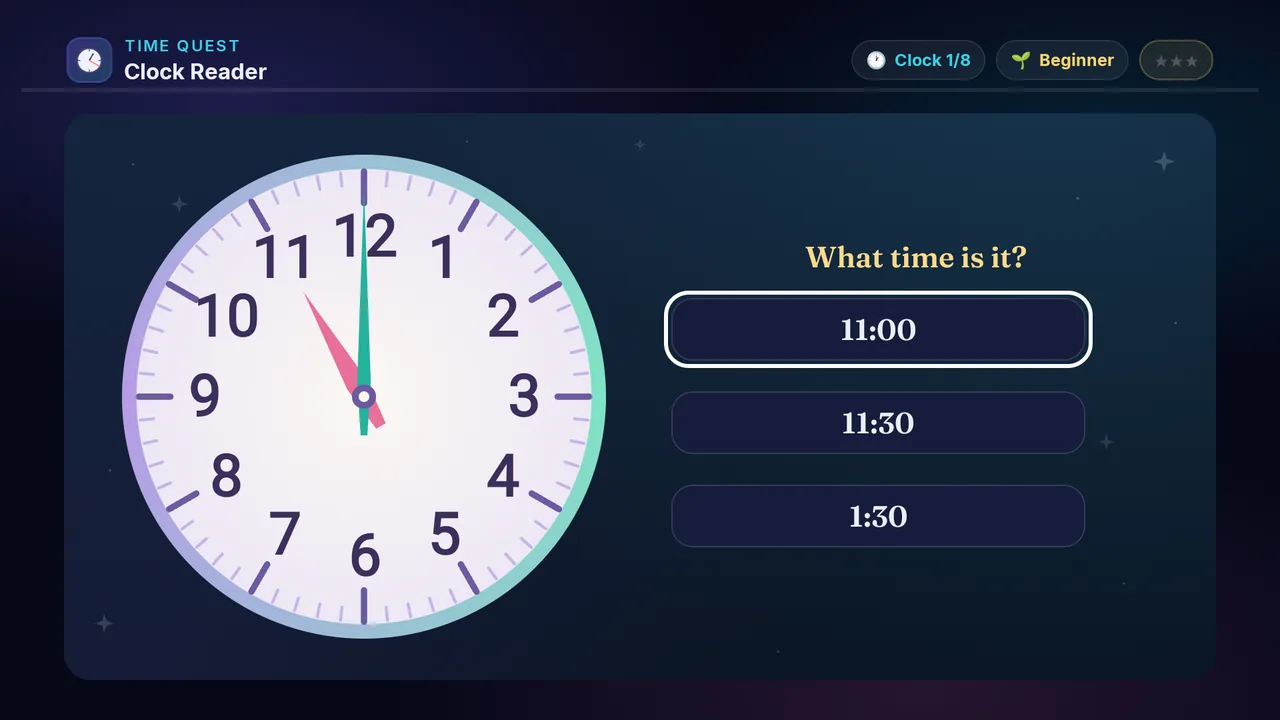
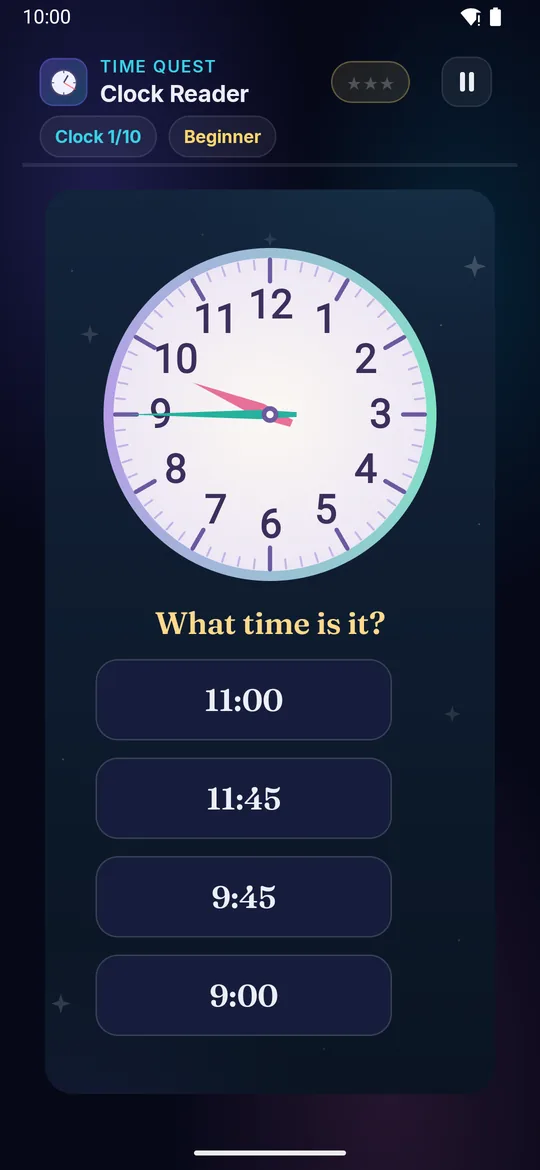
Clock Reader on a television Clock Reader on a phone
🕐

Clock Reader

Ages 5–10 3 min Easy

An analog clock appears — pick the time it shows. O'clock at first, then any minute.

Builds

  • 🕐 Clock reading
  • 🔢 Time-telling
  • 🧠 Hour-minute link
  • 📅 Daily skill

How to play · TV remote· touch

  1. See the clock face
  2. Read hour + minute
  3. D-pad to pick time
  4. Press OK to confirm
  5. Right time = stars!
  1. See the clock face
  2. Read hour + minute
  3. Tap the time it shows
  4. Right time = stars!
Did you know? Clocks have been around since ancient Egypt — water clocks!
× Clock Reader full screenshot
Clock Reader — actual gameplay on Android TV
× Clock Reader full phone screenshot
Clock Reader — actual gameplay on a phone
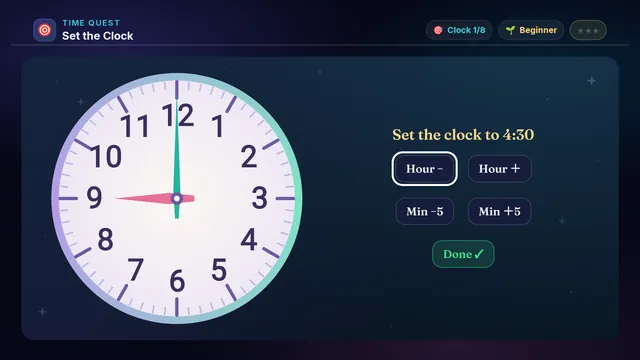
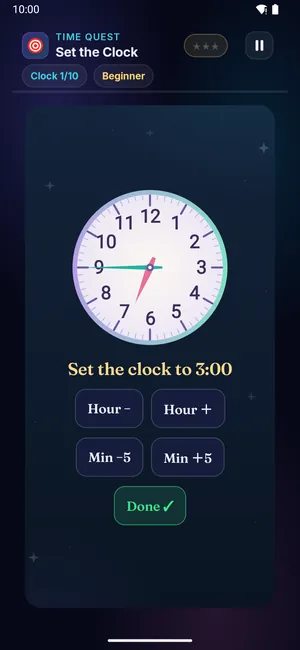
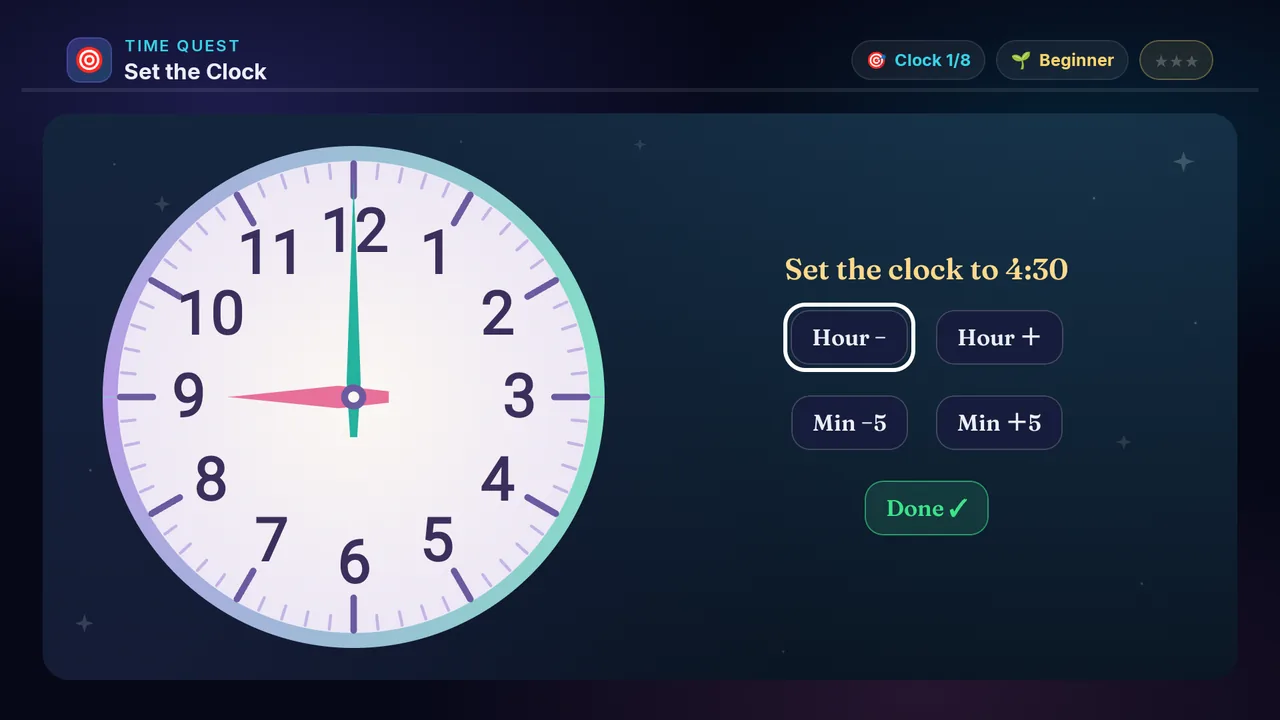
Set the Clock on a television Set the Clock on a phone
🎯

Set the Clock

Ages 5–13 3 min Medium

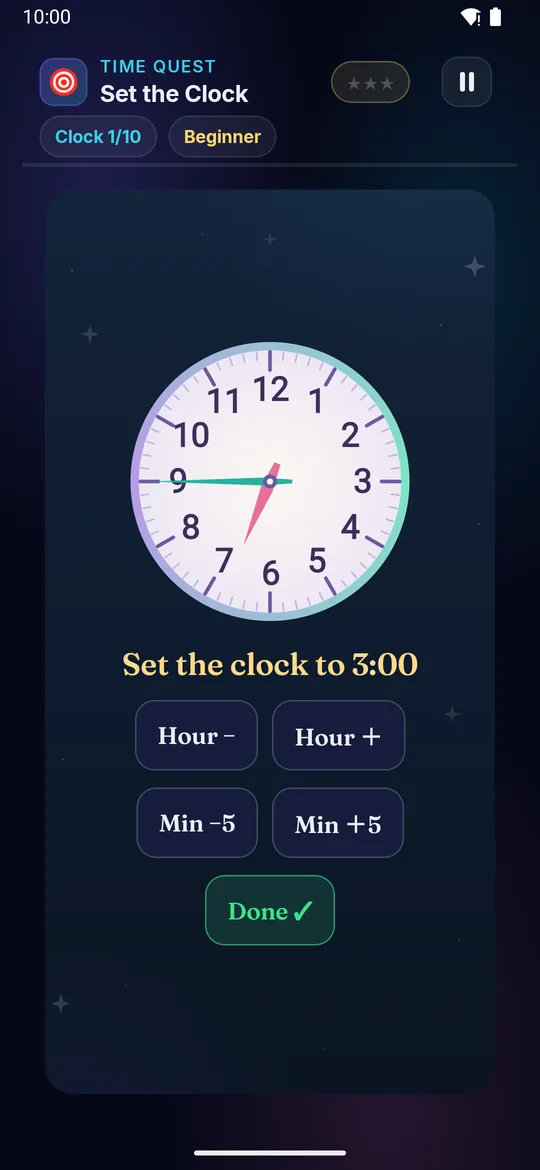
A digital time appears — set the analog clock to match by moving the hour and minute hands.

Builds

  • 🎯 Time setting
  • 🕐 Clock skill
  • 🧠 Digital→analog
  • 🔢 Number control

How to play · TV remote· touch

  1. Read the target time
  2. See where the hands are
  3. Step the hour, then the minutes
  4. Arrow down to Done
  5. Right time = stars!
  1. Read the target time
  2. See where the hands are
  3. Step the hour, then the minutes
  4. Tap Done when the hands match
  5. Right time = stars!
Did you know? Each clock minute = 6 degrees on the dial.
× Set the Clock full screenshot
Set the Clock — actual gameplay on Android TV
× Set the Clock full phone screenshot
Set the Clock — actual gameplay on a phone
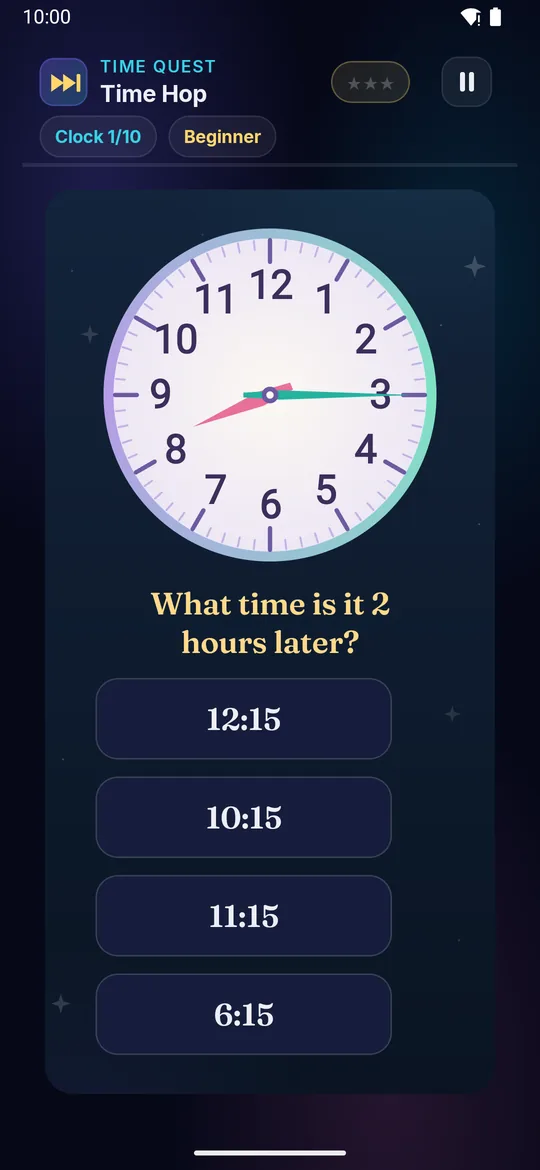
Time Hop on a television Time Hop on a phone
⏭

Time Hop

Ages 5–13 3 min Medium

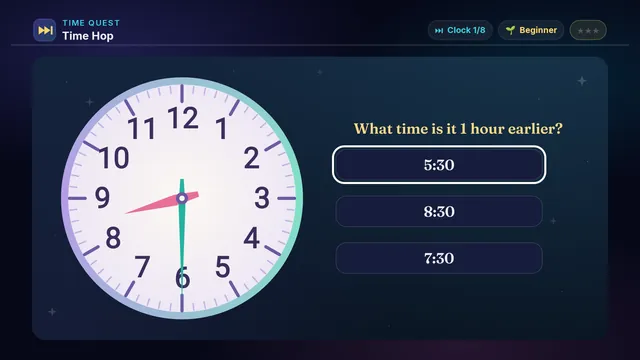
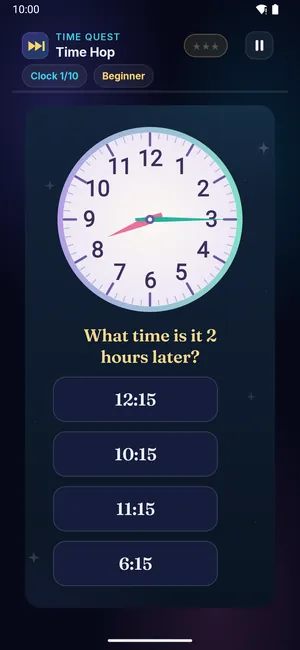
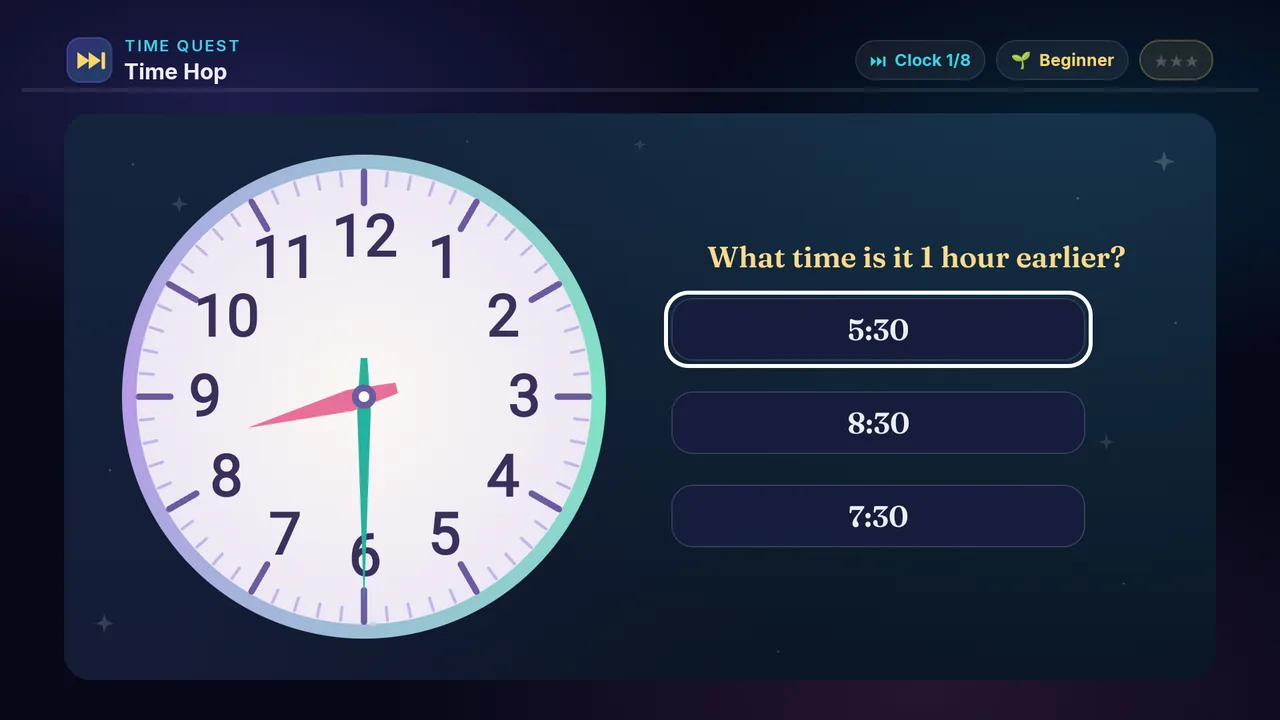
A clock shows a time. Pick the time a few hours later — or a few hours earlier.

Builds

  • ⏭ Time addition
  • 🧠 Mental clock
  • 🔢 Hour skill
  • ⏳ Time sense

How to play · TV remote· touch

  1. Read the start time
  2. Read how many hours, and which way
  3. Pick the new time
  4. Press OK to lock
  5. Right time = stars!
  1. Read the start time
  2. Read how many hours, and which way
  3. Pick the new time
  4. Right time = stars!
Did you know? There are 24 hours in a day — half AM, half PM.
× Time Hop full screenshot
Time Hop — actual gameplay on Android TV
× Time Hop full phone screenshot
Time Hop — actual gameplay on a phone
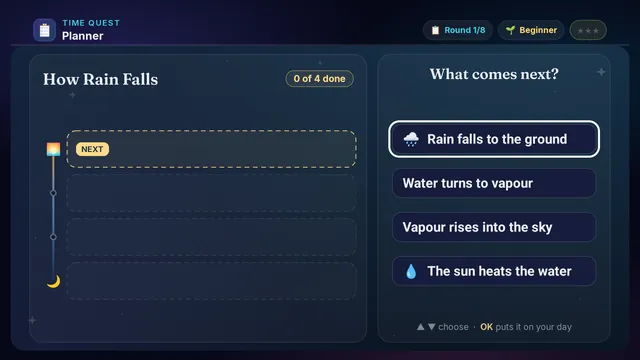
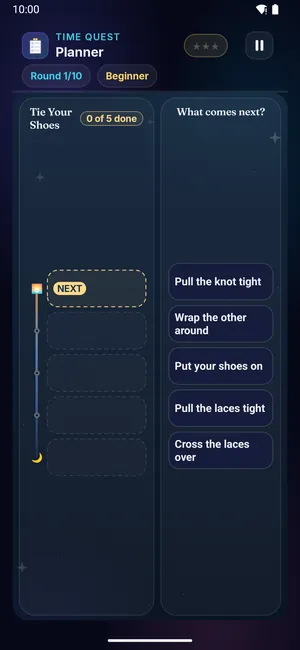
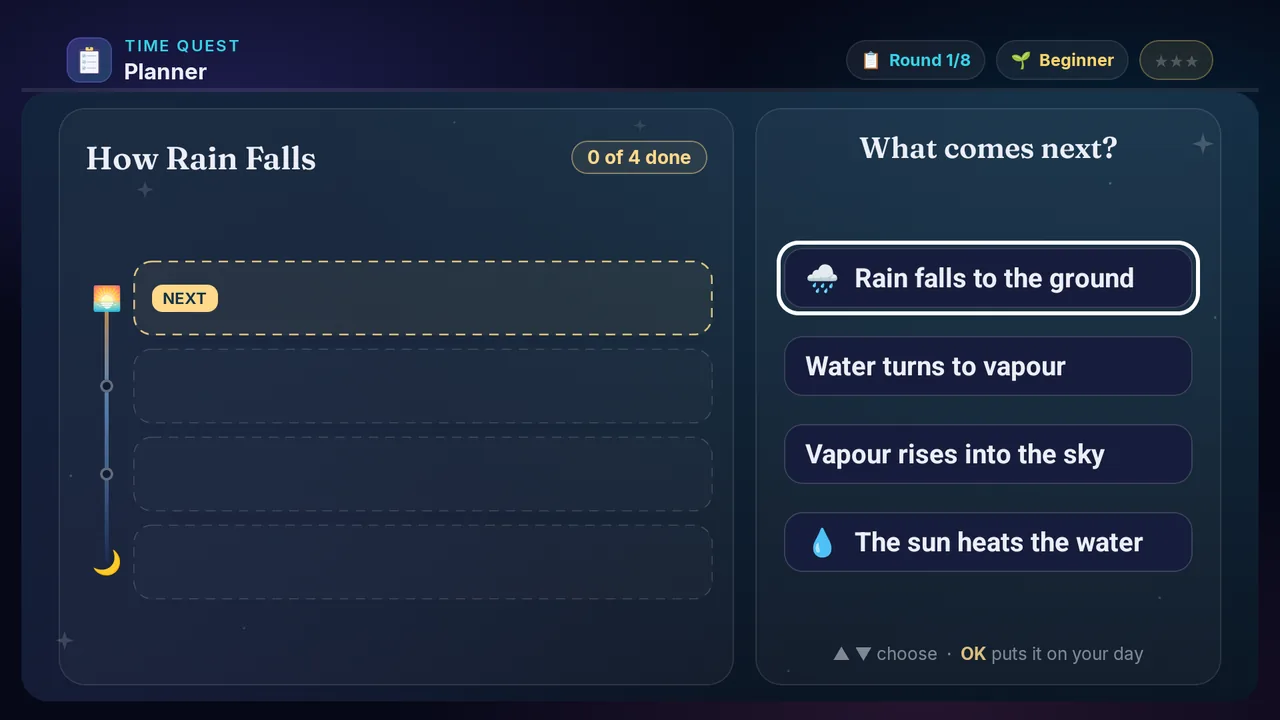
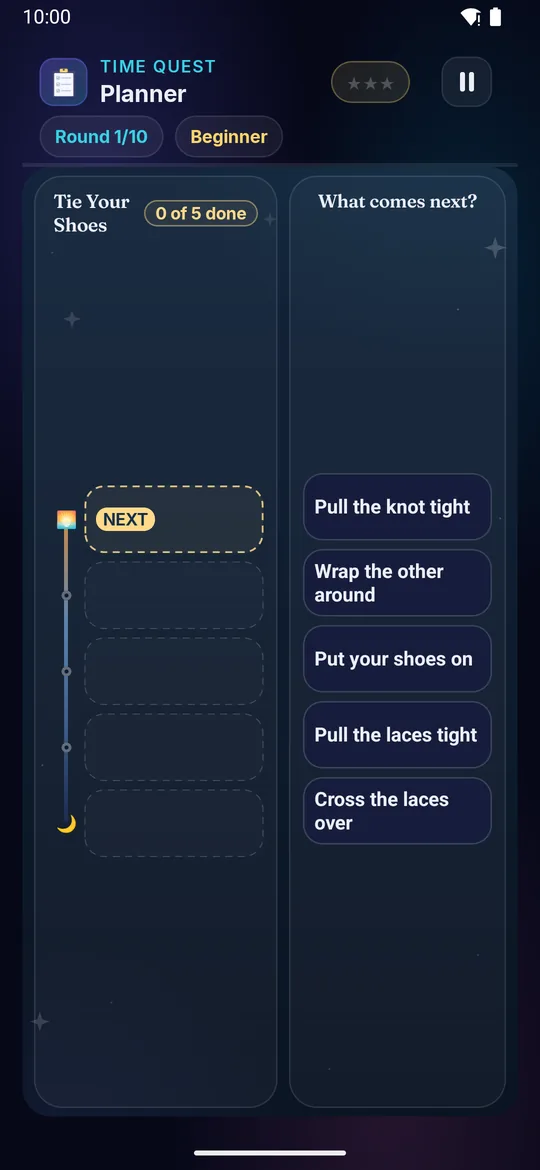
Planner on a television Planner on a phone
📋

Planner

Ages 5–13 3 min Medium

Steps from a story appear jumbled — a day out, a recipe, a plant growing. Put them in order.

Builds

  • 📋 Daily routine
  • ⏰ Time order
  • 🧠 Sequence sense
  • 🎯 Planning

How to play · TV remote· touch

  1. Read the step chips
  2. Work out which comes first
  3. Press OK to place it
  4. Then find the next one
  5. All in order = stars!
  1. Read the step chips
  2. Work out which comes first
  3. Tap it to place it
  4. Then find the next one
  5. All in order = stars!
Did you know? A plan is just a list of what comes first, next and last.
× Planner full screenshot
Planner — actual gameplay on Android TV
× Planner full phone screenshot
Planner — actual gameplay on a phone
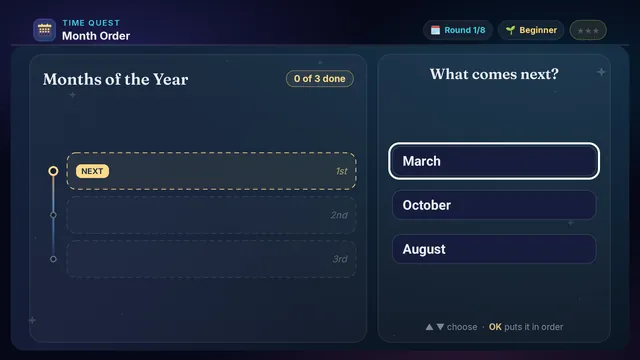
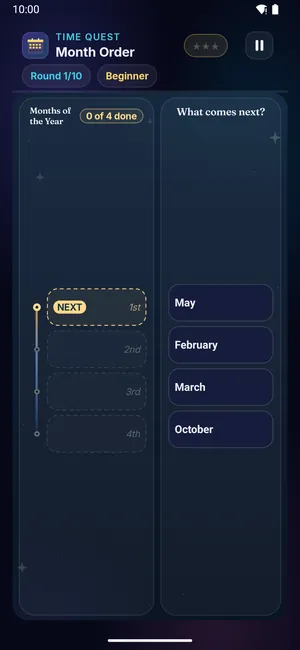
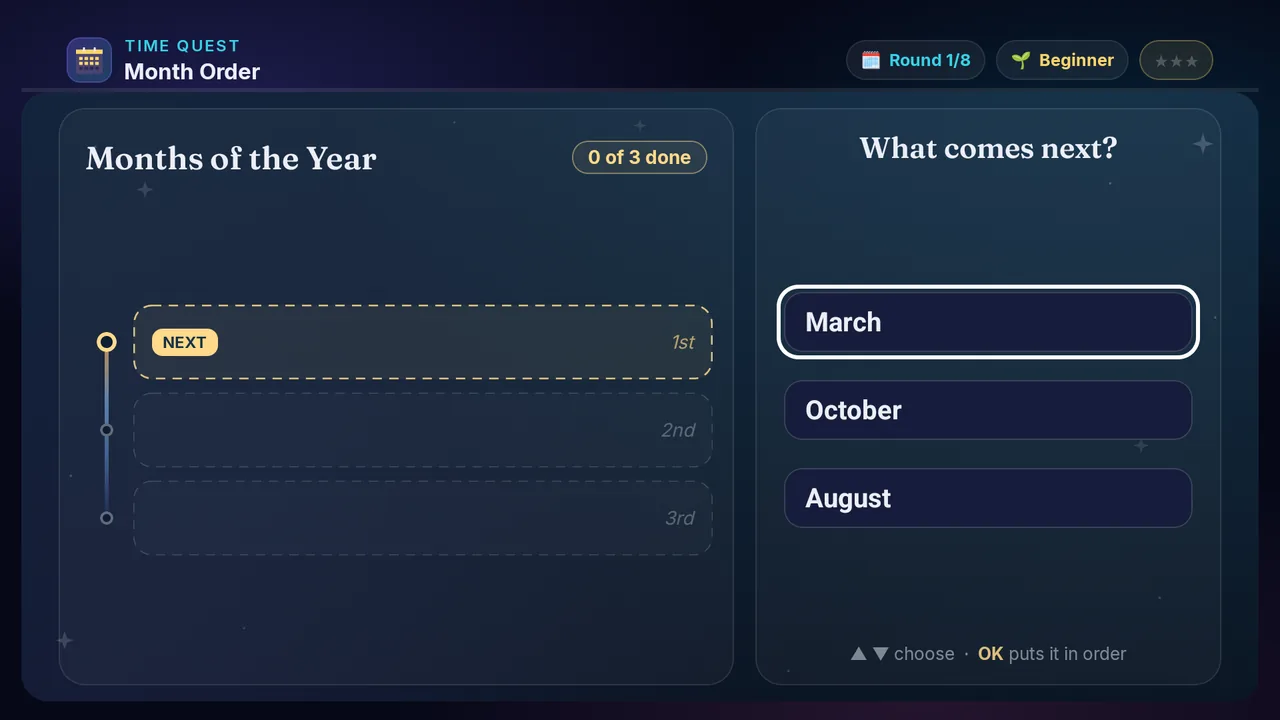
Month Order on a television Month Order on a phone
🗓️

Month Order

Ages 5–10 3 min Medium

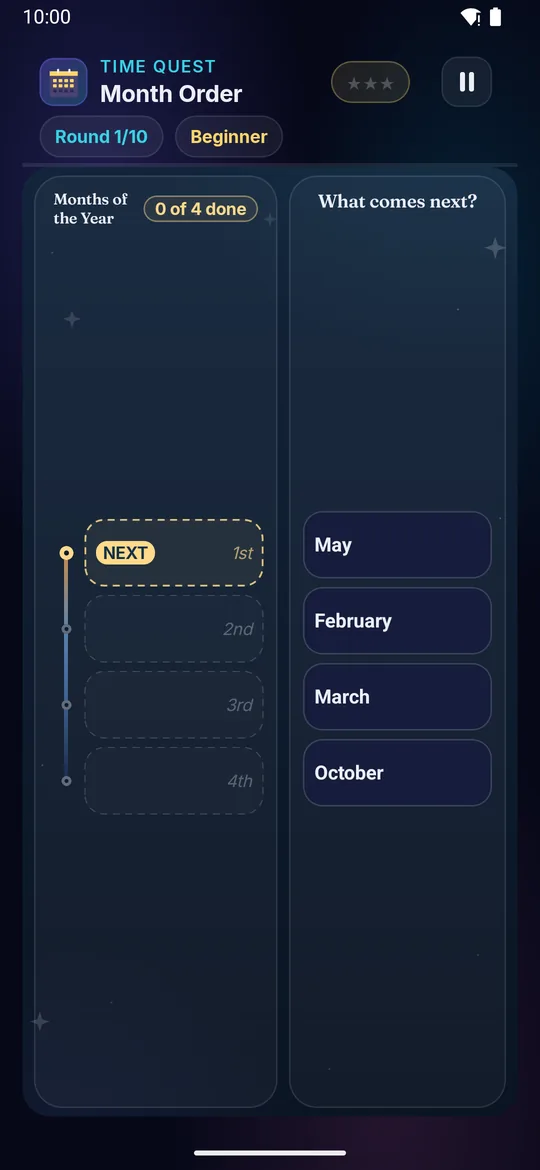
A few months of the year appear, all mixed up. Tap them in the order they come.

Builds

  • 🗓️ Month order
  • 📅 Year structure
  • 🧠 Sequence memory
  • 🔢 Time vocab

How to play · TV remote· touch

  1. Read the month chips
  2. Find the earliest one
  3. Press OK to place it
  4. Then the next earliest
  5. All in order = stars!
  1. Read the month chips
  2. Find the earliest one
  3. Tap it to place it
  4. Then the next earliest
  5. All in order = stars!
Did you know? January is named after Janus, the Roman god of doors.
× Month Order full screenshot
Month Order — actual gameplay on Android TV
× Month Order full phone screenshot
Month Order — actual gameplay on a phone
Season Sort on a television Season Sort on a phone
🍂

Season Sort

Ages 3–10 3 min Medium

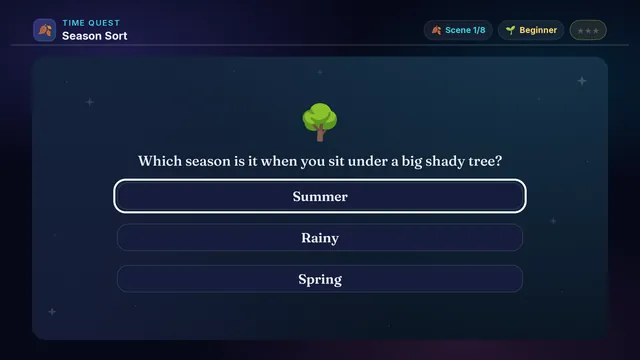
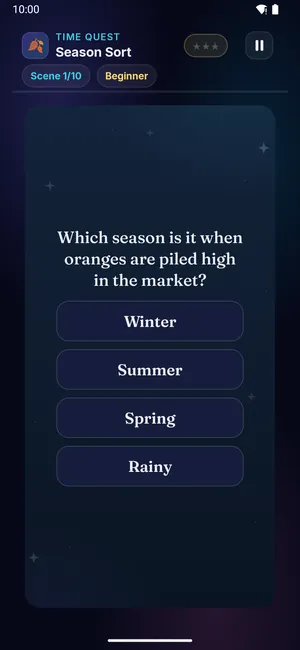
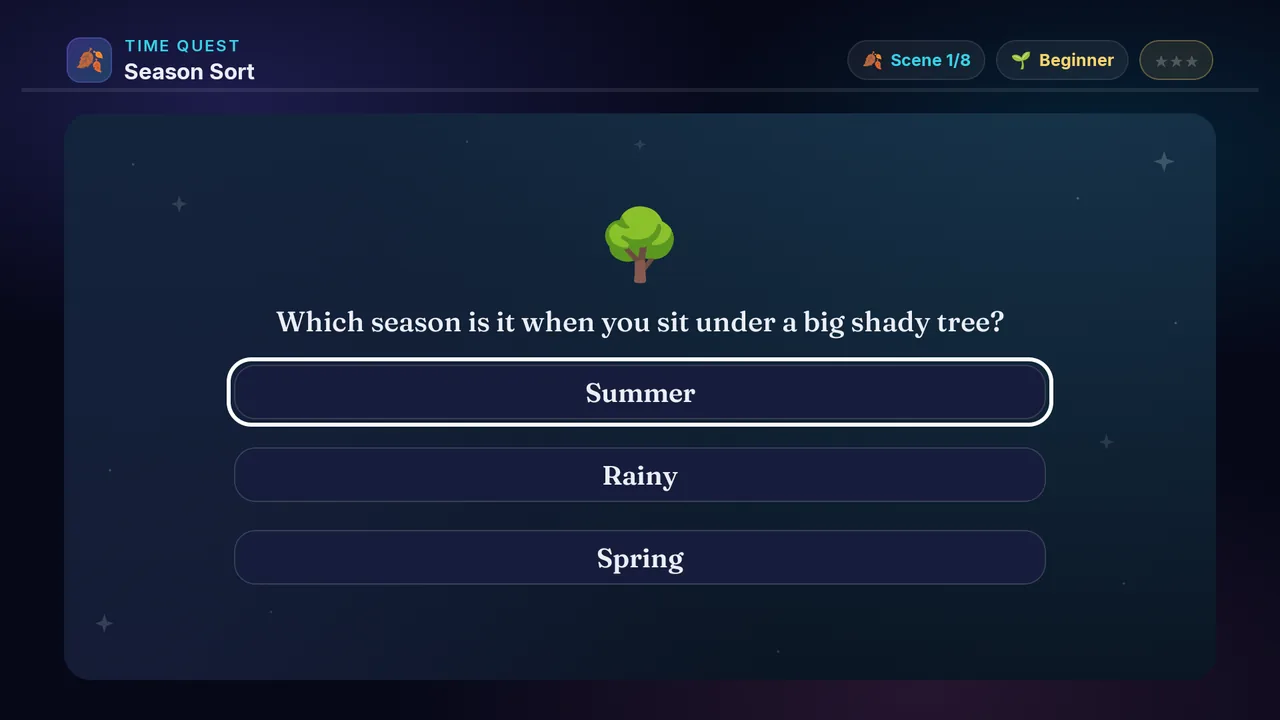
A little scene is described. Say which season it happens in — summer, rainy, winter or spring.

Builds

  • 🍂 Season sense
  • 🌸 Year cycle
  • 🧠 Visual sorting
  • 📅 World awareness

How to play · TV remote· touch

  1. Read or hear the scene
  2. Think what the weather is like
  3. D-pad to a season
  4. Press OK to answer
  5. Right season = stars!
  1. Read or hear the scene
  2. Think what the weather is like
  3. Tap the season
  4. Right season = stars!
Did you know? India has a rainy season all its own — the monsoon.
× Season Sort full screenshot
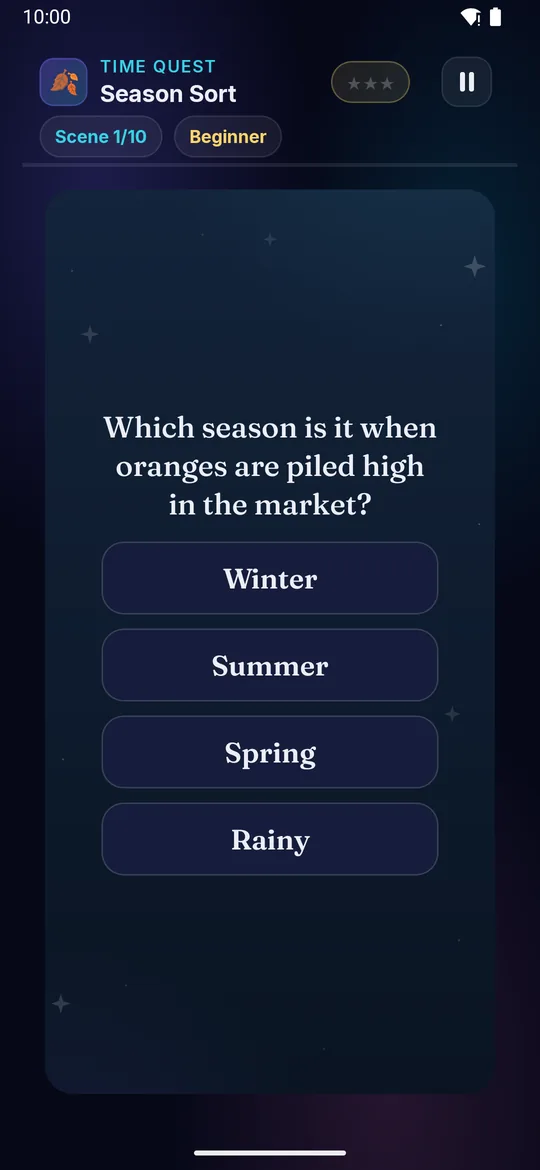
Season Sort — actual gameplay on Android TV
× Season Sort full phone screenshot
Season Sort — actual gameplay on a phone
Holiday Match on a television Holiday Match on a phone
🎊

Holiday Match

Ages 5–10 3 min Medium

A special day appears — a festival, or a day the whole country marks. Pick the month it falls in.

Builds

  • 🎊 Holidays
  • 📅 Calendar
  • 🧠 Cultural awareness
  • 🎯 Month skill

How to play · TV remote· touch

  1. Read or hear the special day
  2. Think when it comes each year
  3. D-pad to pick a month
  4. Press OK to confirm
  5. Right month = stars!
  1. Read or hear the special day
  2. Think when it comes each year
  3. Tap the month
  4. Right month = stars!
Did you know? Republic Day is always the twenty-sixth of January.
× Holiday Match full screenshot
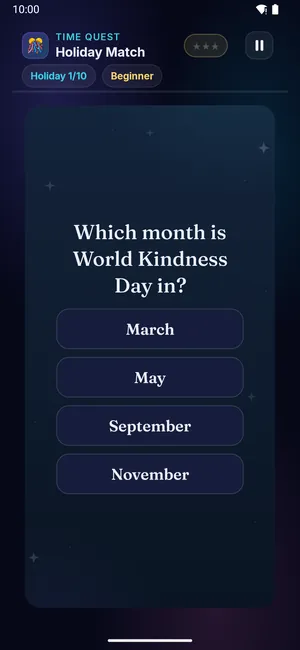
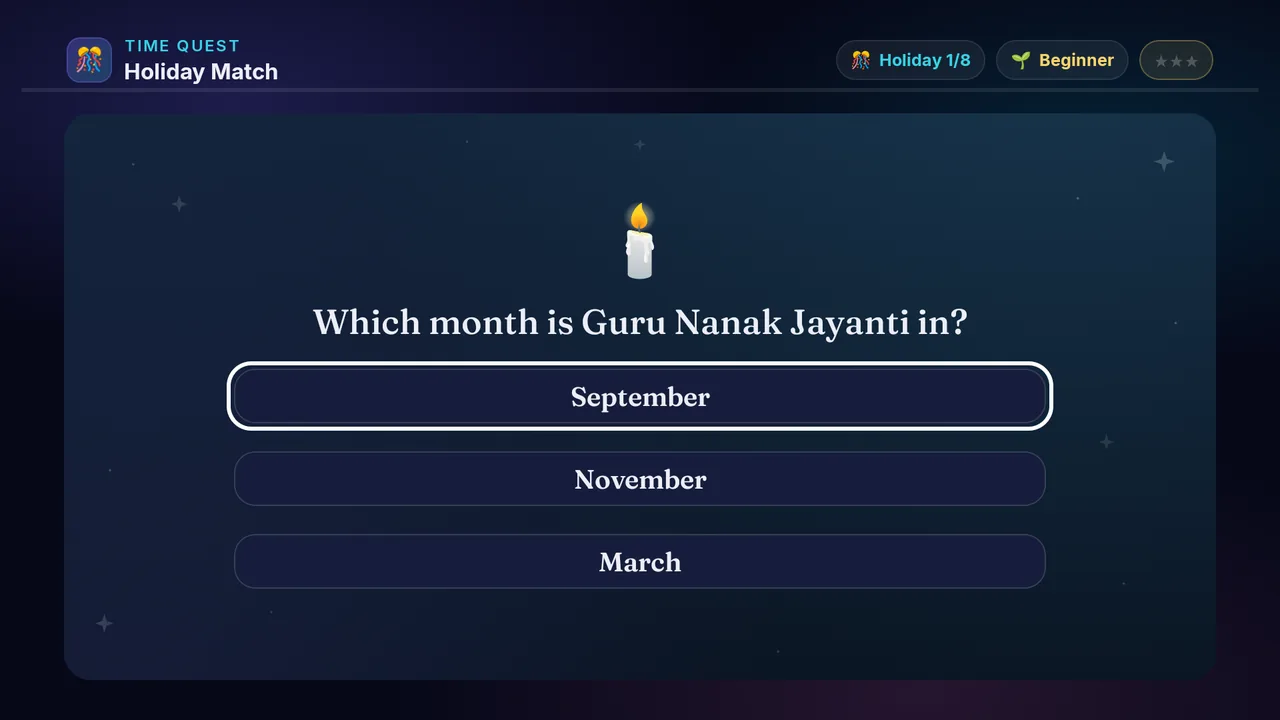
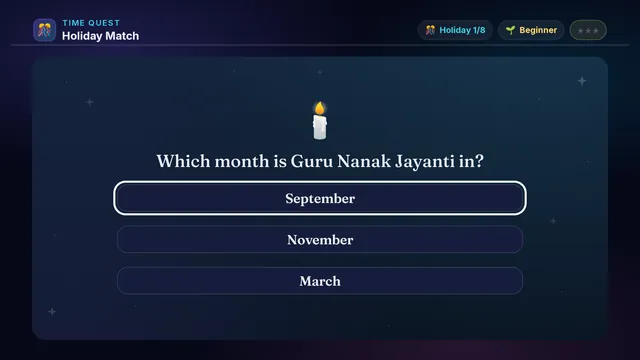
Holiday Match — actual gameplay on Android TV
× Holiday Match full phone screenshot
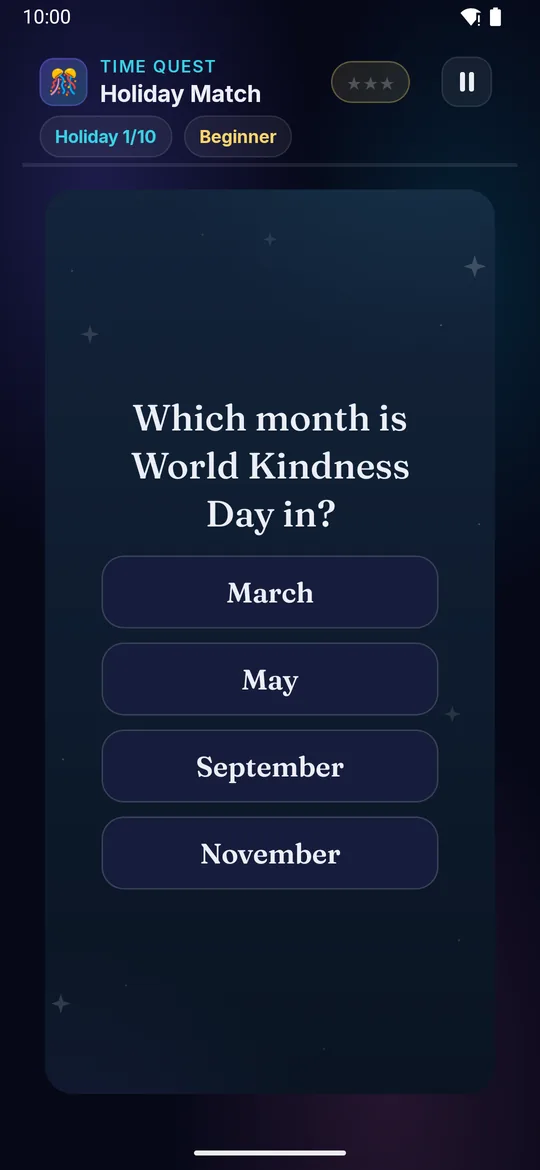
Holiday Match — actual gameplay on a phone
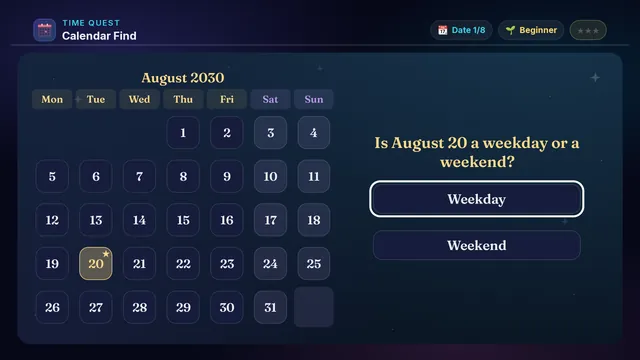
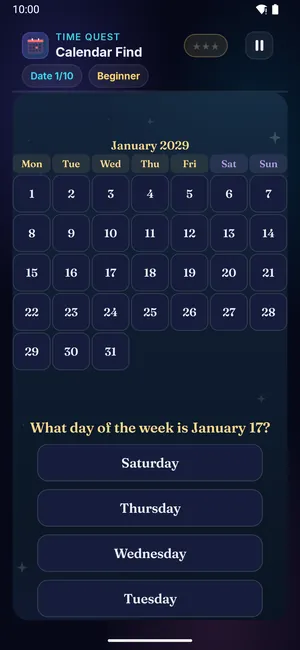
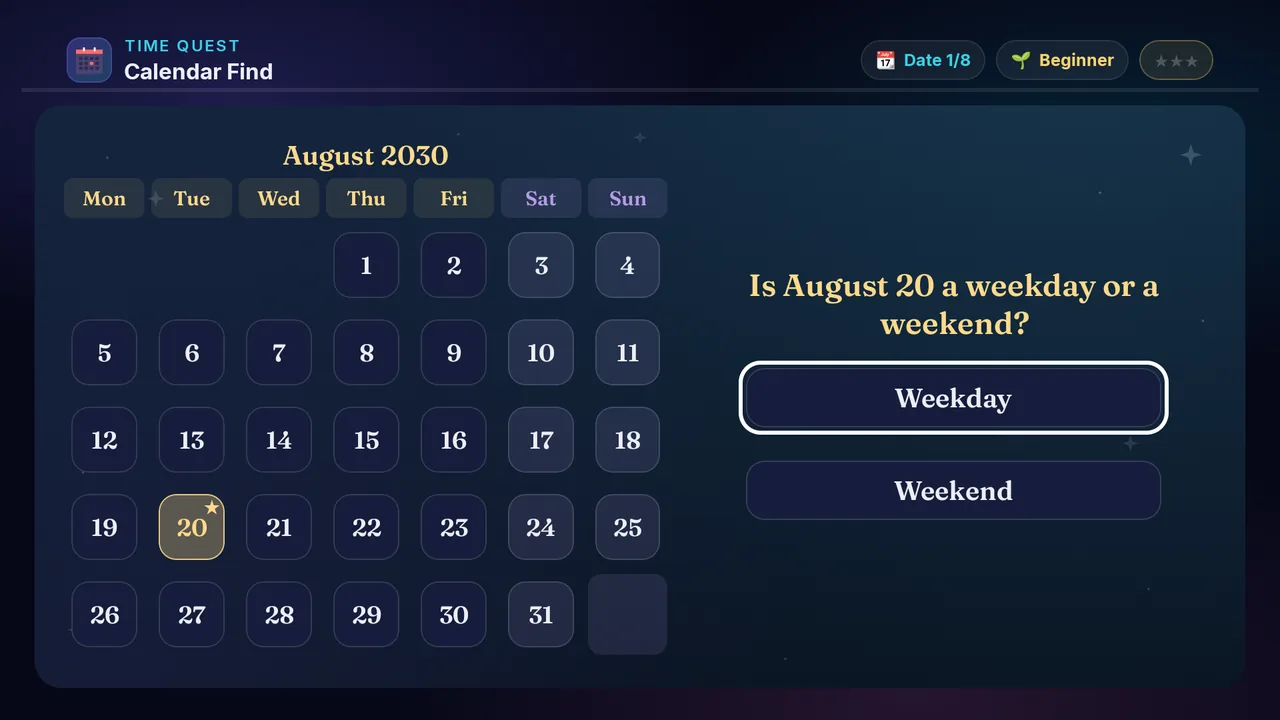
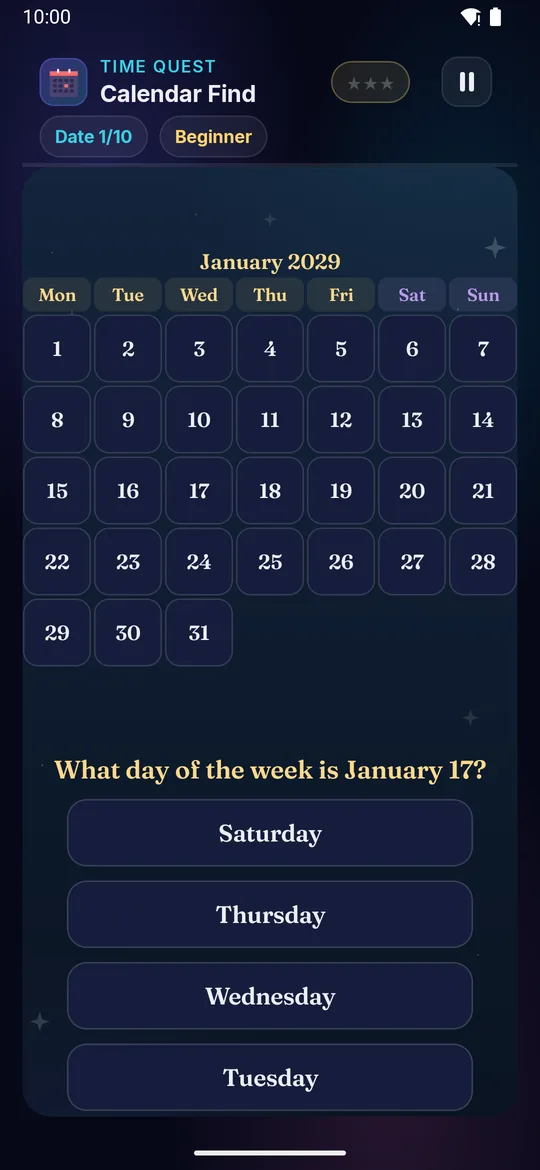
Calendar Find on a television Calendar Find on a phone
📆

Calendar Find

Ages 3–13 3 min Hard

A month's calendar appears. Point at the date you are asked for — or answer a question about the month.

Builds

  • 📆 Calendar fluency
  • 🧠 Grid scanning
  • 🎯 Date finding
  • ⚡ Quick navigation

How to play · TV remote· touch

  1. Read or hear the question
  2. Follow the week rows down
  3. Then across to the day
  4. D-pad to your answer
  5. Press OK to lock it in
  1. Read or hear the question
  2. Follow the week rows down
  3. Then across to the day
  4. Tap your answer
Did you know? Calendars are more than five thousand years old.
× Calendar Find full screenshot
Calendar Find — actual gameplay on Android TV
× Calendar Find full phone screenshot
Calendar Find — actual gameplay on a phone
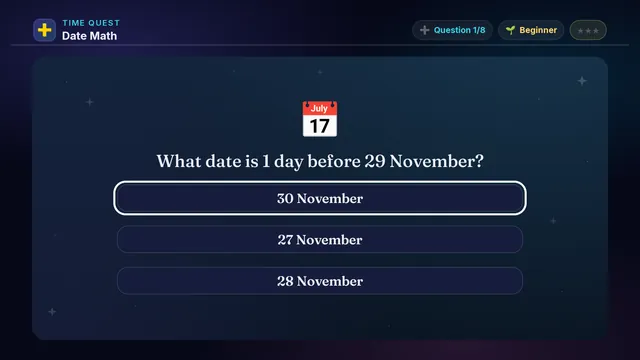
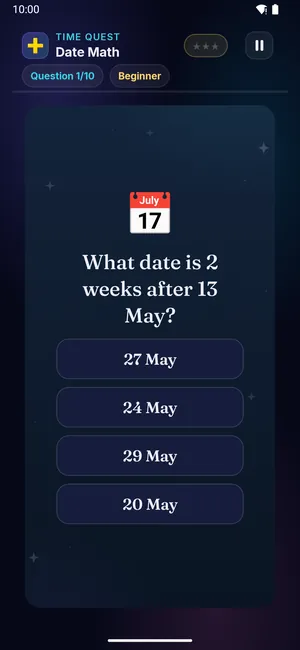
Date Math on a television Date Math on a phone
➕

Date Math

Ages 5–13 4 min Hard

A date is given. Work out the date a few days on, how many days apart two dates are, or which comes first.

Builds

  • ➕ Date arithmetic
  • 📅 Calendar math
  • 🧠 Mental math
  • 🎯 Multi-step

How to play · TV remote· touch

  1. Read or hear the question
  2. Some ask for a date, some for a number
  3. Count on from the date you are given
  4. D-pad to your answer
  5. Press OK to lock it in
  1. Read or hear the question
  2. Some ask for a date, some for a number
  3. Count on from the date you are given
  4. Tap your answer
Did you know? Counting days is part of planning any birthday.
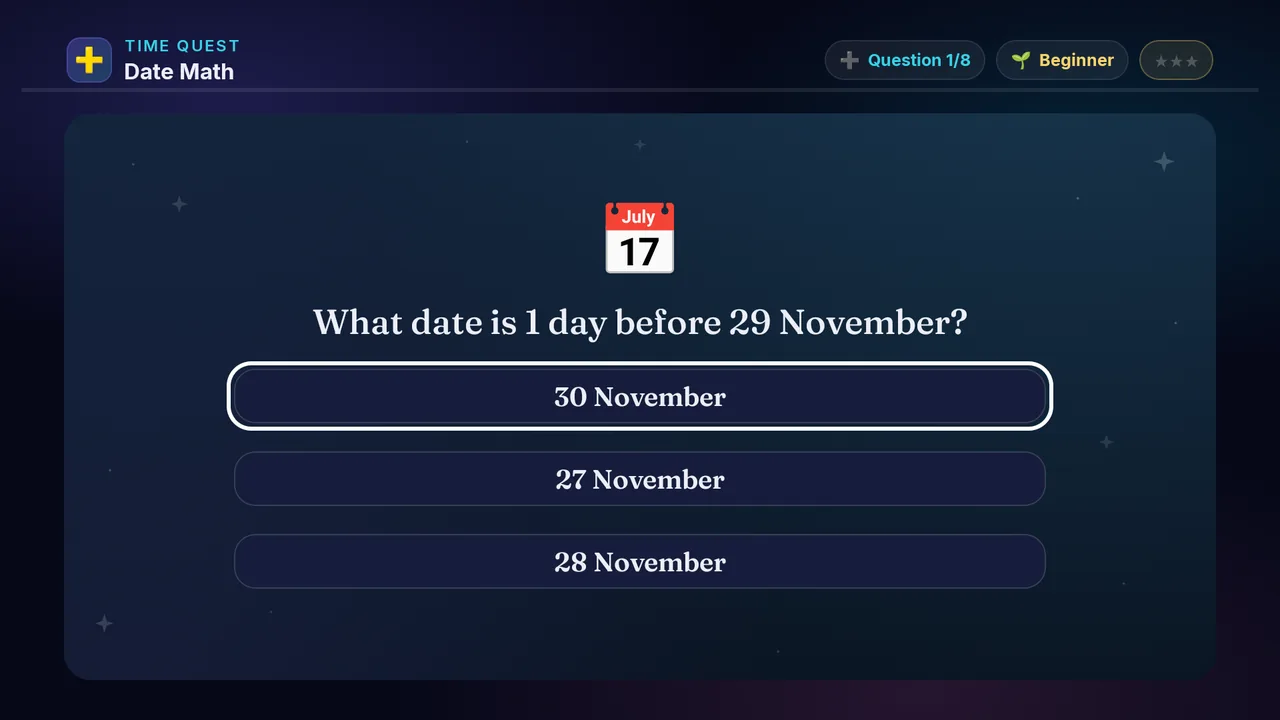
× Date Math full screenshot
Date Math — actual gameplay on Android TV
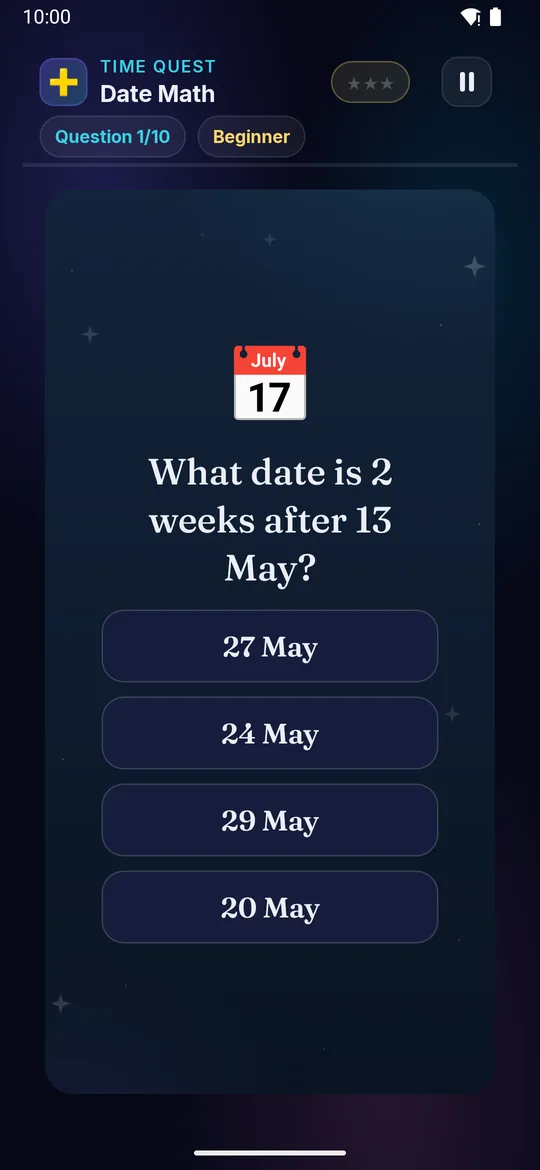
× Date Math full phone screenshot
Date Math — actual gameplay on a phone