← All worlds
🔢

Maths Games

Number Land

Count, compare, add and share. Builds number sense and everyday maths the way school teaches it — real things first, then pictures, then numbers.

19 games · in the order we'd teach them

How to play, for
Number Match on a television Number Match on a phone
🔢

Number Match

Ages 3–8 3 min Easy

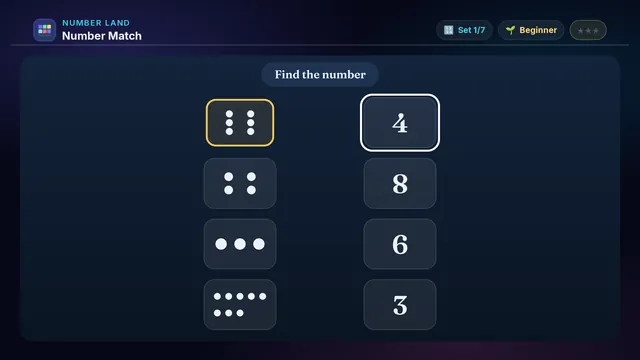
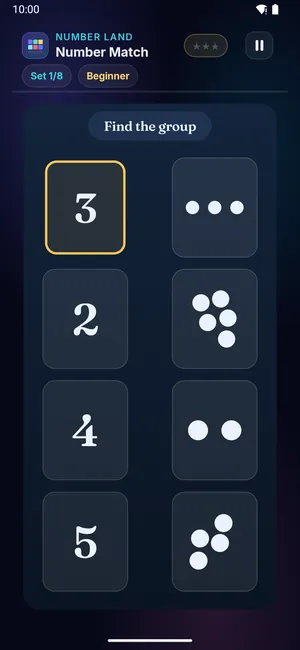
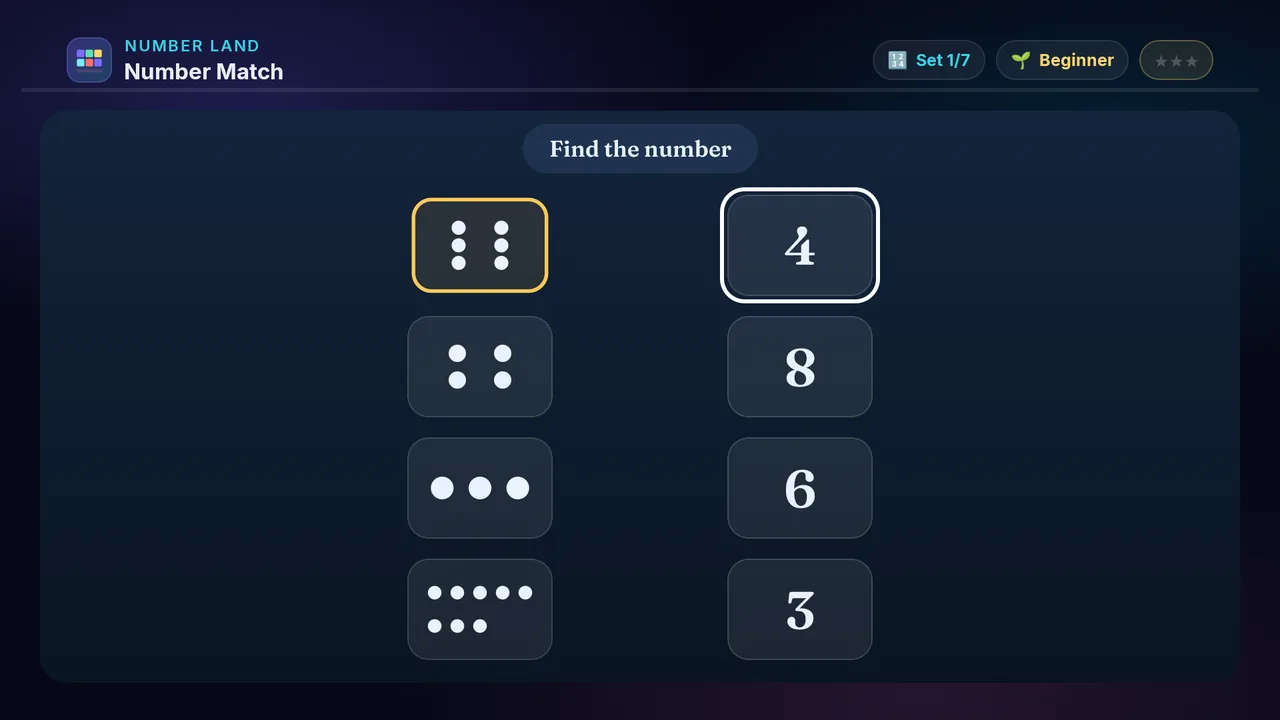
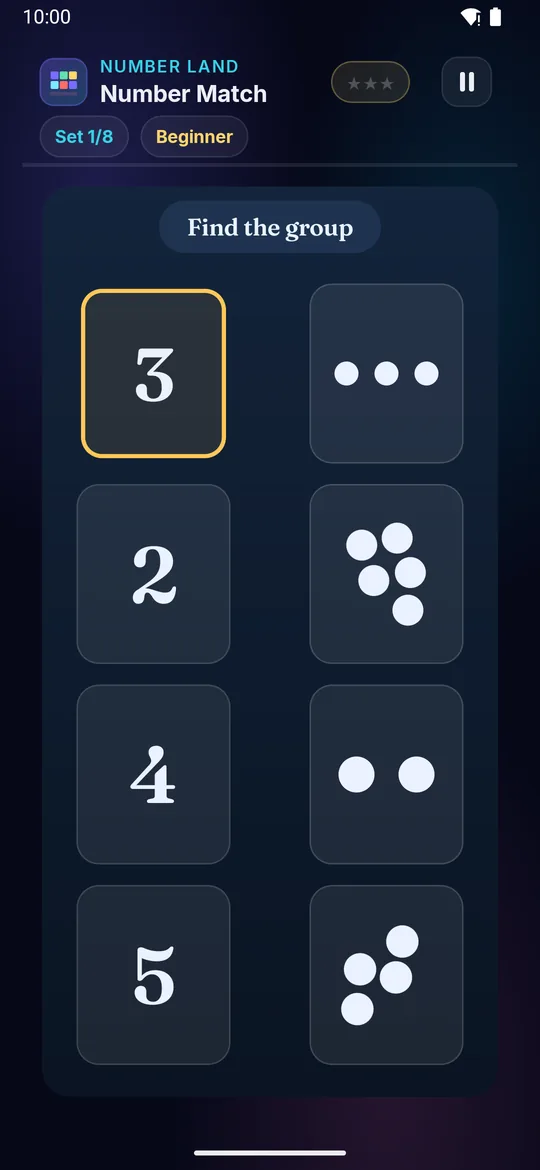
Match each number to the group with that many — a numeral and a quantity, joined. One side shows numerals, the other shows dots; connect the pairs.

Builds

  • 🔢 Number-quantity link
  • 🧠 Symbol recognition
  • 🎯 Matching strategy
  • ⭐ Cardinality sense

How to play · TV remote· touch

  1. The glowing card on the left is your target
  2. ◀ ▶ move across the groups on the right
  3. OK picks the group with that many
  4. A green line joins a correct pair
  5. Match every pair for ⭐!
  1. The glowing card on the left is your target
  2. Tap the group with that many
  3. A green line joins a correct pair
  4. Match every pair for ⭐!
Did you know? Matching a numeral to its quantity is the very first step in number sense.
× Number Match full screenshot
Number Match — actual gameplay on Android TV
× Number Match full phone screenshot
Number Match — actual gameplay on a phone
Ballpark on a television Ballpark on a phone
🎯

Ballpark

Ages 3–13 3 min Easy

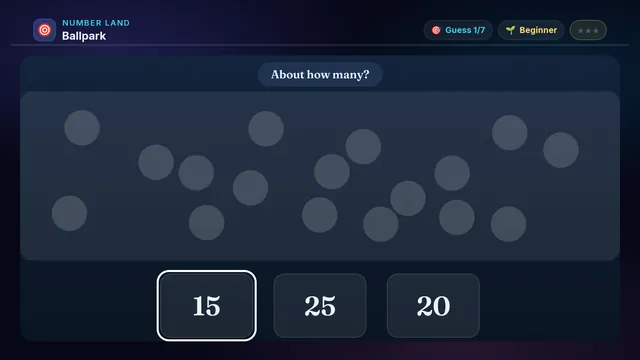
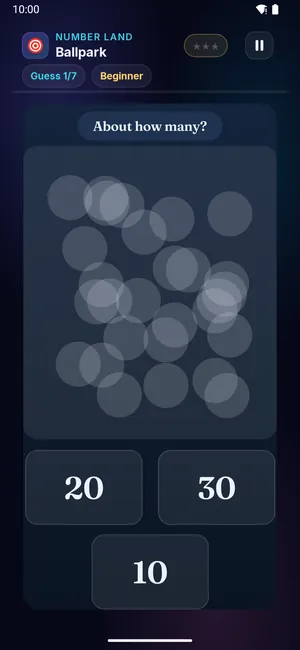
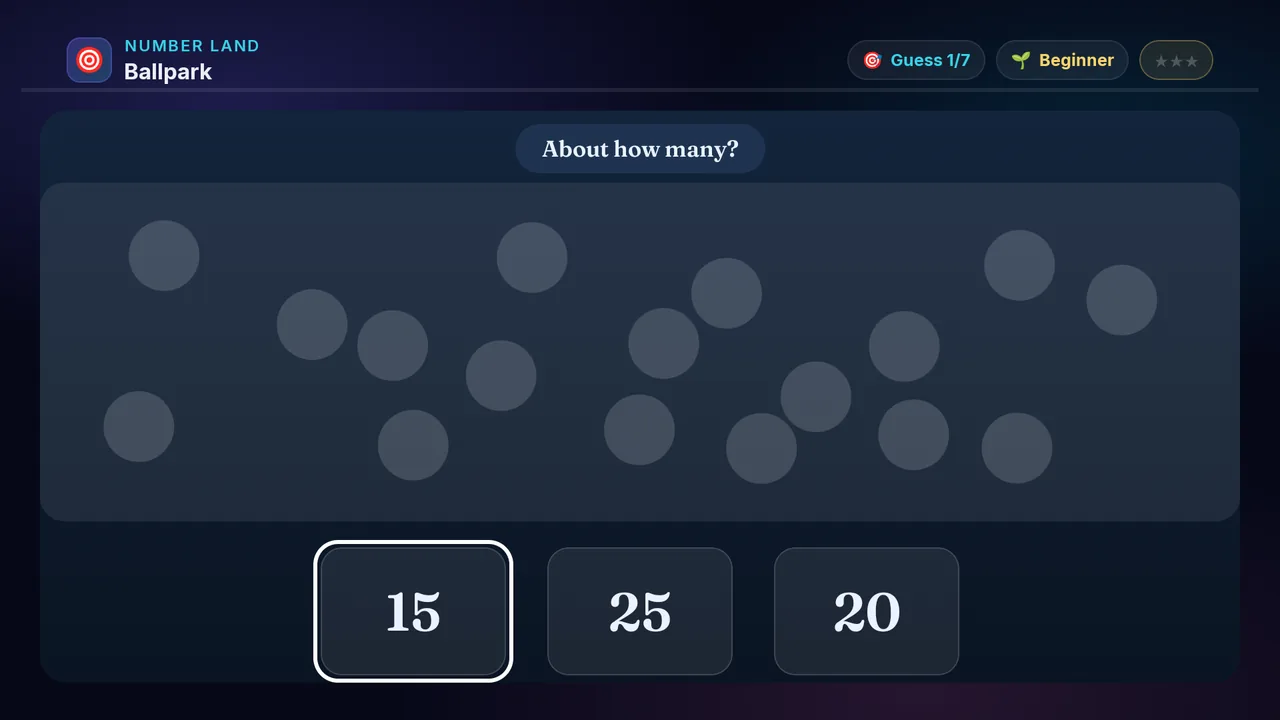
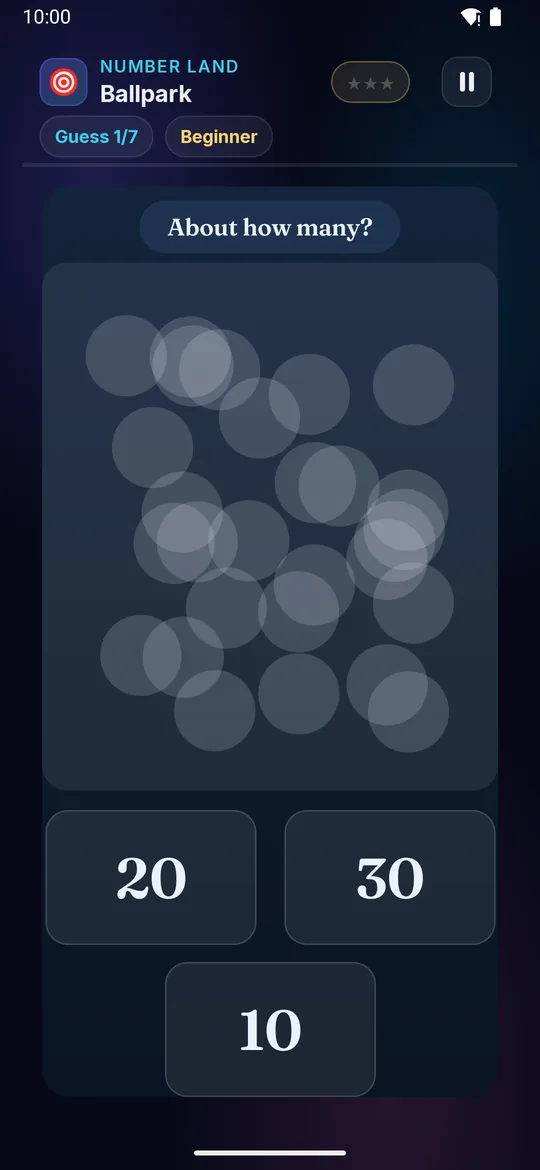
How many dots? Too many to count! Look at the whole crowd and pick the closest number. It's a guess — the nearest one wins.

Builds

  • 🎯 Estimation skill
  • 🧠 Number-sense gut feel
  • 👀 Quick visual sizing
  • ⭐ Sensible-answer habit

How to play · TV remote· touch

  1. A crowd of dots appears — don't try to count them all
  2. Feel whether it's nearer the small, middle, or big number
  3. D-pad to a number, press OK to pick
  4. Closest guess wins — more ⭐!
  1. A crowd of dots appears — don't try to count them all
  2. Feel whether it's nearer the small, middle, or big number
  3. Tap the closest number
  4. Closest guess wins — more ⭐!
Did you know? Estimating is a real grown-up skill — chefs, builders and shopkeepers all 'eyeball' amounts every day.
× Ballpark full screenshot
Ballpark — actual gameplay on Android TV
× Ballpark full phone screenshot
Ballpark — actual gameplay on a phone
More or Less on a television More or Less on a phone
⚖️

More or Less

Ages 3–13 3 min Easy

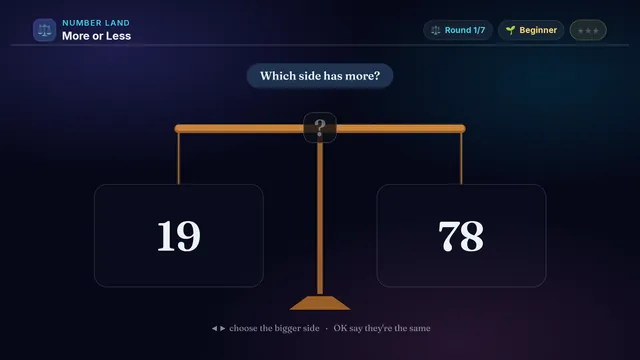
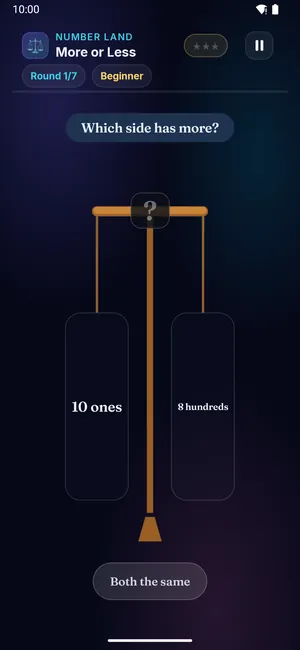
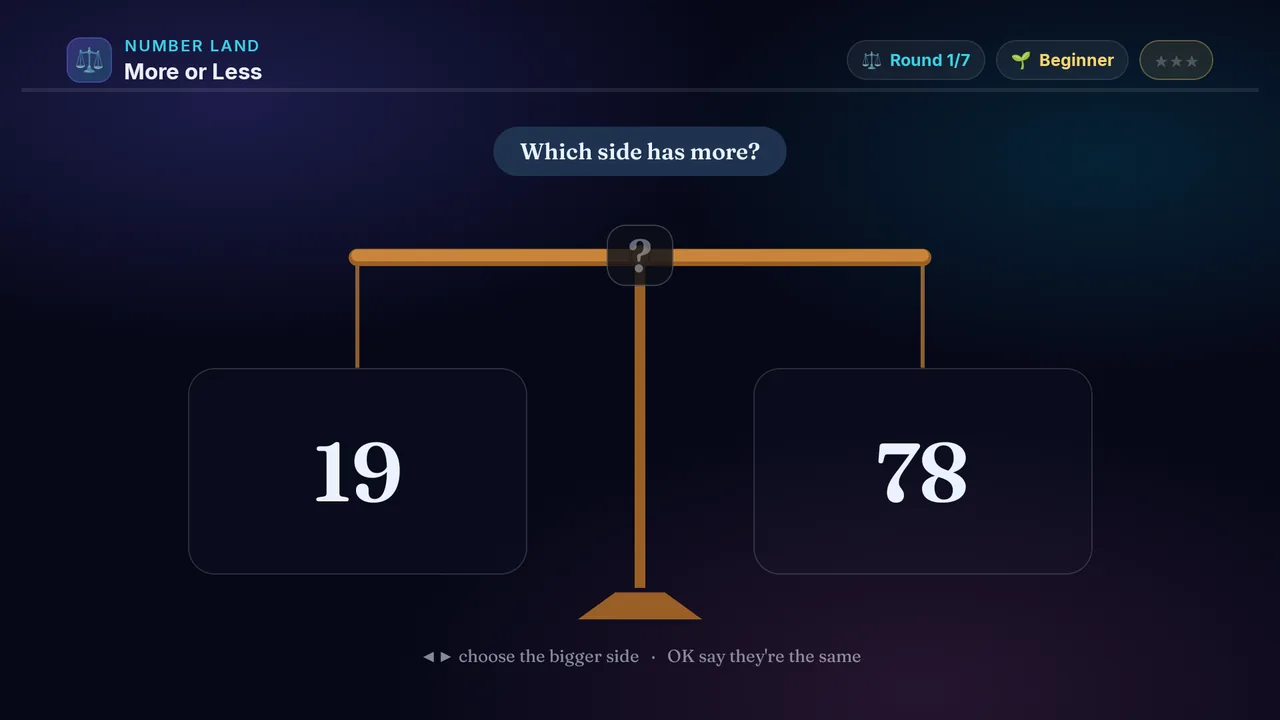
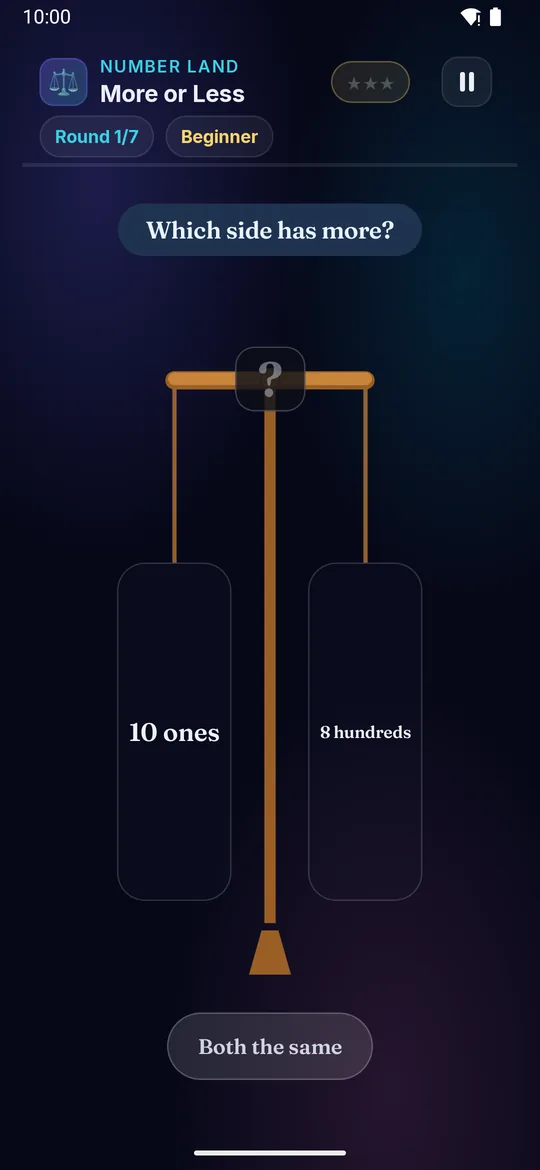
A balance scale weighs up two amounts — dot piles at first, then numbers, decimals, fractions and sums to work out. Spot the bigger side.

Builds

  • ⚖️ Comparing on a balance
  • 🔢 Greater / less / equal
  • ➕ Work out the sums
  • 🧠 Ordering numbers

How to play · TV remote· touch

  1. Two sides sit on the balance — dots, numbers, or sums to work out
  2. Figure out each side, then press ◀ or ▶ toward the bigger one
  3. The beam tips and the > < = sign drops into the middle
  4. Same on both sides? Press OK for equal
  5. Get it right for more ⭐!
  1. Two sides sit on the balance — dots, numbers, or sums to work out
  2. Figure out each side, then swipe toward the bigger one
  3. The beam tips and the > < = sign drops into the middle
  4. Same on both sides? Tap for equal
  5. Get it right for more ⭐!
Did you know? The 'more than' sign > always opens its big mouth toward the bigger number — like a hungry crocodile!
× More or Less full screenshot
More or Less — actual gameplay on Android TV
× More or Less full phone screenshot
More or Less — actual gameplay on a phone
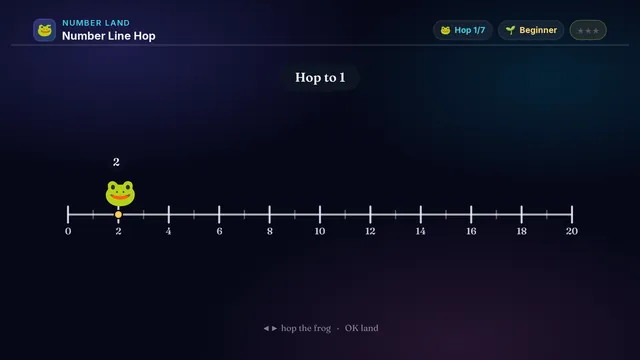
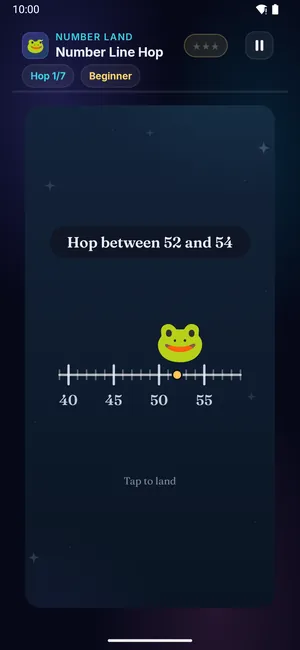
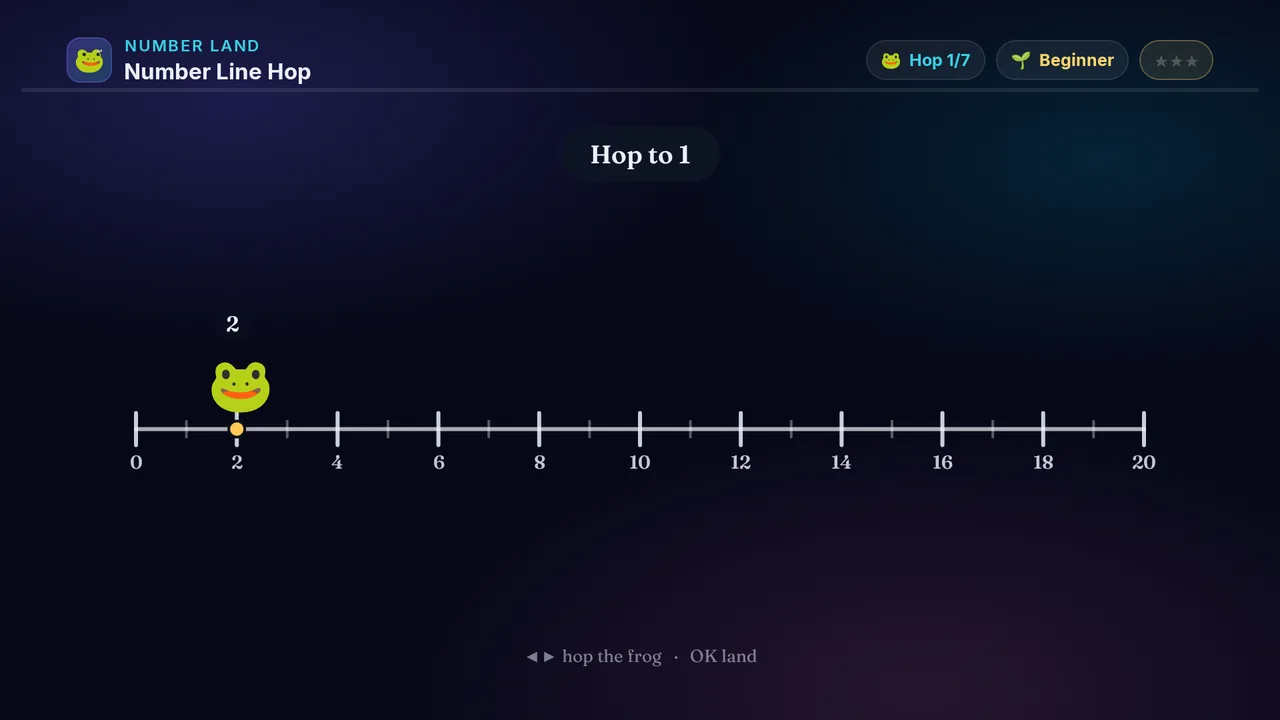
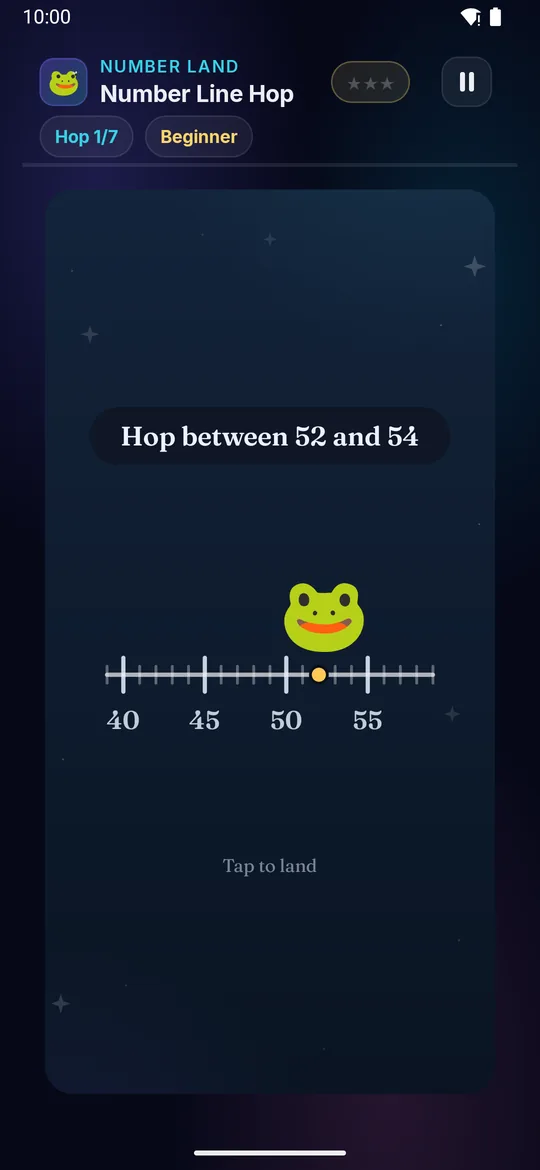
Number Line Hop on a television Number Line Hop on a phone
🐸

Number Line Hop

Ages 3–13 3 min Easy

Meet the number-line frog! Hop it to the right number — a target, one more or one less, or the number that sits between two others.

Builds

  • 🐸 The mental number line
  • ➕ One more / one less
  • 🧠 Where numbers live
  • ⭐ Counting on for +/−

How to play · TV remote· touch

  1. Read what the frog needs to reach (the top says the goal)
  2. Press ◀ or ▶ to hop the frog one step at a time
  3. On the harder levels the number hides — read the line itself!
  4. Hop as much as you like — only where you land counts
  5. Press OK to land — right on the spot for more ⭐!
  1. Read what the frog needs to reach (the top says the goal)
  2. Swipe left or right to hop the frog one step at a time
  3. On the harder levels the number hides — read the line itself!
  4. Hop as much as you like — only where you land counts
  5. Tap to land — right on the spot for more ⭐!
Did you know? A number line is like a road where every number has its own house — the frog just hops to the right one.
× Number Line Hop full screenshot
Number Line Hop — actual gameplay on Android TV
× Number Line Hop full phone screenshot
Number Line Hop — actual gameplay on a phone
Number Bonds on a television Number Bonds on a phone
🔗

Number Bonds

Ages 3–13 3 min Medium

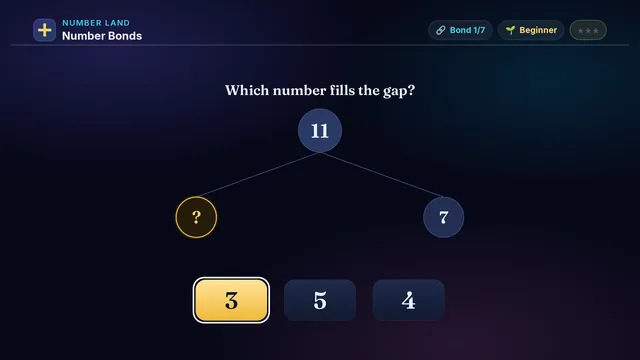
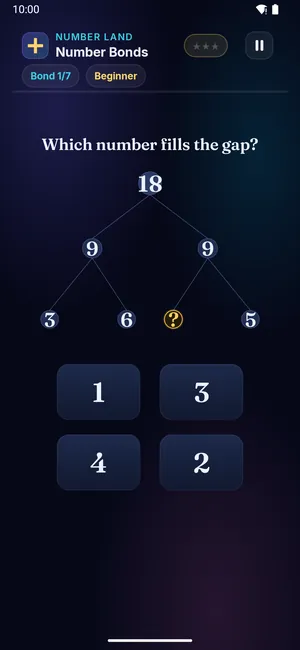
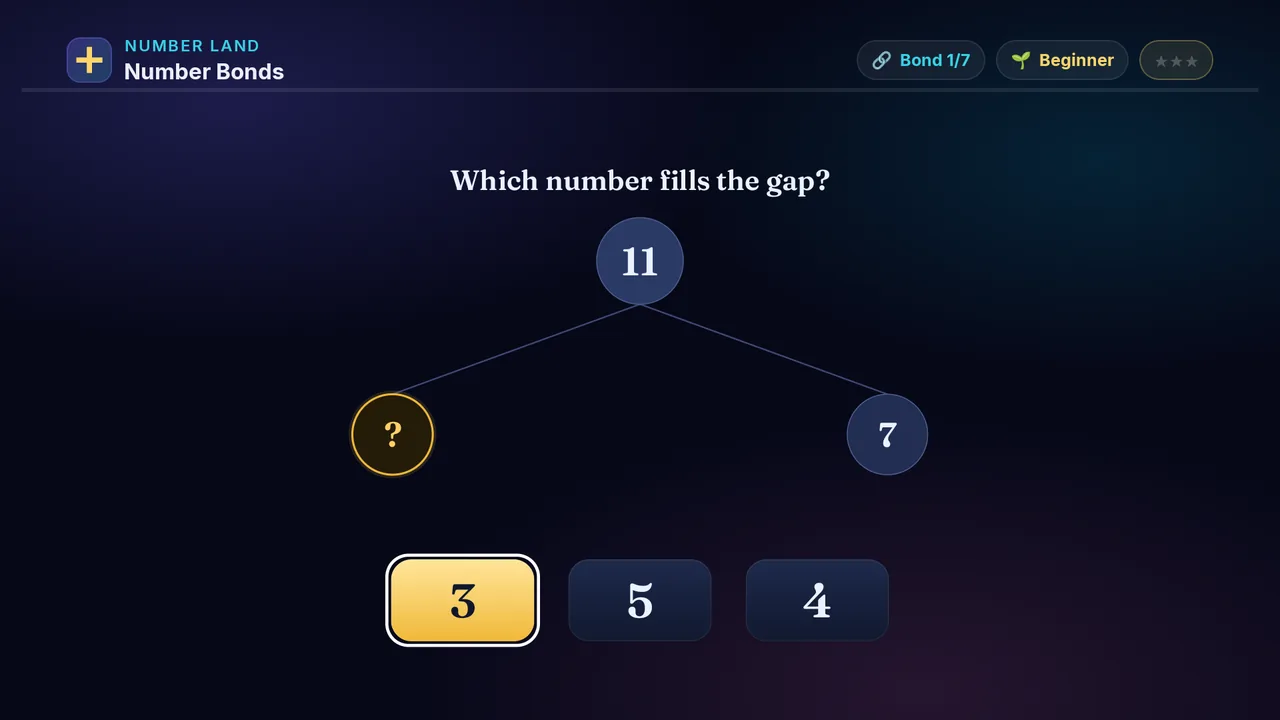
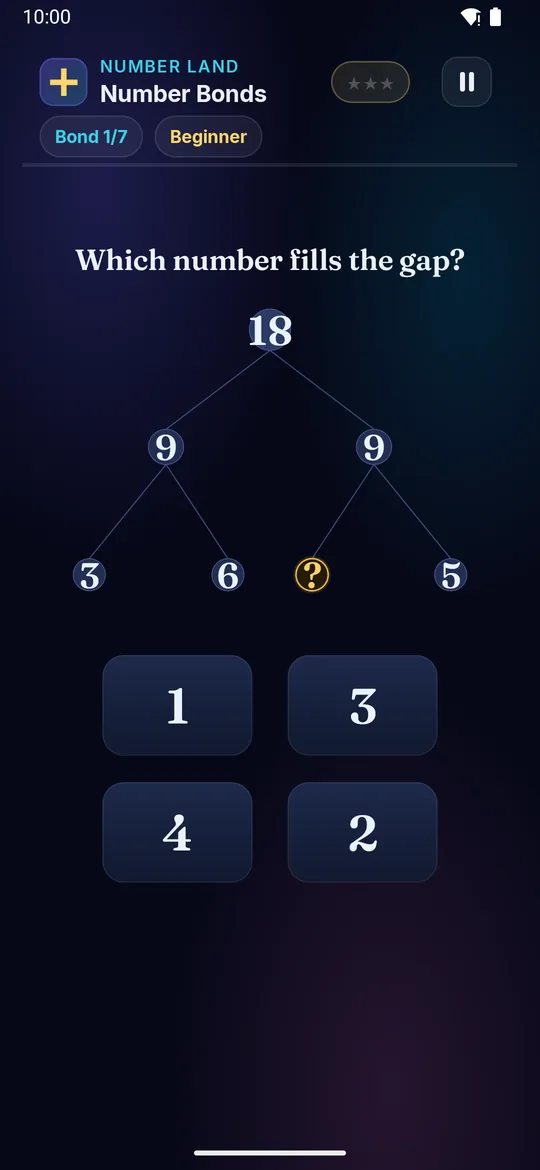
A big number splits into two smaller ones. One circle is blank — work out what belongs there.

Builds

  • 🔗 Split numbers
  • ➕ Add and subtract
  • 🧠 Mental maths
  • 🎯 Both directions

How to play · TV remote· touch

  1. Two circles make the one above
  2. Find the blank circle
  3. Work out what fits there
  4. ◀ ▶ to the number cards
  5. OK to answer for ⭐!
  1. Two circles make the one above
  2. Find the blank circle
  3. Work out what fits there
  4. Tap the number that fits for ⭐!
Did you know? Number bonds turn 8 + 5 into 8 + 2 + 3 — much easier!
× Number Bonds full screenshot
Number Bonds — actual gameplay on Android TV
× Number Bonds full phone screenshot
Number Bonds — actual gameplay on a phone
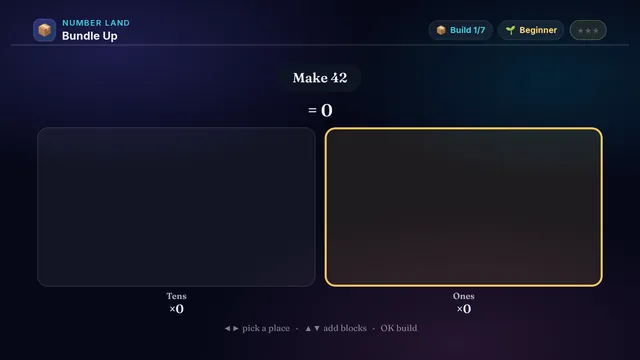
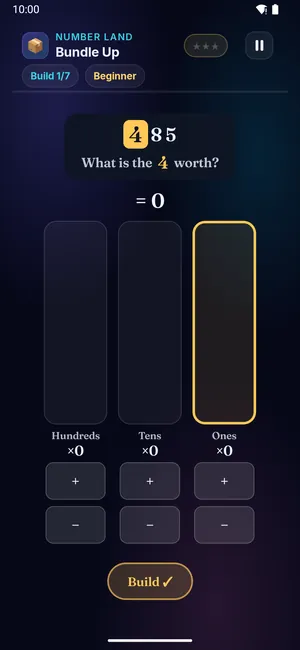
Bundle Up on a television Bundle Up on a phone
📦

Bundle Up

Ages 3–13 3 min Medium

Build a number with tens and ones! Stack ten-rods for the tens and loose cubes for the ones — ten cubes bundle into a rod.

Builds

  • 📦 Place value
  • 🔟 Tens and ones
  • 🧱 Bundle & regroup
  • ⭐ Ready for big numbers

How to play · TV remote· touch

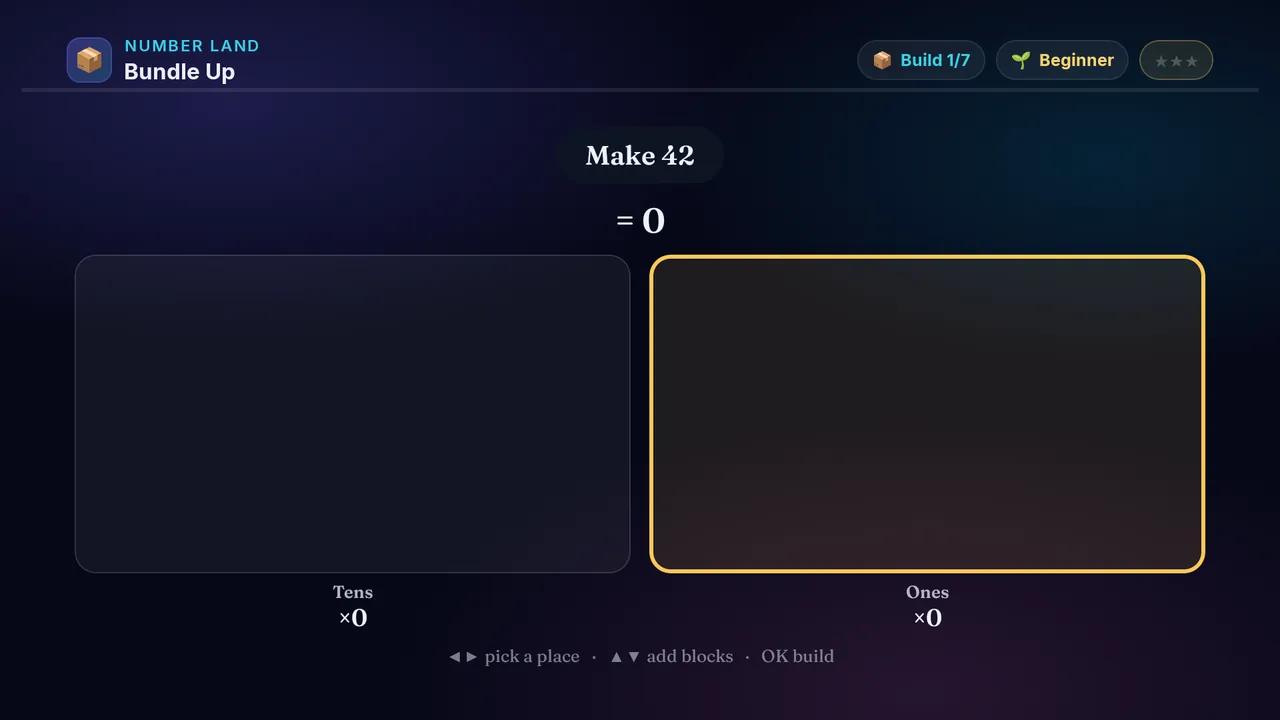
  1. Read the number to build (the top says 'Make …')
  2. Press ◀ or ▶ to pick a place: ones, tens, hundreds…
  3. Press ▲ or ▼ to add or take away blocks — ten bundle into the next place!
  4. On the harder levels the total hides — read the places yourself!
  5. Press OK when your blocks match for more ⭐!
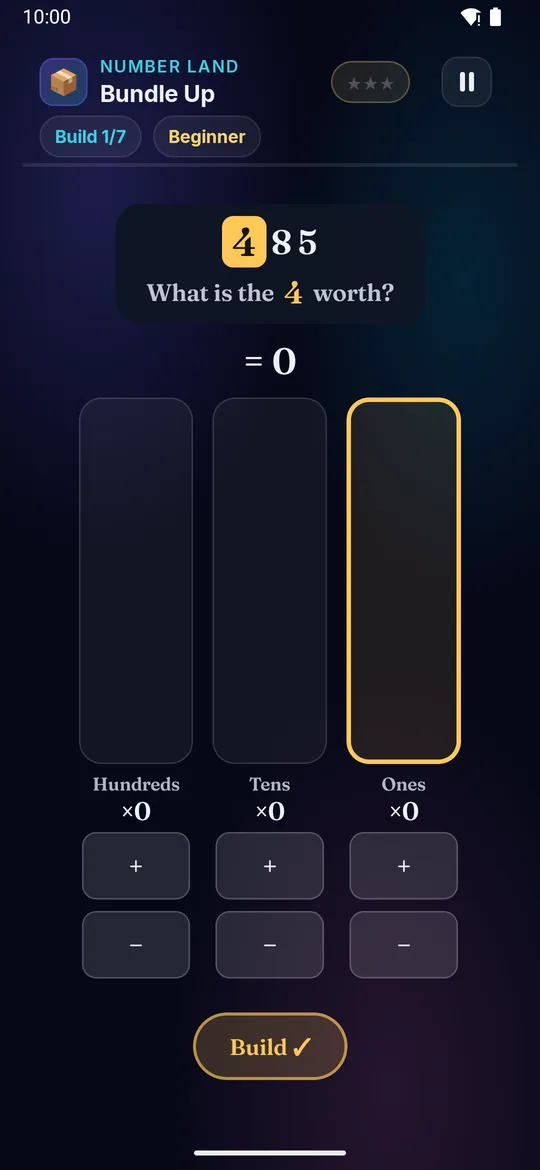
  1. Read the number to build (the top says 'Make …')
  2. Swipe left or right to pick a place: ones, tens, hundreds…
  3. Swipe up or down to add or take away blocks — ten bundle into the next place!
  4. On the harder levels the total hides — read the places yourself!
  5. Tap when your blocks match for more ⭐!
Did you know? A number like 342 means 3 hundreds, 4 tens and 2 ones — the place tells you the value.
× Bundle Up full screenshot
Bundle Up — actual gameplay on Android TV
× Bundle Up full phone screenshot
Bundle Up — actual gameplay on a phone
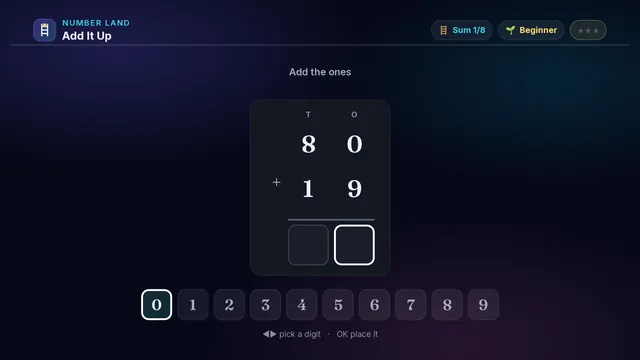
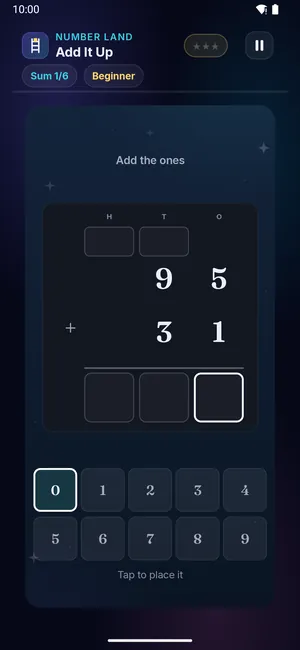
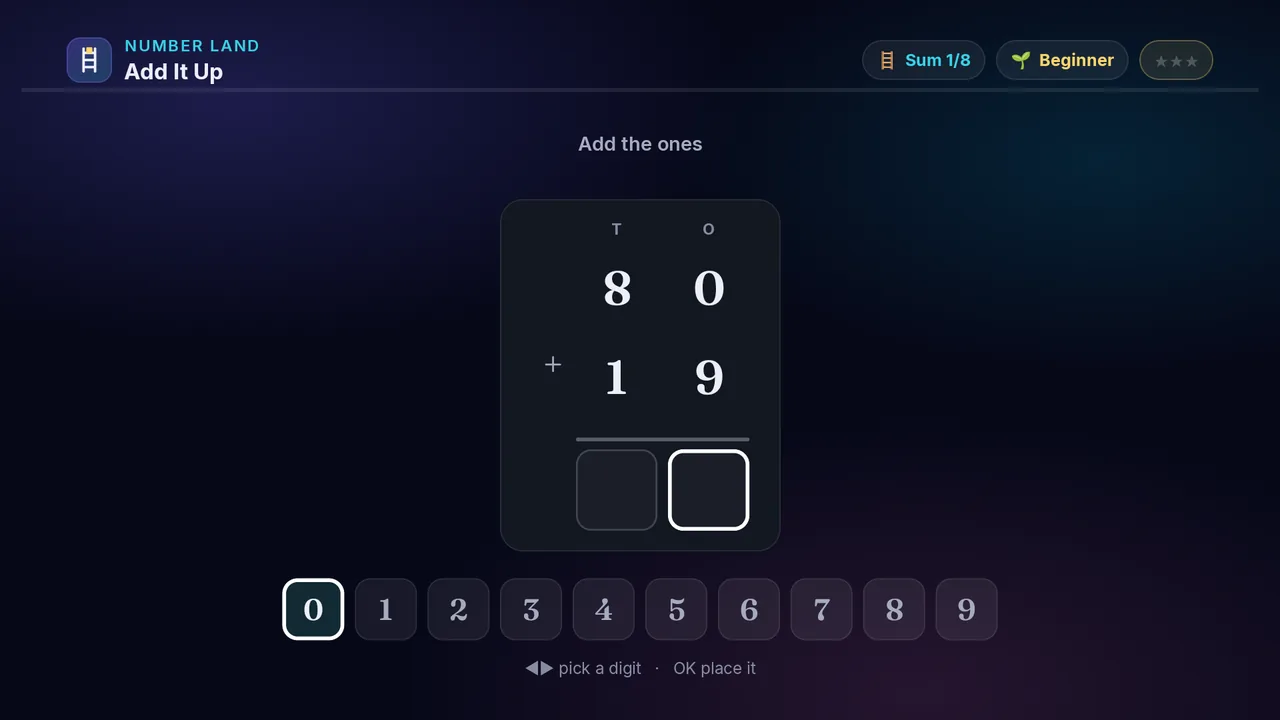
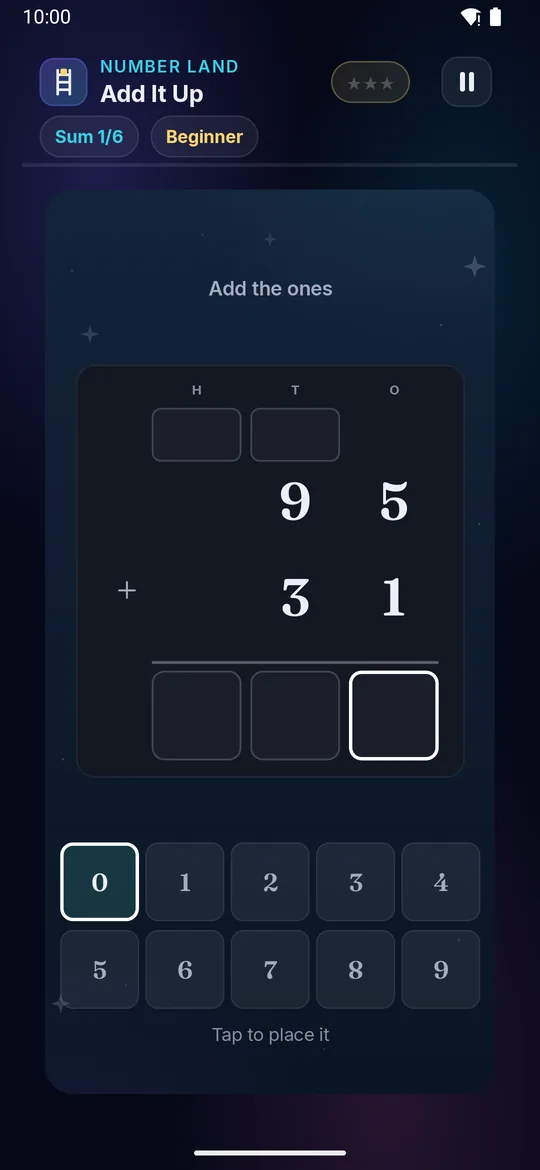
Add It Up on a television Add It Up on a phone
🪜

Add It Up

Ages 5–13 4 min Medium

Add the columns like on paper. Start at the ones on the right, and when a column makes ten or more, carry the ten up into the next box.

Builds

  • 🪜 Column adding
  • ⬆️ Carrying
  • 🔢 Place value at work
  • ⭐ Sums on paper

How to play · TV remote· touch

  1. Start at the ones — the column on the right
  2. Press ◀ or ▶ to pick a digit, then OK to drop it in
  3. Ten or more? Write the ones digit, carry the ten into the box above
  4. Nothing to carry? That box is a 0 — it still needs filling
  5. On the hardest level the answer is given and a digit is missing — work backwards!
  1. Start at the ones — the column on the right
  2. Swipe left or right to pick a digit, then tap to drop it in
  3. Ten or more? Write the ones digit, carry the ten into the box above
  4. Nothing to carry? That box is a 0 — it still needs filling
  5. On the hardest level the answer is given and a digit is missing — work backwards!
Did you know? Column adding only works because of place value — ones under ones, tens under tens.
× Add It Up full screenshot
Add It Up — actual gameplay on Android TV
× Add It Up full phone screenshot
Add It Up — actual gameplay on a phone
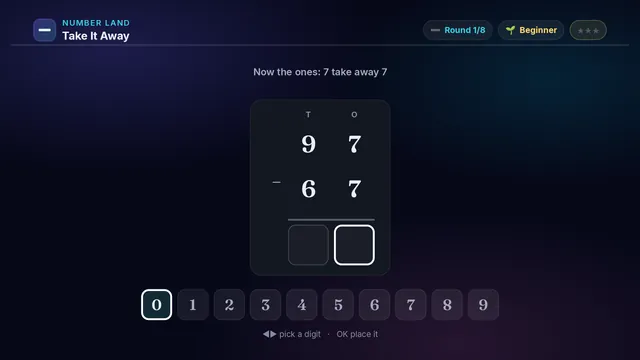
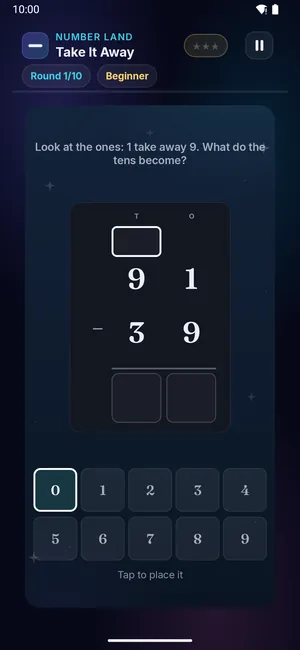
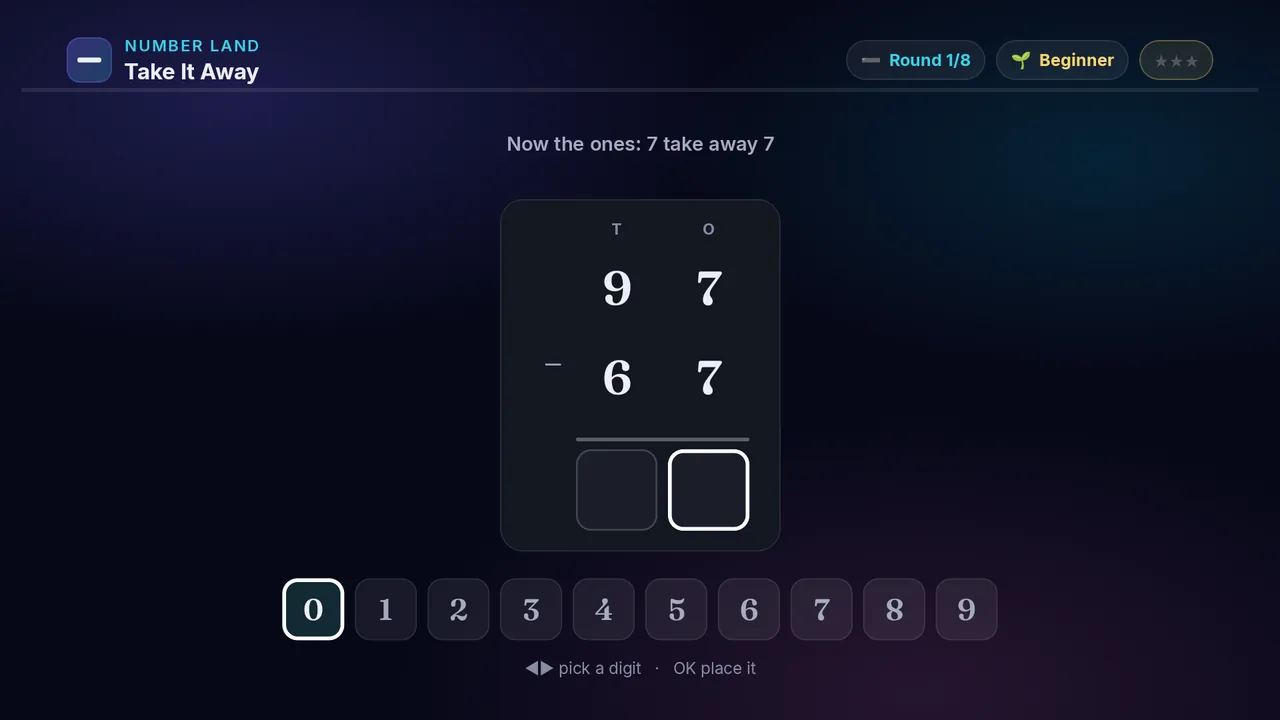
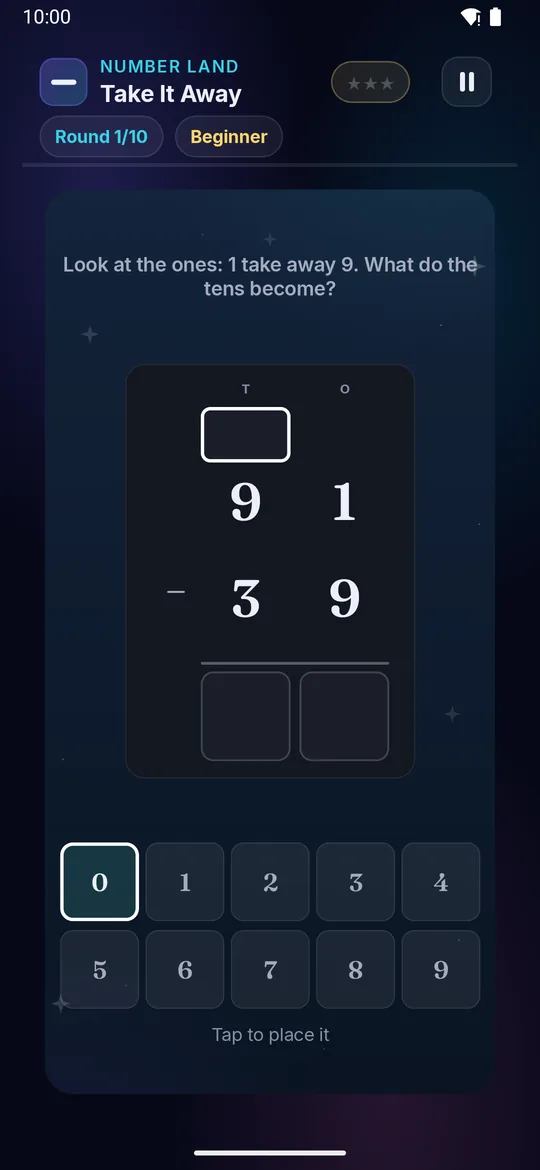
Take It Away on a television Take It Away on a phone
➖

Take It Away

Ages 5–13 4 min Medium

Take away on paper. Start at the ones on the right, and when the top digit is too small, borrow a ten from the column next door.

Builds

  • ➖ Column subtracting
  • 🔟 Borrowing a ten
  • 🔎 Reading the sum first
  • ⭐ Take away on paper

How to play · TV remote· touch

  1. Start at the ones — the column on the right
  2. Press ◀ or ▶ to pick a digit, then OK to drop it in
  3. Top digit too small? The column on its left gives it a ten
  4. Nothing to borrow? That box is the same digit — it still needs filling
  5. Some rounds ask which sum makes the answer, or what is missing
  1. Start at the ones — the column on the right
  2. Swipe left or right to pick a digit, then tap to drop it in
  3. Top digit too small? The column on its left gives it a ten
  4. Nothing to borrow? That box is the same digit — it still needs filling
  5. Some rounds ask which sum makes the answer, or what is missing
Did you know? Borrowing is unbundling: one ten becomes ten ones, and they move across.
× Take It Away full screenshot
Take It Away — actual gameplay on Android TV
× Take It Away full phone screenshot
Take It Away — actual gameplay on a phone
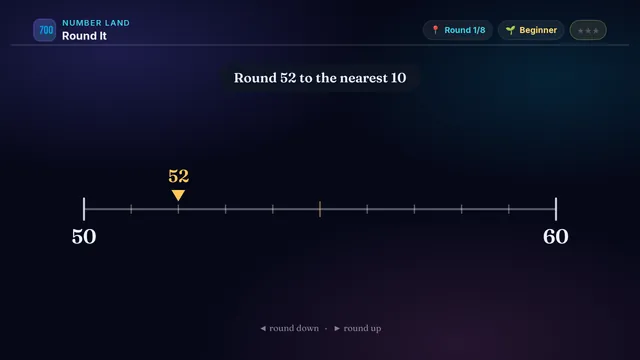
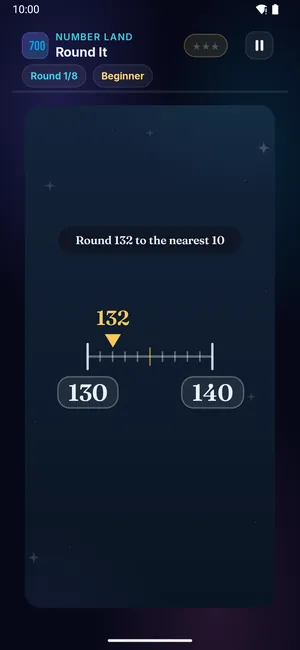
Round It on a television Round It on a phone
📍

Round It

Ages 3–13 3 min Medium

Every number sits between two round numbers. Work out which one it is closer to, then round it that way — press ◀ or ▶.

Every number sits between two round numbers. Work out which one it is closer to, then round it that way — swipe left or right.

Builds

  • 📍 Rounding
  • 🎯 Nearest 10 / 100
  • 🧮 Estimating sums
  • ⭐ Sensible-answer checks

How to play · TV remote· touch

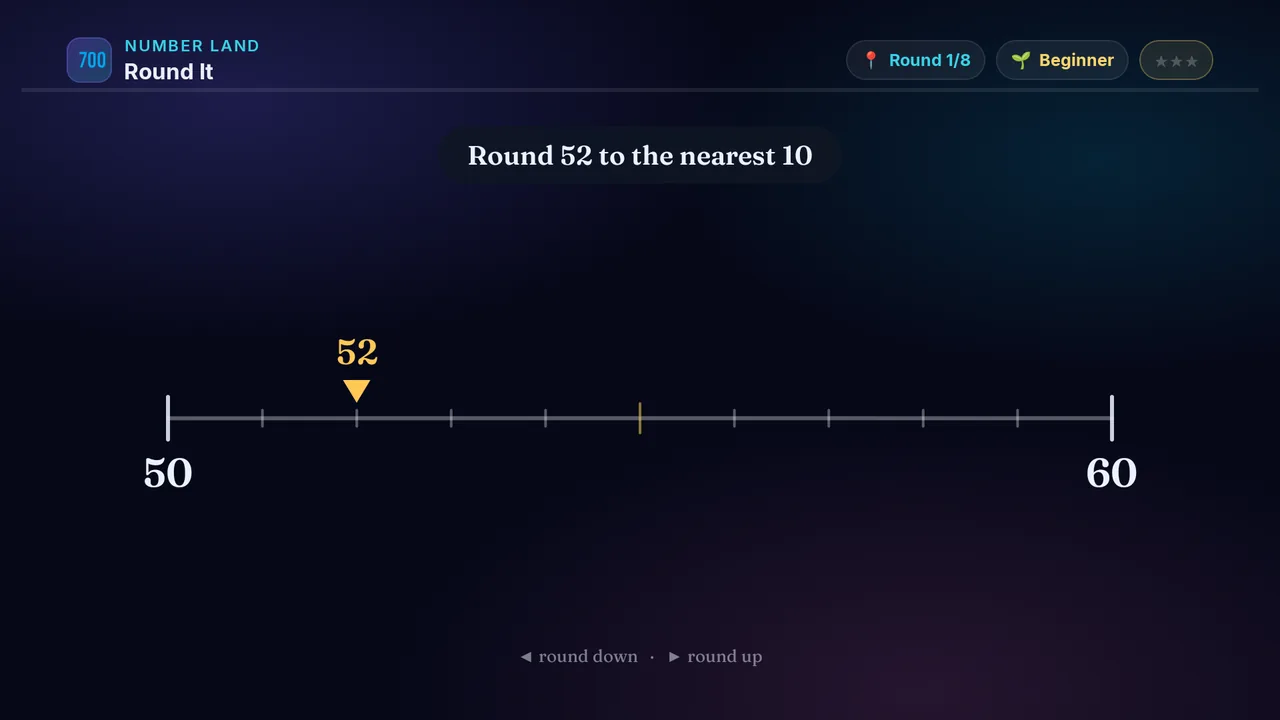
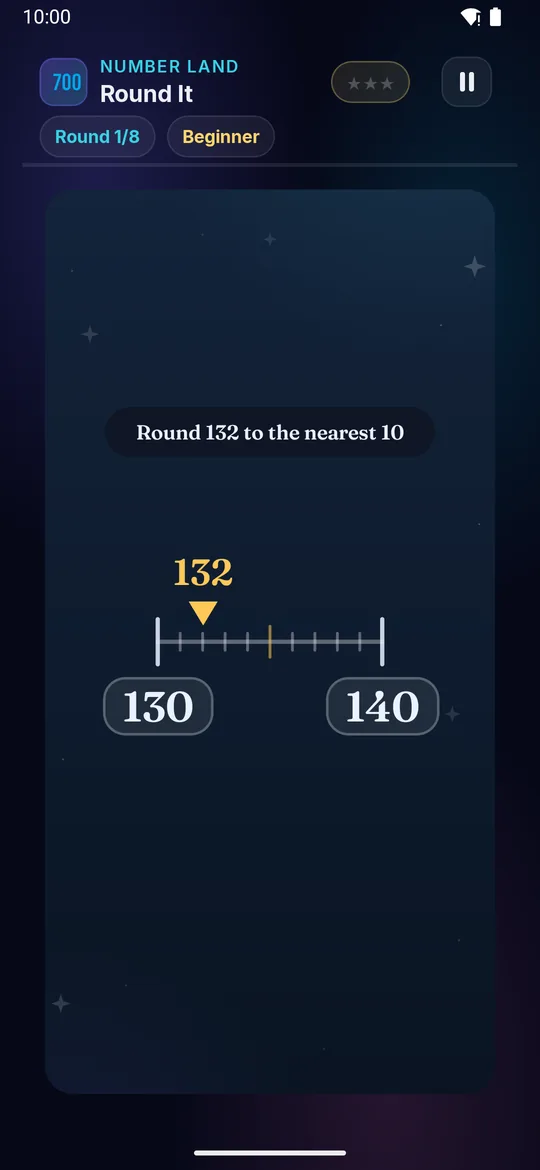
  1. Read the number and the two round numbers at the ends of the line
  2. Past the middle mark? It rounds UP. Before it? It rounds DOWN
  3. On the harder levels the marker hides — read the digits yourself!
  4. Press ◀ to round down or ▶ to round up
  5. Round it right for more ⭐!
  1. Read the number and the two round numbers at the ends of the line
  2. Past the middle mark? It rounds UP. Before it? It rounds DOWN
  3. On the harder levels the marker hides — read the digits yourself!
  4. Swipe left to round down or swipe right to round up
  5. Round it right for more ⭐!
Did you know? Rounding tells you which 'round number' is closest — 47 is closer to 50 than to 40.
× Round It full screenshot
Round It — actual gameplay on Android TV
× Round It full phone screenshot
Round It — actual gameplay on a phone
Skip Hop on a television Skip Hop on a phone
🦘

Skip Hop

Ages 5–13 3 min Medium

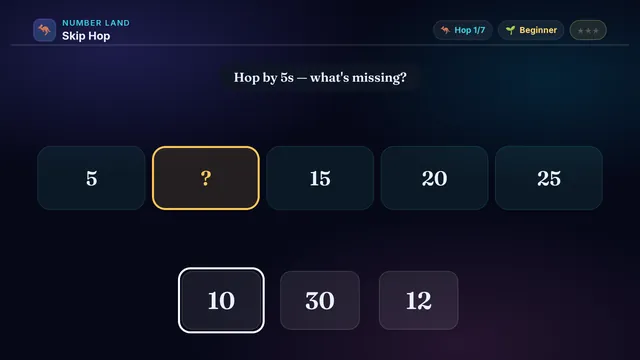
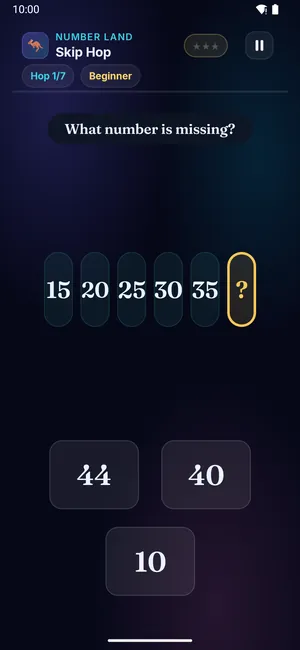
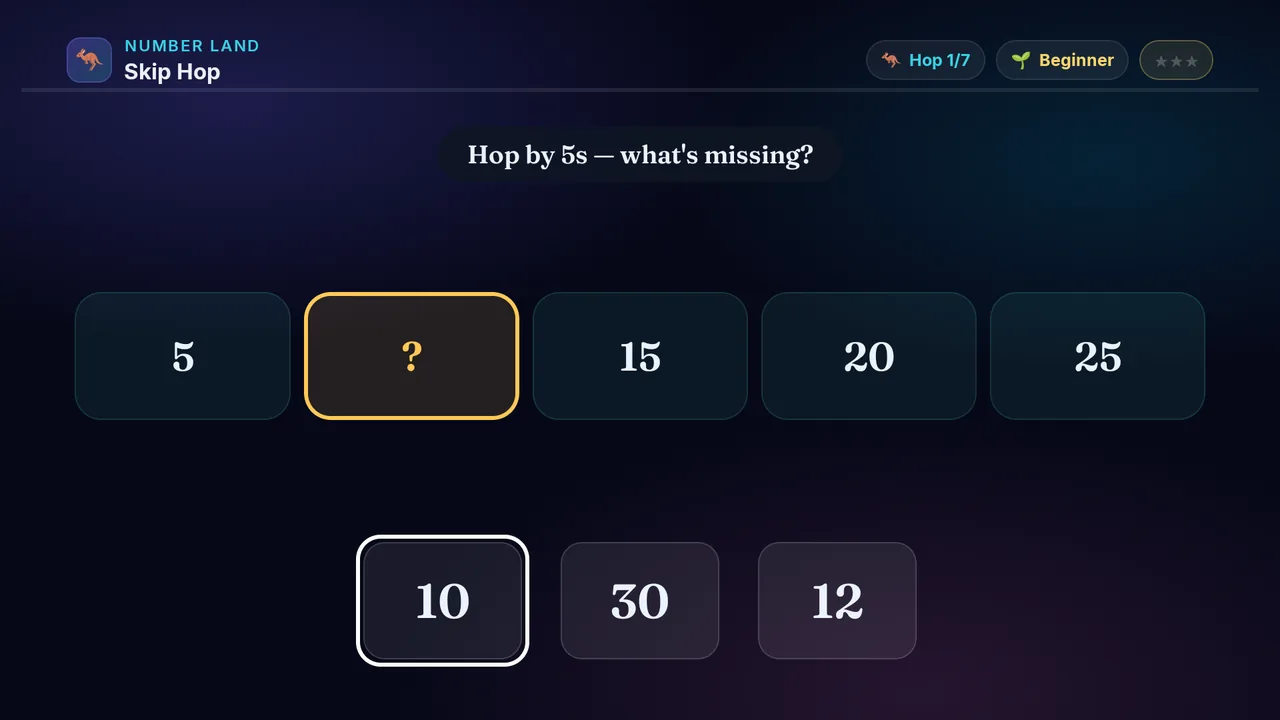
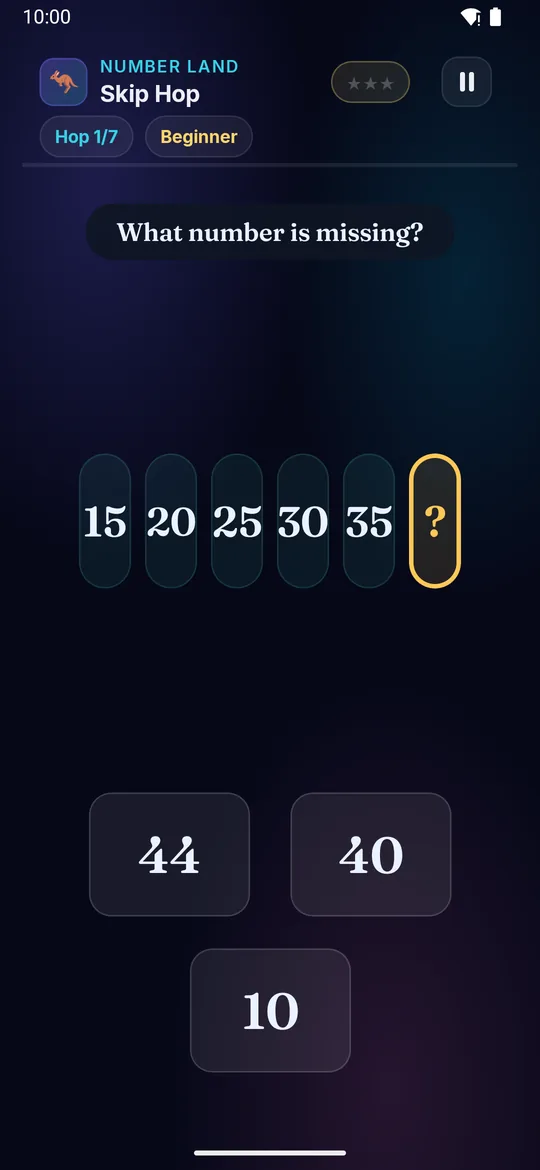
Hop the frog across the stones! Each stone jumps by the same amount — 2, 4, 6… — but one is blank. What number is missing?

Builds

  • 🦘 Skip-counting
  • 🔢 Number patterns
  • ✖️ Ready for times tables
  • 🧠 Spot the rule

How to play · TV remote· touch

  1. Look at the stones — each one skips by the same amount
  2. Work out the skip (how much bigger each stone is)
  3. On the harder levels the skip is not named — work it out from the stones
  4. D-pad to the missing number, press OK to pick
  5. Fill the blank stone for more ⭐!
  1. Look at the stones — each one skips by the same amount
  2. Work out the skip (how much bigger each stone is)
  3. On the harder levels the skip is not named — work it out from the stones
  4. Tap the missing number
  5. Fill the blank stone for more ⭐!
Did you know? Skip-counting by 2s — 2, 4, 6, 8 — is the very same as the 2 times table!
× Skip Hop full screenshot
Skip Hop — actual gameplay on Android TV
× Skip Hop full phone screenshot
Skip Hop — actual gameplay on a phone
Array Attack on a television Array Attack on a phone
🔲

Array Attack

Ages 5–13 3 min Hard

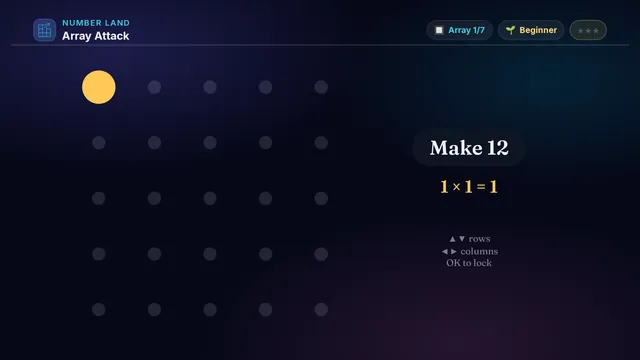
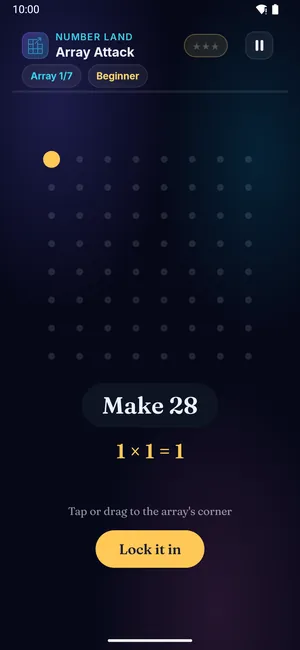
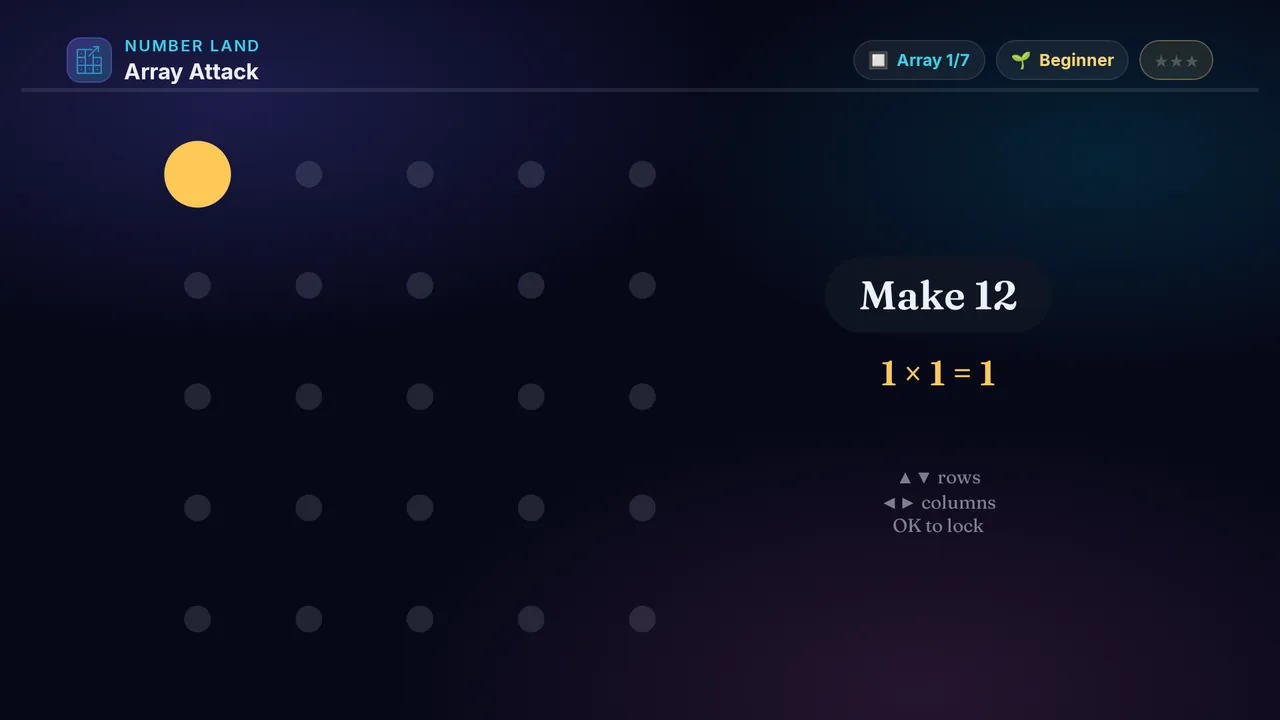
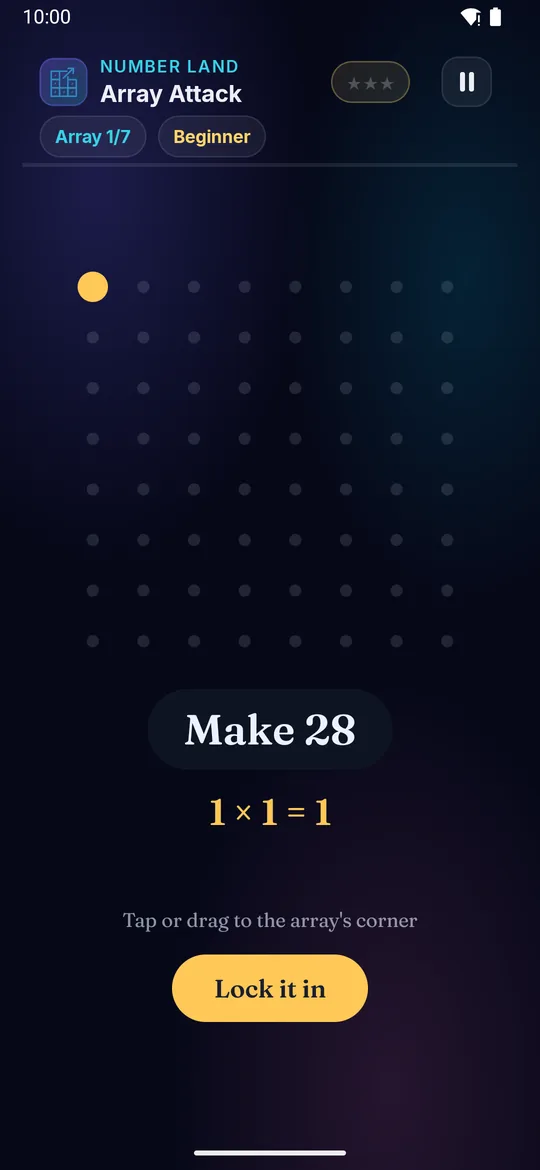
Build a rectangle of dots to make the target number! Grow the rows and the columns until the array is just right — that rectangle IS a times fact.

Builds

  • ✖️ Multiplication
  • 🔲 Arrays &amp; area
  • ➗ Ready for division
  • 🧠 Factor pairs

How to play · TV remote· touch

  1. See the target number at the top
  2. Press ▲▼ to change the rows, ◀▶ to change the columns
  3. Watch the dots fill in — rows of columns
  4. When rows × columns makes the number, press OK to lock
  5. No wrong locks for more ⭐!
  1. See the target number at the top
  2. Swipe up or down to change the rows, swipe left or right to change the columns
  3. Watch the dots fill in — rows of columns
  4. When rows × columns makes the number, tap to lock
  5. No wrong locks for more ⭐!
Did you know? 3 rows of 4 dots is 12 — that picture IS 3 × 4. Multiplication is just equal rows!
× Array Attack full screenshot
Array Attack — actual gameplay on Android TV
× Array Attack full phone screenshot
Array Attack — actual gameplay on a phone
Fair Share on a television Fair Share on a phone
🍪

Fair Share

Ages 3–13 3 min Hard

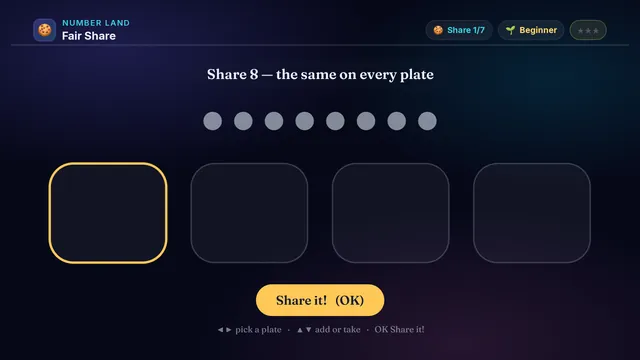
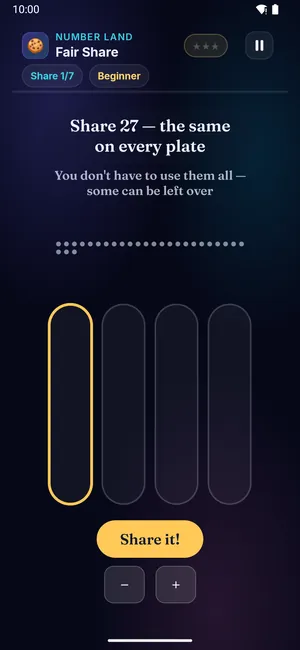
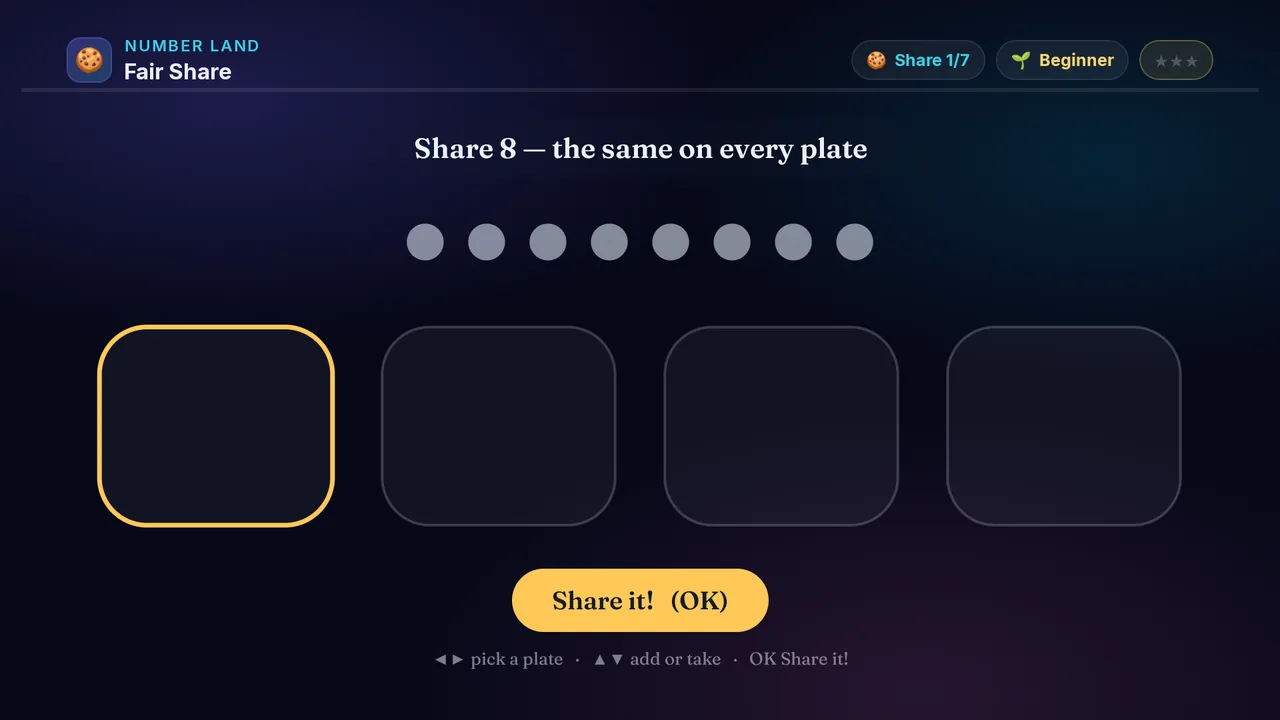
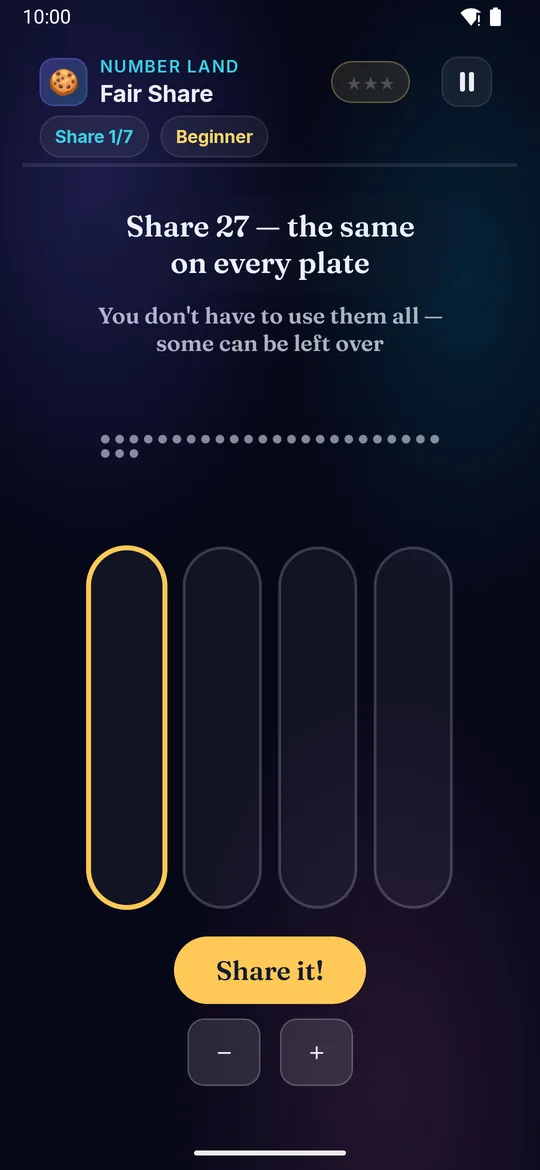
Deal a pile of treats equally onto the plates! Put one on each plate, then go round again — until there aren't enough left to go around. Every plate must get the same amount.

Builds

  • ➗ Division
  • 🍪 Sharing equally
  • 🧮 Remainders
  • ✖️ Times tables backwards

How to play · TV remote· touch

  1. Press ◀▶ to pick a plate
  2. Press ▲ to put a treat on it, ▼ to take one back
  3. Give every plate the SAME amount — go round and round
  4. Stop when too few are left to give everyone one more
  5. Press OK to Share it! — a fair share earns more ⭐!
  1. Swipe left or right to pick a plate
  2. Swipe up to put a treat on it, swipe down to take one back
  3. Give every plate the SAME amount — go round and round
  4. Stop when too few are left to give everyone one more
  5. Tap to Share it! — a fair share earns more ⭐!
Did you know? Sharing 12 treats onto 3 plates gives 4 each — that IS 12 ÷ 3 = 4.
× Fair Share full screenshot
Fair Share — actual gameplay on Android TV
× Fair Share full phone screenshot
Fair Share — actual gameplay on a phone
Fractional Pizza on a television Fractional Pizza on a phone
🍕

Fractional Pizza

Ages 5–13 3 min Hard

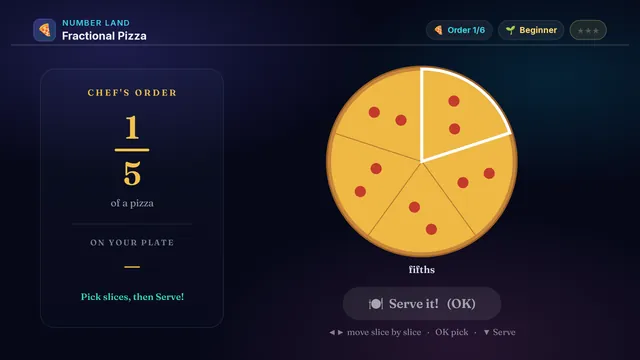
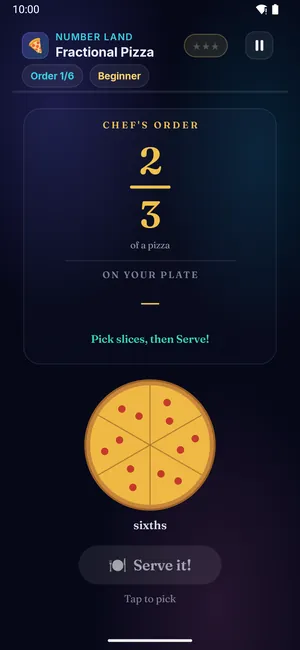
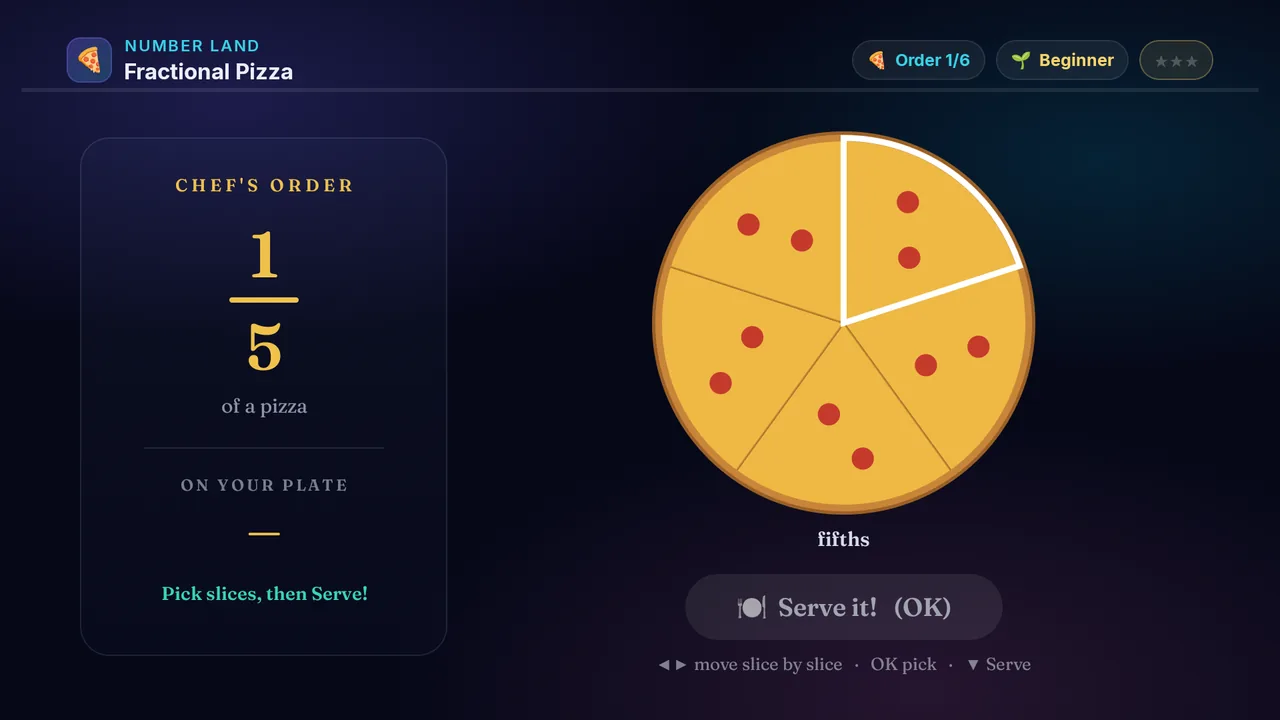
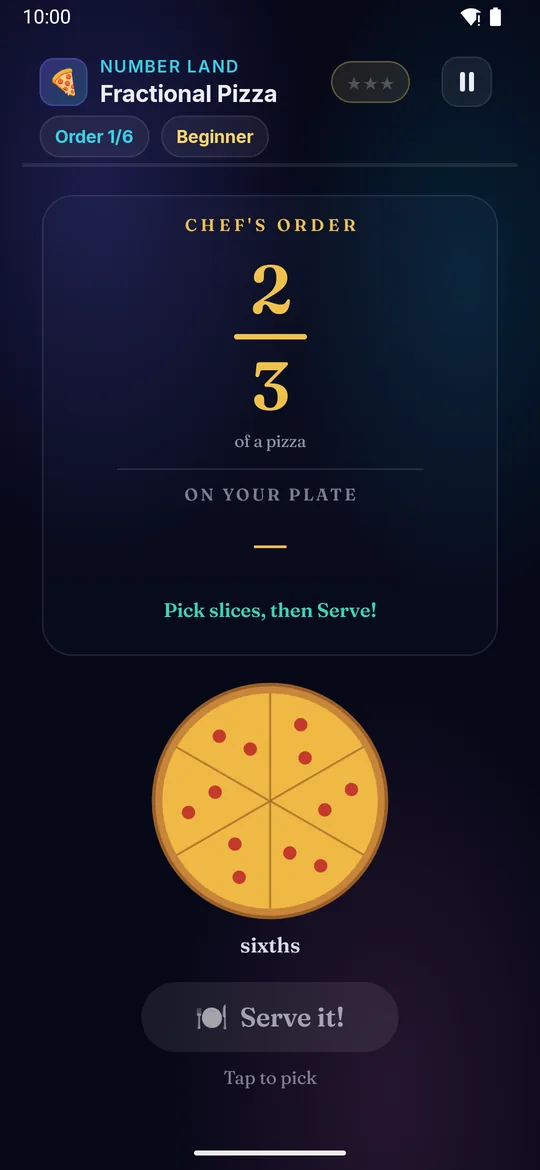
Be the pizza chef! The order names a fraction, like three-quarters, and you plate slices until they add up. Harder orders give you two pizzas cut differently to mix.

Builds

  • 🍕 Fractions
  • 🧩 Part of a whole
  • ➕ Adding fractions
  • 🟰 Equivalent fractions

How to play · TV remote· touch

  1. Read the chef's order on the left (like ¾)
  2. Press ◀▶ to move the picker from slice to slice
  3. Press OK to pick a slice — it turns gold
  4. Two pizzas? Keep going right to reach the second one
  5. Land on Serve, press OK — match the order to win ⭐!
  1. Read the chef's order on the left (like ¾)
  2. Swipe left or right to move the picker from slice to slice
  3. Tap to pick a slice — it turns gold
  4. Two pizzas? Keep going right to reach the second one
  5. Land on Serve, tap — match the order to win ⭐!
Did you know? A fraction is part of a whole: ¾ means 3 of 4 equal slices.
× Fractional Pizza full screenshot
Fractional Pizza — actual gameplay on Android TV
× Fractional Pizza full phone screenshot
Fractional Pizza — actual gameplay on a phone
Coin Count on a television Coin Count on a phone
🪙

Coin Count

Ages 5–13 3 min Hard

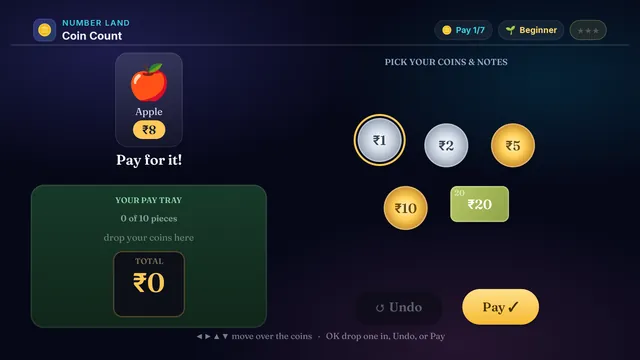
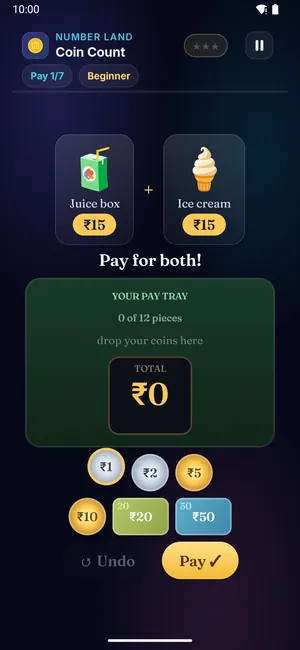
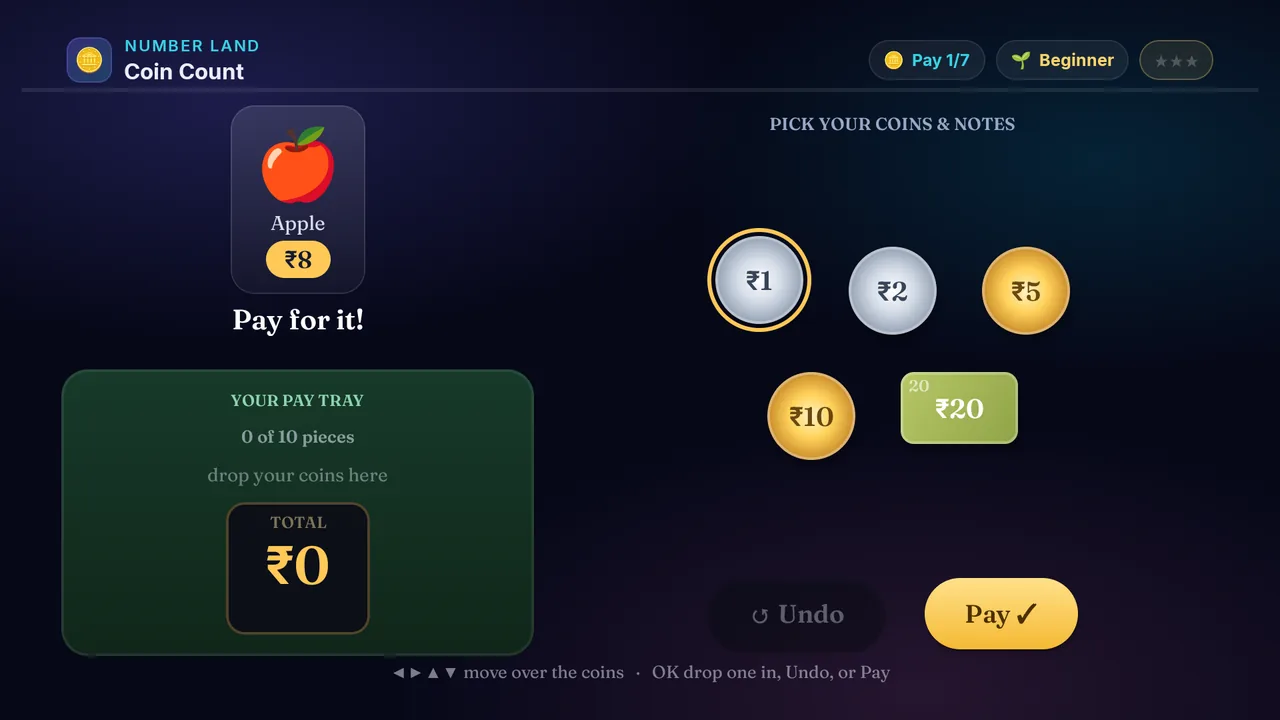
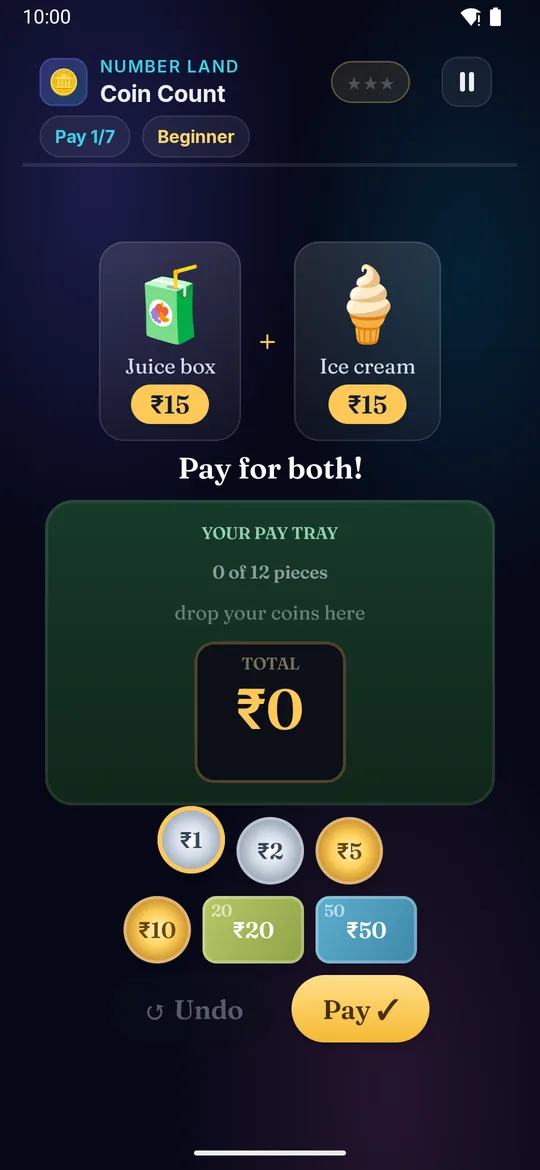
Go shopping and pay the exact amount! A toy, a snack, a book — each has a price. Pick rupee coins and notes and drop them in the tray until they add up. Big notes first, then small coins to finish.

Builds

  • 🪙 Money sense
  • ➕ Adding amounts
  • 🧠 Mental maths
  • 🛒 Real-life skill

How to play · TV remote· touch

  1. Read the shop — what are you buying, and how much?
  2. Press ◀▶ to move along the coins and notes
  3. Press OK to drop a coin in — Undo takes the last one back
  4. The tray holds only so many pieces — use big notes, not lots of ₹1
  5. Move to PAY and press OK — exact change earns more ⭐!
  1. Read the shop — what are you buying, and how much?
  2. Swipe left or right to move along the coins and notes
  3. Tap to drop a coin in — Undo takes the last one back
  4. The tray holds only so many pieces — use big notes, not lots of ₹1
  5. Move to PAY and tap — exact change earns more ⭐!
Did you know? Indian money comes in ₹1, ₹2, ₹5, ₹10, ₹20, ₹50, ₹100, ₹200 and ₹500 — coins and notes.
× Coin Count full screenshot
Coin Count — actual gameplay on Android TV
× Coin Count full phone screenshot
Coin Count — actual gameplay on a phone
Quick Check on a television Quick Check on a phone
⚡

Quick Check

Ages 5–13 3 min Medium

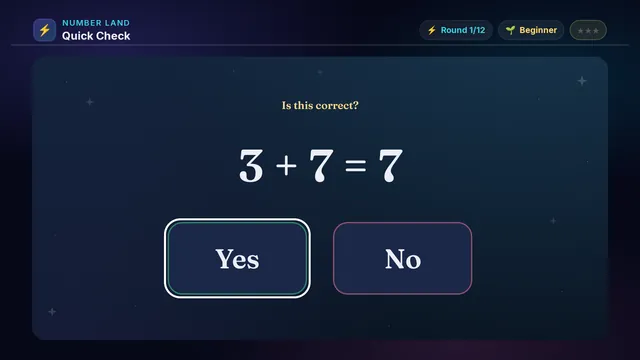
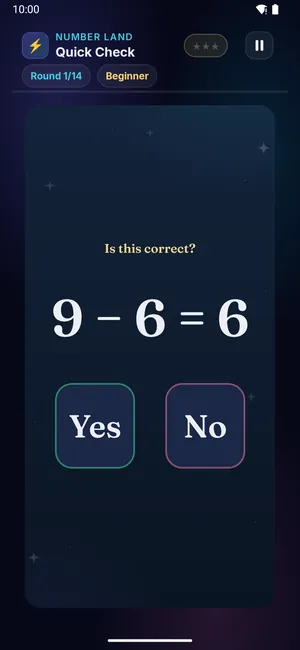
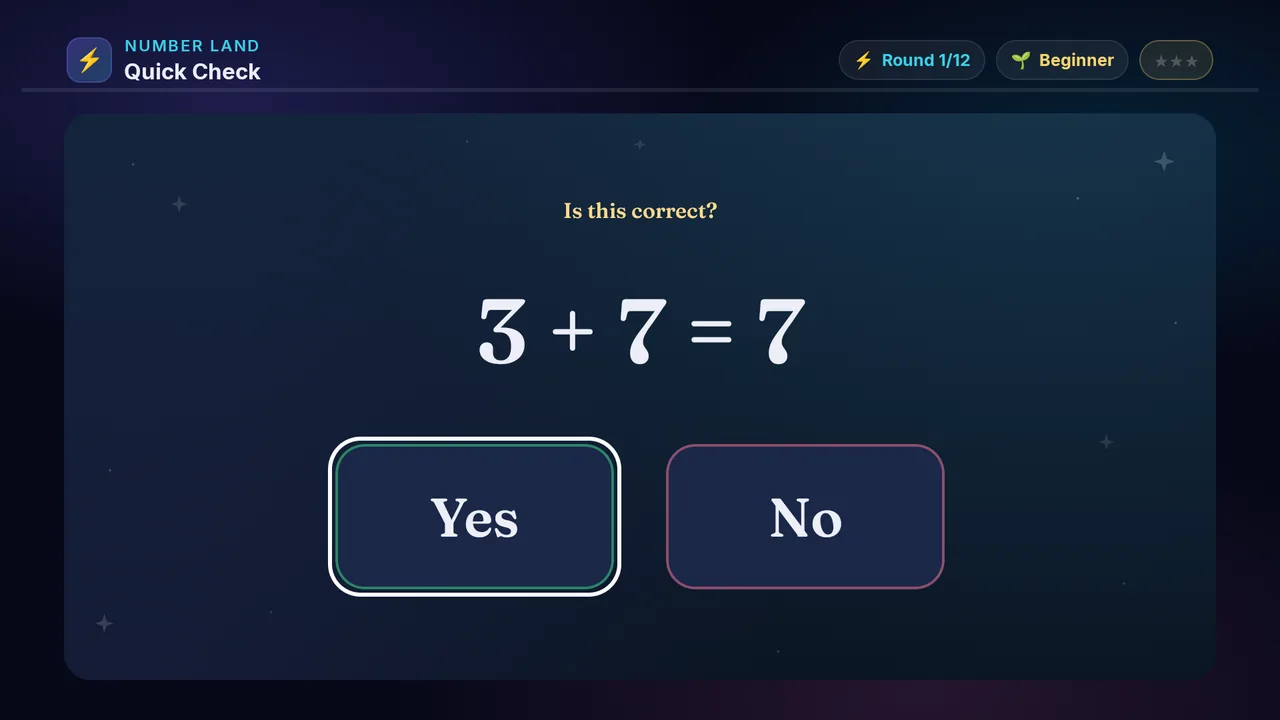
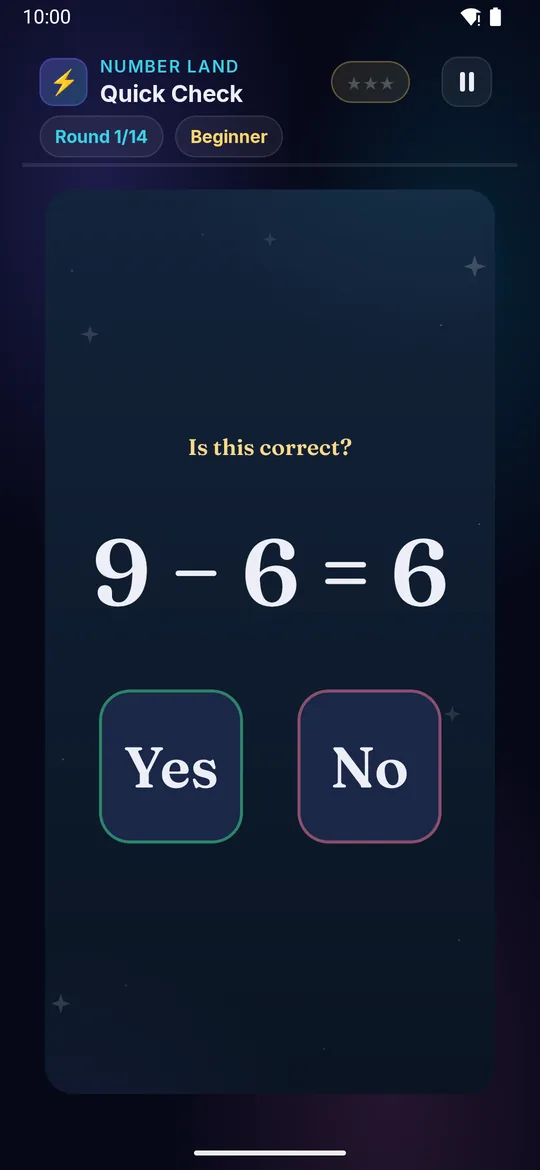
Two plus three equals five? Yes or no! Work out the real answer, then see if the one on screen matches. Nothing is timed — take as long as you like.

Builds

  • ⚡ Spotting mistakes
  • 🔢 Number sense
  • 🎯 Quick check
  • 🧠 Mental math

How to play · TV remote· touch

  1. Read the equation on the screen
  2. Work out what the answer should be
  3. Press ◀▶ to pick Yes or No
  4. Press OK — there is no clock, so take your time
  5. Every one right earns more ⭐!
  1. Read the equation on the screen
  2. Work out what the answer should be
  3. Tap Yes or No — there is no clock, so take your time
  4. Every one right earns more ⭐!
Did you know? Mental math gets faster with practice.
× Quick Check full screenshot
Quick Check — actual gameplay on Android TV
× Quick Check full phone screenshot
Quick Check — actual gameplay on a phone
Measure Up on a television Measure Up on a phone
📏

Measure Up

Ages 5–13 3 min Medium

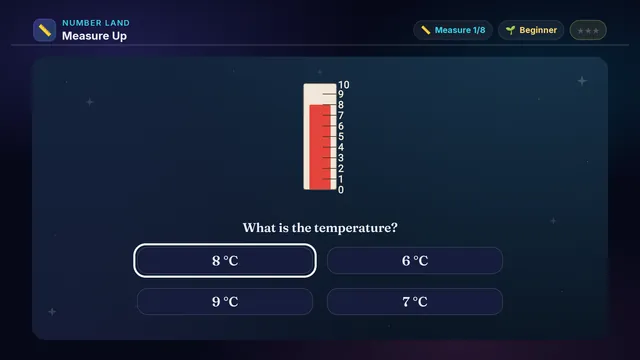
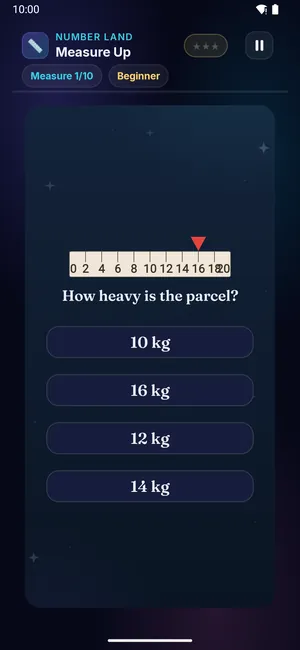
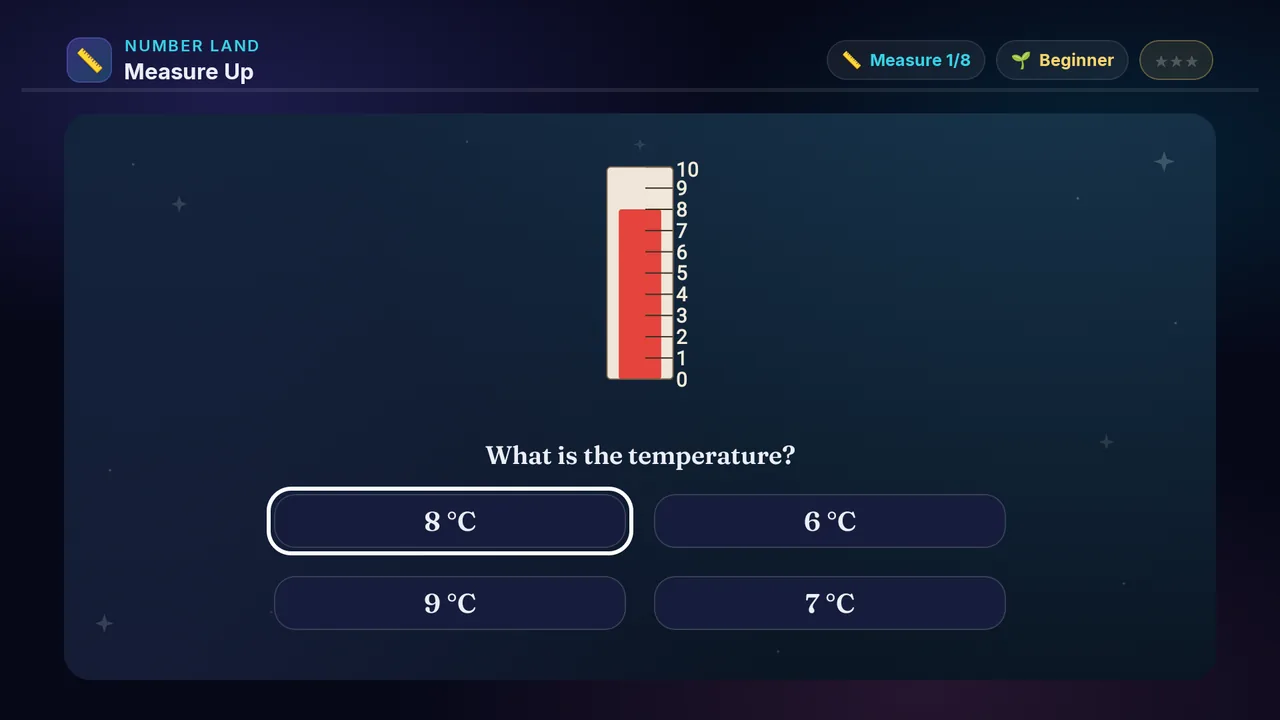
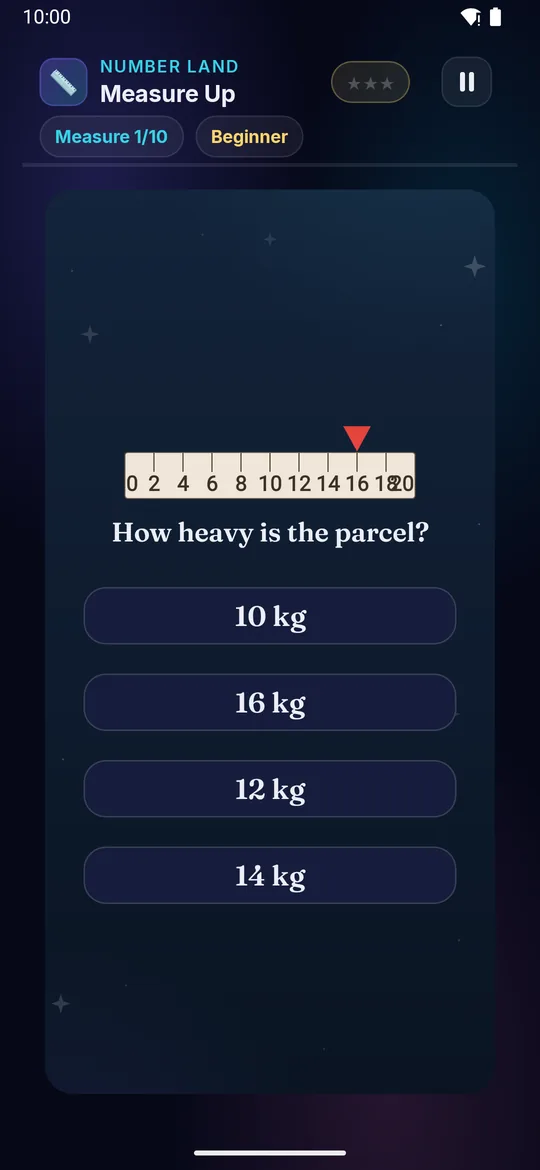
A ruler, a thermometer, a measuring jug and a weighing scale are all the same thing — a line of marks with a number on it. Learn to read one and you can read them all!

Builds

  • 📏 Read a scale
  • 🌡️ Use the marks
  • ⚖️ Compare amounts
  • 🧠 Know your units

How to play · TV remote· touch

  1. Look at the numbers on the scale
  2. See where the value reaches
  3. ◀ ▶ ▲ ▼ to move
  4. OK picks your answer
  5. Right reading = more ⭐!
  1. Look at the numbers on the scale
  2. See where the value reaches
  3. Tap your answer
  4. Right reading = more ⭐!
Did you know? A ruler and a thermometer work the same way — marks in a line with numbers on them.
× Measure Up full screenshot
Measure Up — actual gameplay on Android TV
× Measure Up full phone screenshot
Measure Up — actual gameplay on a phone
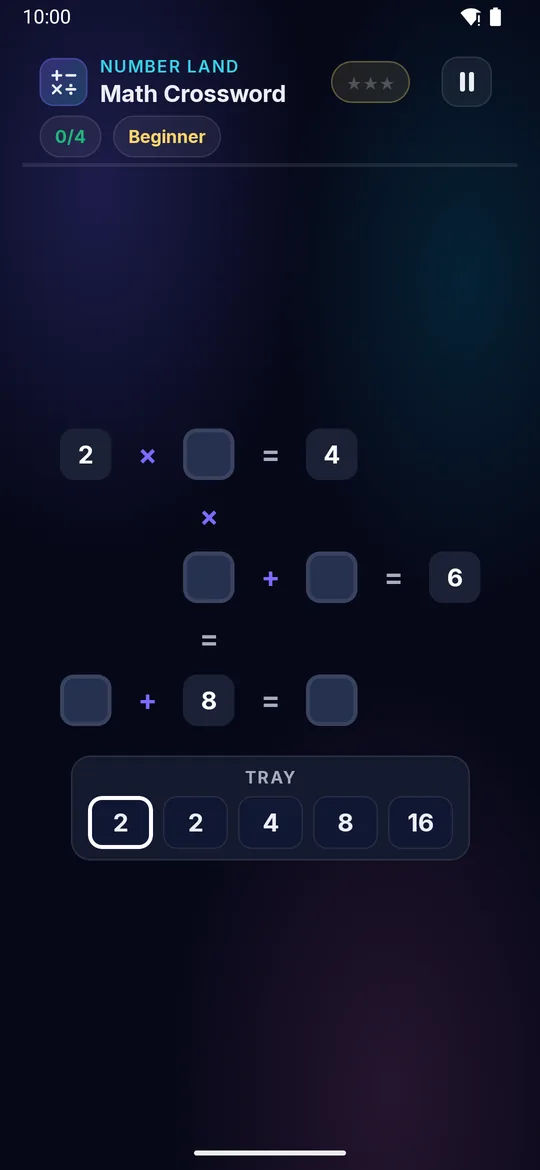
Math Crossword on a television Math Crossword on a phone
🧮

Math Crossword

Ages 5–13 3 min Medium

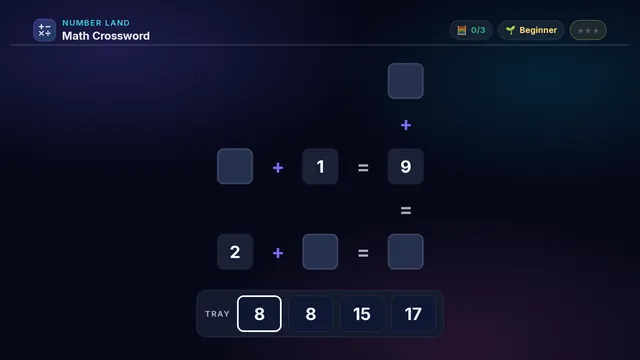
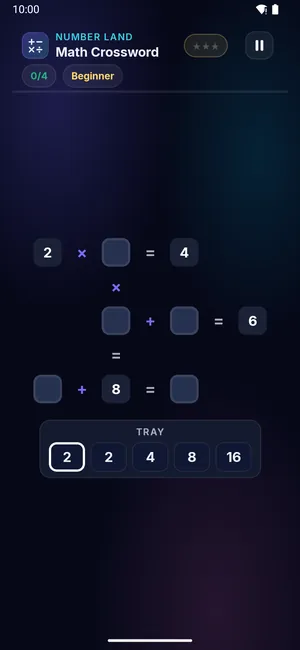
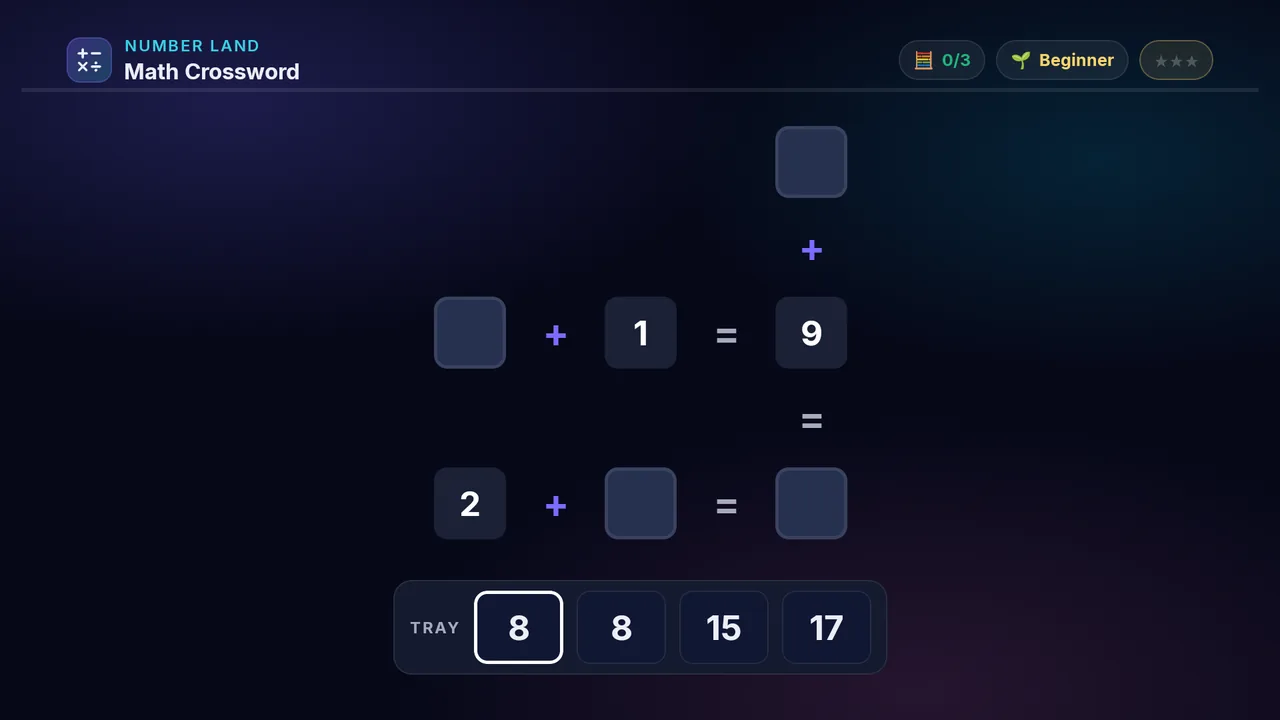
Drop the numbers from the tray into the empty squares so every line adds up — across AND down. Some squares sit on two sums at once — find those and the rest follow.

Builds

  • ➕ Mental maths
  • 🧠 Logical thinking
  • 🔢 Number sense
  • 🎯 Checking two ways

How to play · TV remote· touch

  1. D-pad to a number in the tray
  2. Press OK to lift it
  3. Move to an empty square, press OK to drop
  4. Make every line correct — a right line turns green
  5. Fill it all with no reds — more ⭐!
  1. Swipe to a number in the tray
  2. Tap to lift it
  3. Move to an empty square, tap to drop
  4. Make every line correct — a right line turns green
  5. Fill it all with no reds — more ⭐!
Did you know? A puzzle like this is a “cross-number” — a crossword built from maths, not words.
× Math Crossword full screenshot
Math Crossword — actual gameplay on Android TV
× Math Crossword full phone screenshot
Math Crossword — actual gameplay on a phone
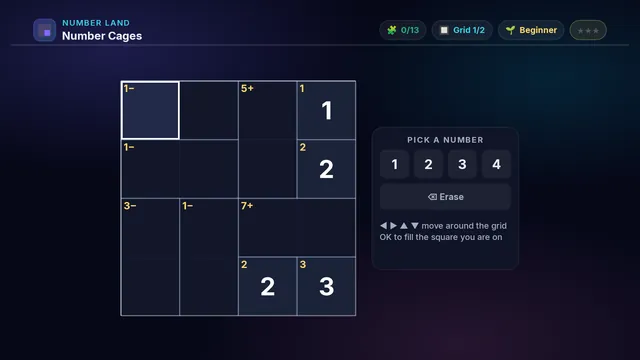
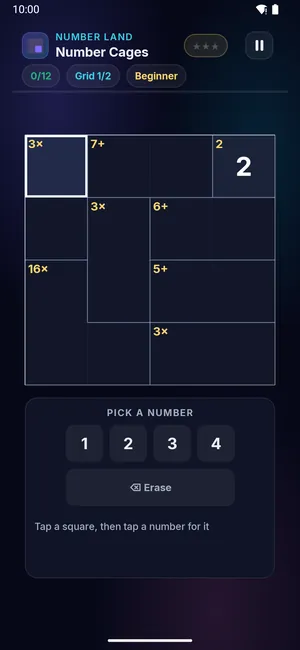
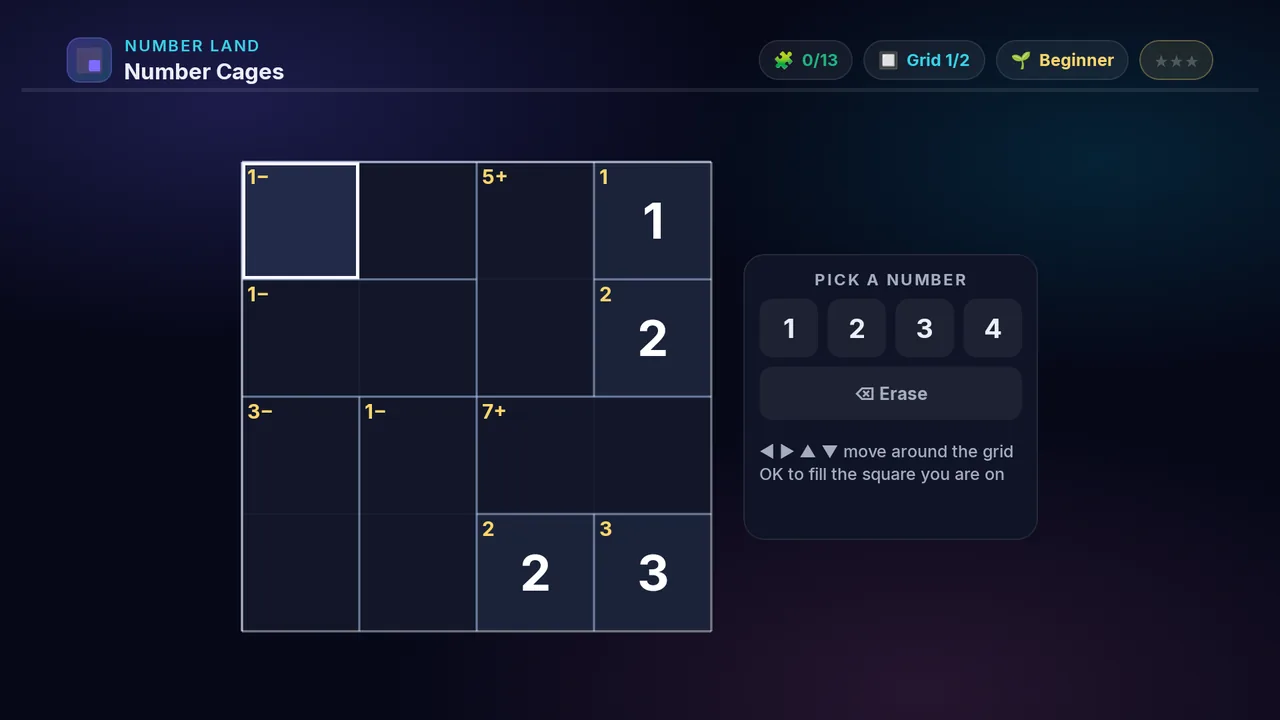
Number Cages on a television Number Cages on a phone
🧩

Number Cages

Ages 5–13 4 min Hard

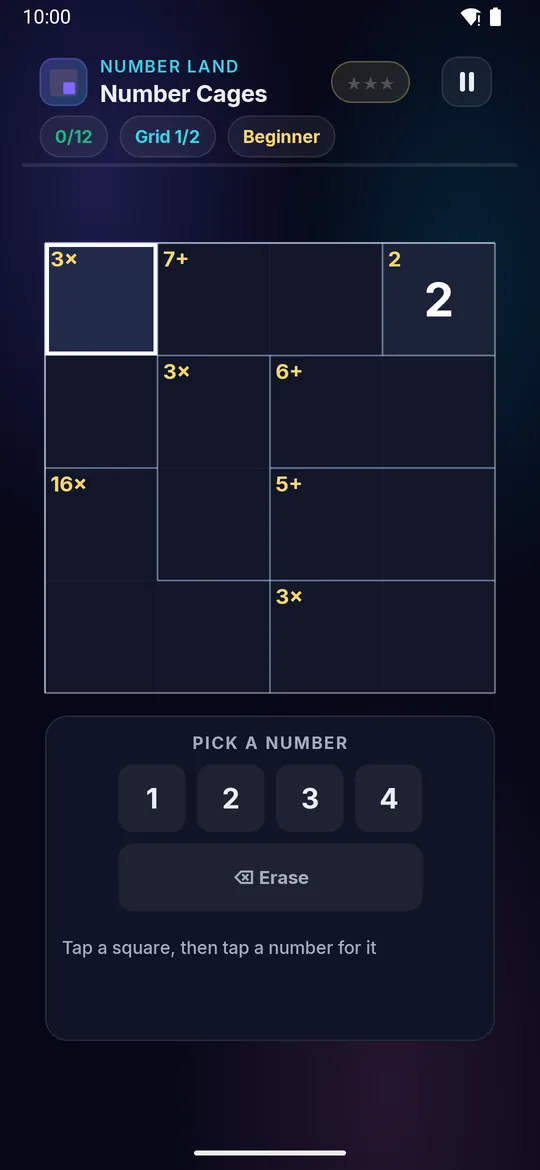
Fill the grid so every row and column has each number once — like Sudoku — but each outlined cage must also hit its target. A cage marked 6+ adds to 6.

Builds

  • 🧠 Logic + reasoning
  • ➕ Mental maths
  • 🎯 Focus & patience
  • 🧩 Puzzle solving

How to play · TV remote· touch

  1. D-pad to move around the grid
  2. Press OK on a square, then pick a number
  3. No number repeats in a row or column
  4. Make each cage hit its target — +, −, × or ÷
  5. A green ✓ means that cage is done — no reds!
  1. Swipe to move around the grid
  2. Tap on a square, then pick a number
  3. No number repeats in a row or column
  4. Make each cage hit its target — +, −, × or ÷
  5. A green ✓ means that cage is done — no reds!
Did you know? Each cage is a tiny maths puzzle — the little sign tells you to add, subtract, multiply or divide.

× Number Cages full screenshot
Number Cages — actual gameplay on Android TV
× Number Cages full phone screenshot
Number Cages — actual gameplay on a phone
Symbol Logic on a television Symbol Logic on a phone
🍎

Symbol Logic

Ages 5–13 3 min Hard

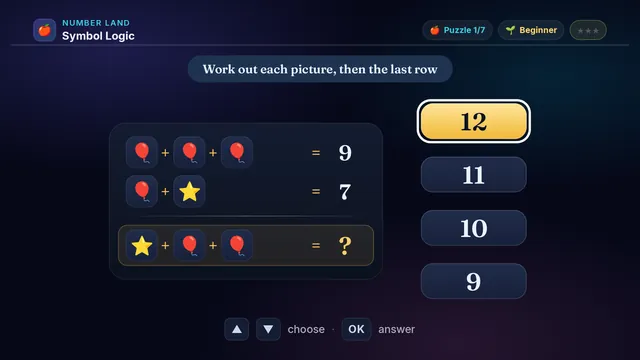
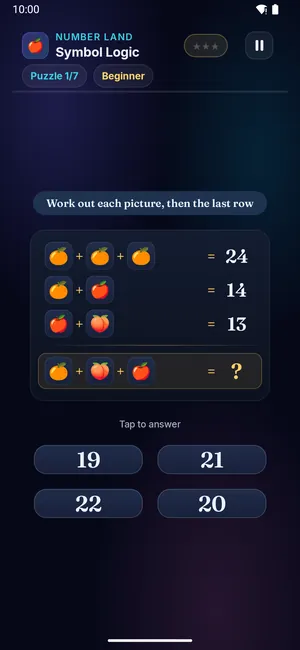
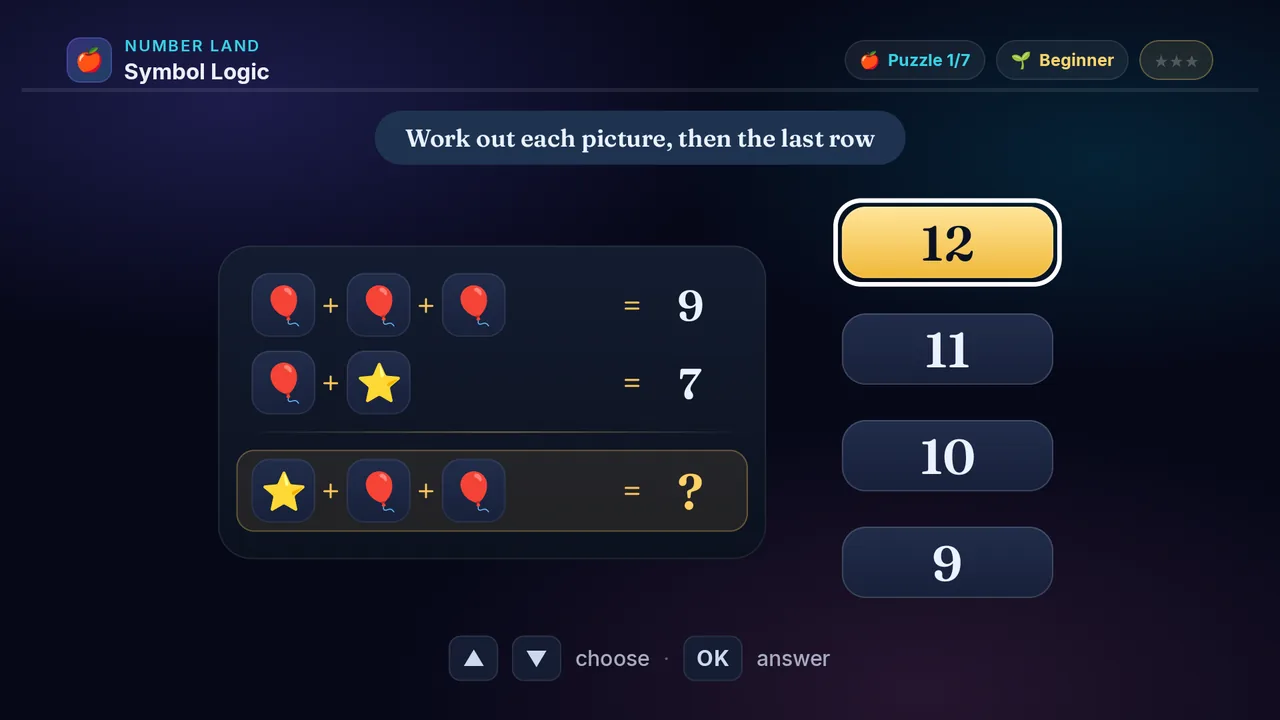
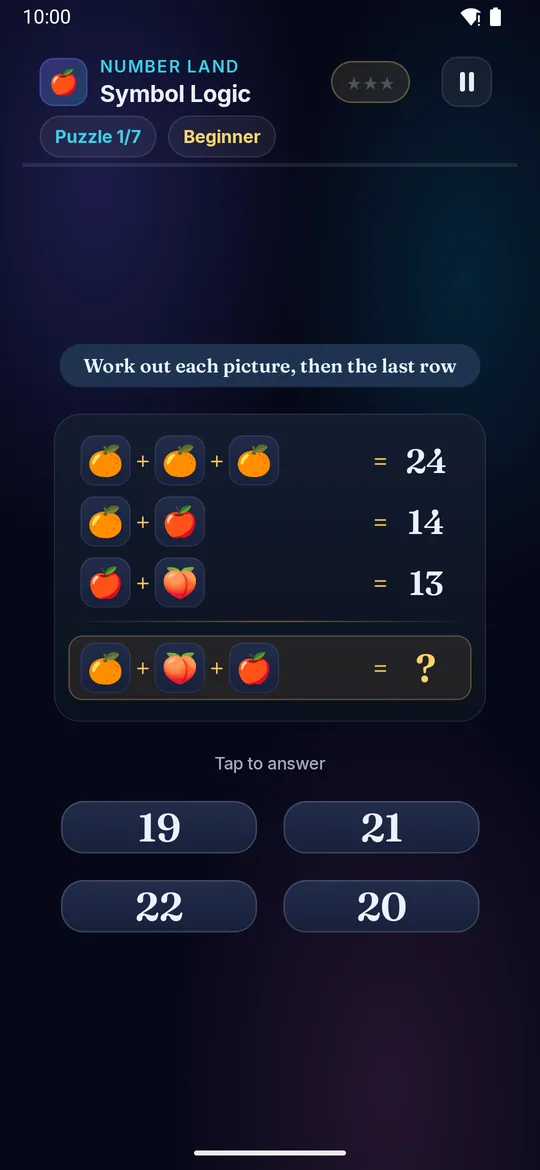
Each picture is a secret number! Work out what every fruit or animal is worth from the top rows, then use those numbers to solve the last one.
Builds

  • 🔎 Find the unknown
  • 🧠 Step-by-step logic
  • ➕ Addition practice
  • 🌱 First taste of algebra

How to play · TV remote· touch

  1. The top rows show pictures adding up to a number
  2. Work out what ONE picture is worth, then the next
  3. Use those numbers to solve the last row — the ?
  4. D-pad up or down to a choice, press OK to answer
  5. Right answer earns more ⭐!
  1. The top rows show pictures adding up to a number
  2. Work out what ONE picture is worth, then the next
  3. Use those numbers to solve the last row — the ?
  4. Tap your answer
  5. Right answer earns more ⭐!
Did you know? Working out a hidden number is exactly what algebra does — you're already doing it!
× Symbol Logic full screenshot
Symbol Logic — actual gameplay on Android TV
× Symbol Logic full phone screenshot
Symbol Logic — actual gameplay on a phone