← All worlds
🌍

Our World

World Explorer

Explore your body, family, plants, animals and the world around you — picture-first, the way EVS is taught.

15 games · in the order we'd teach them

How to play, for
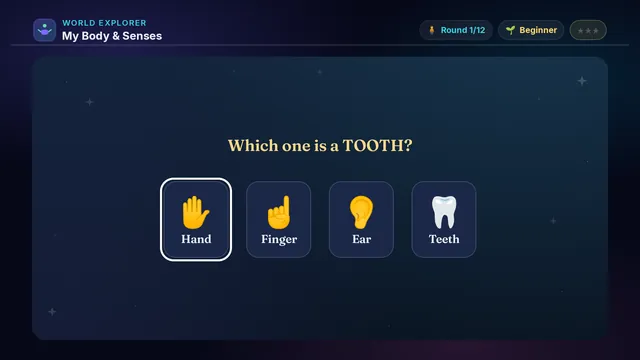
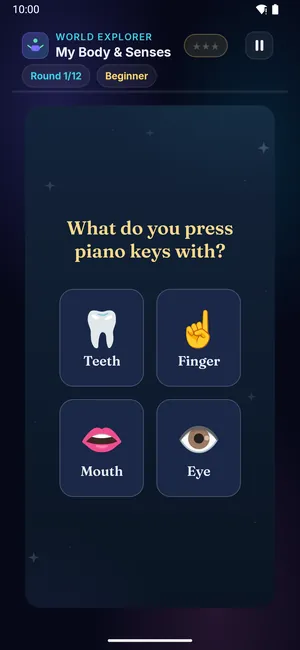
My Body & Senses on a television My Body & Senses on a phone
🧍

My Body & Senses

Ages 3–8 2 min Easy

Eyes to see, ears to hear, a nose to smell. Listen, then tap the body part that does each job!

Builds

  • 👁️ Five senses
  • 🧍 Body parts
  • 🧠 How it works
  • 🫀 Inside you

How to play

  1. Listen to the question
  2. Look at the pictures
  3. Tap the right body part
  4. Learn what each part does
  5. One wrong pick is forgiven
Did you know? You have five senses.
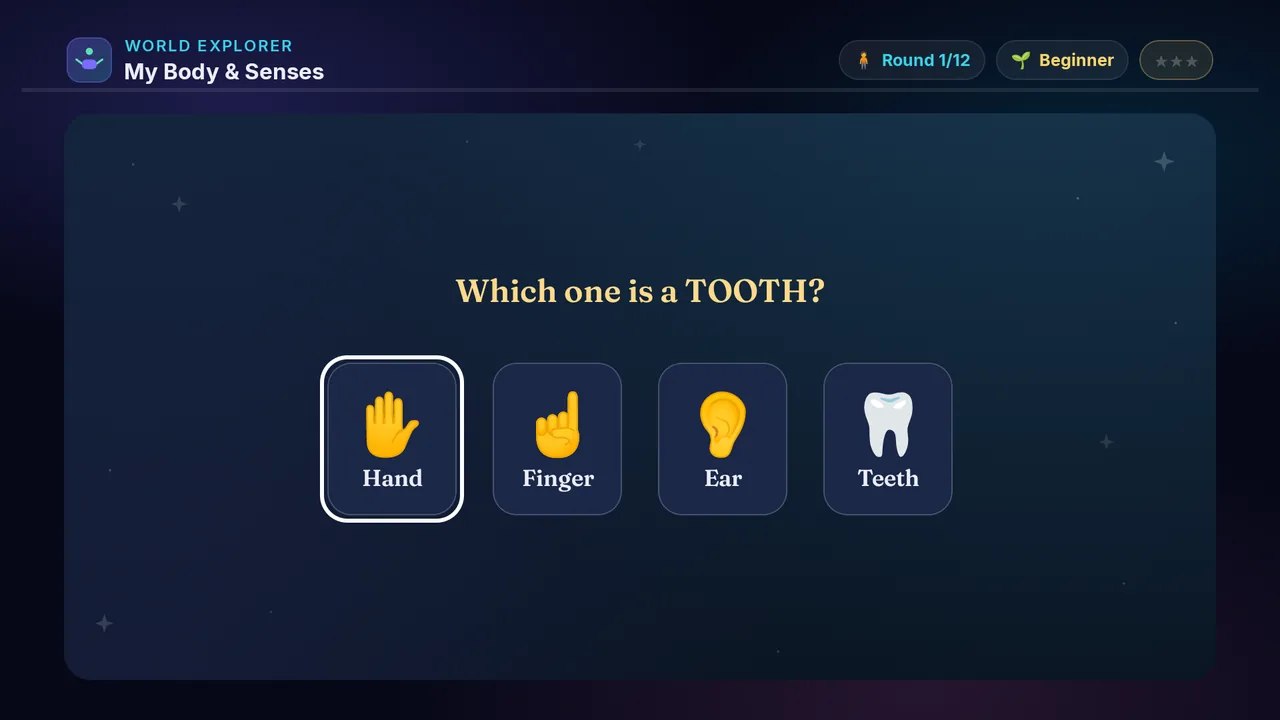
× My Body & Senses full screenshot
My Body & Senses — actual gameplay on Android TV
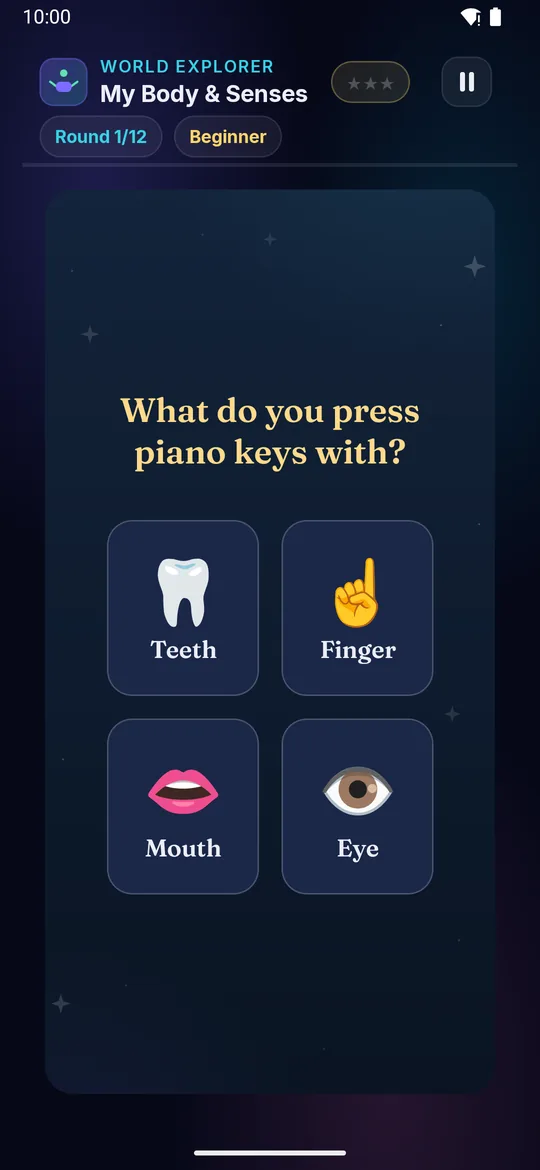
× My Body & Senses full phone screenshot
My Body & Senses — actual gameplay on a phone
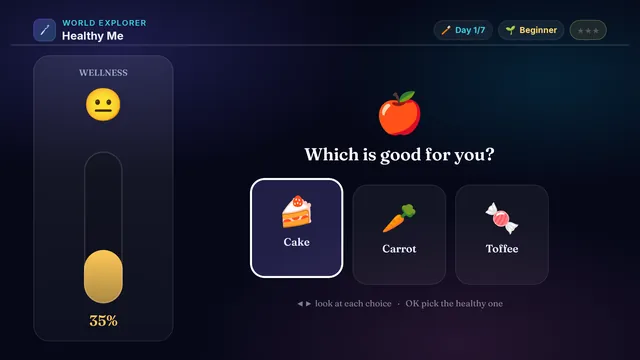
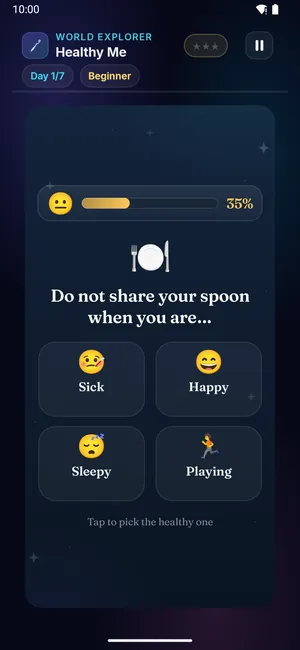
Healthy Me on a television Healthy Me on a phone
🪥

Healthy Me

Ages 3–10 3 min Easy

Grow a healthy day! At each moment — waking up, eating, bedtime — pick the healthy habit. Every good choice fills your wellness meter; an unhealthy one lets it slip. Keep yourself glowing green!

Builds

  • 💚 Good habits
  • 🪥 Staying clean
  • 🥗 Healthy eating
  • 🧠 Smart choices

How to play · TV remote· touch

  1. Read the moment of the day
  2. Press ◀▶ to look at each choice
  3. Press OK to pick the healthy one
  4. Watch your wellness meter grow!
  5. Wrong picks let it drop — choose with care
  1. Read the moment of the day
  2. Swipe left or right to look at each choice
  3. Tap to pick the healthy one
  4. Watch your wellness meter grow!
  5. Wrong picks let it drop — choose with care
Did you know? Brushing twice a day keeps your teeth strong for life.
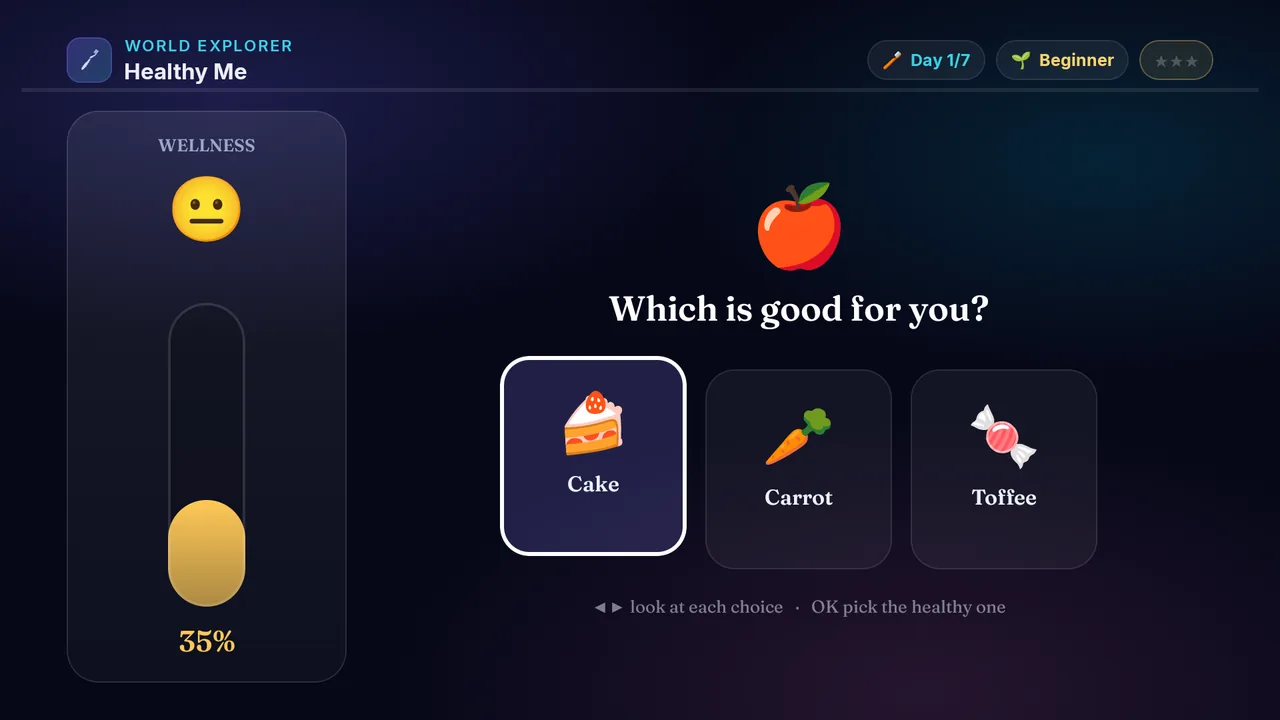
× Healthy Me full screenshot
Healthy Me — actual gameplay on Android TV
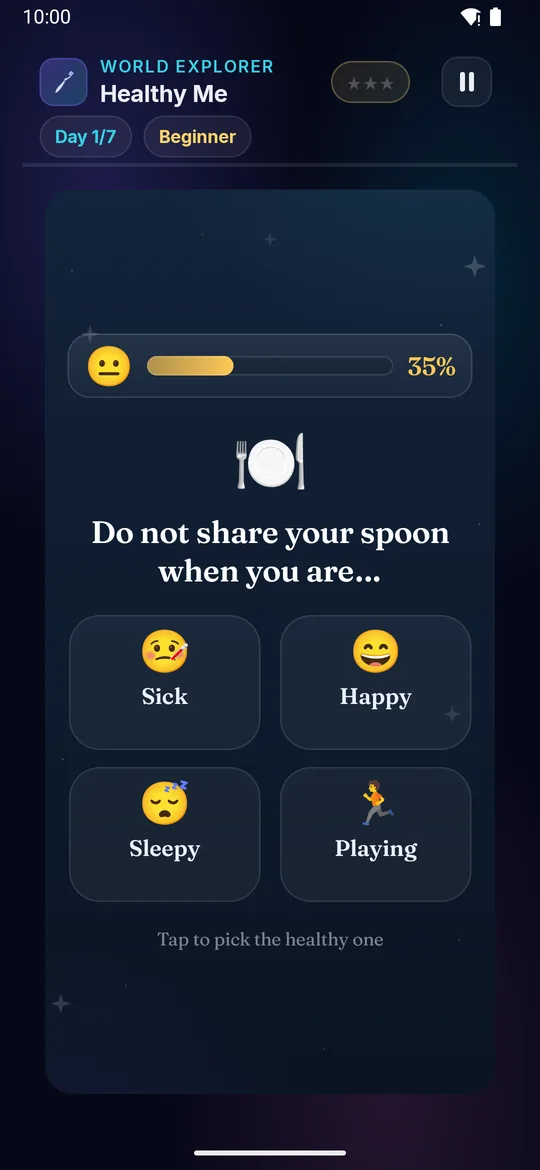
× Healthy Me full phone screenshot
Healthy Me — actual gameplay on a phone
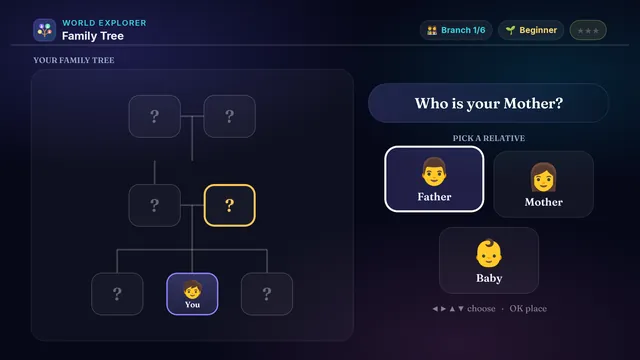
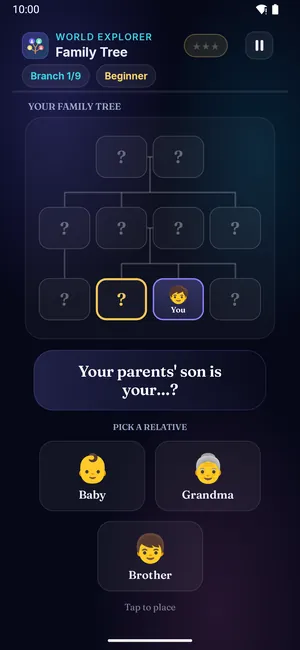
Family Tree on a television Family Tree on a phone
👨‍👩‍👧‍👦

Family Tree

Ages 3–13 3 min Easy

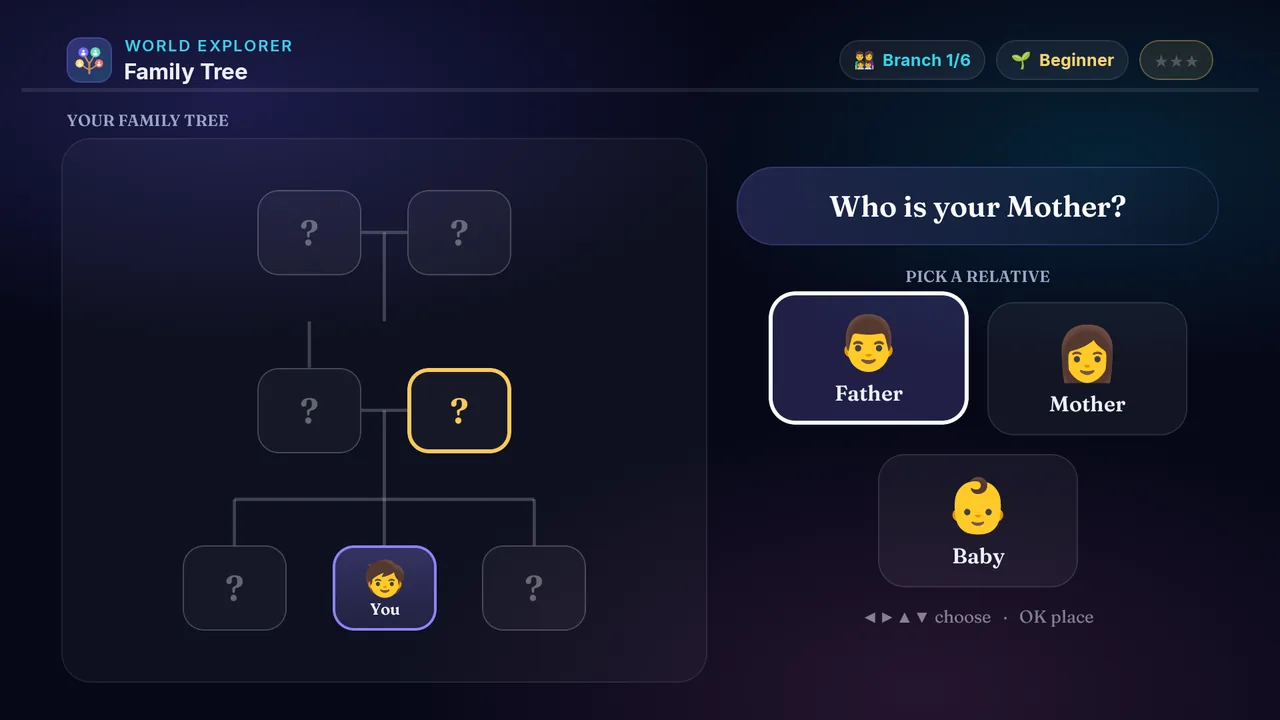
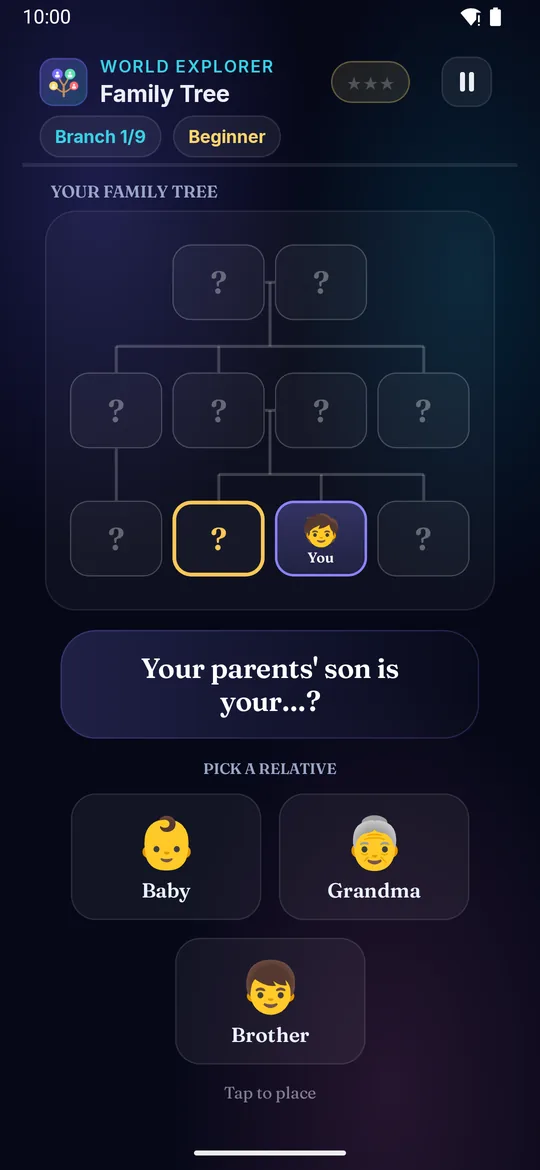
Build your very own family tree! Each branch has a clue about who belongs there — your mother, your grandpa, your sister — and the tree grows as you go.

Builds

  • 👪 Family words
  • 🌳 Who's who
  • 🧠 Thinking it out
  • 💬 Talking about family

How to play · TV remote· touch

  1. Read the clue — who goes on this branch?
  2. Press ◀▶ to look at each relative
  3. Press OK to place them on the tree
  4. Get it right and your family tree grows!
  5. On harder levels, work out the relation (your mother's mother!)
  1. Read the clue — who goes on this branch?
  2. Swipe left or right to look at each relative
  3. Tap to place them on the tree
  4. Get it right and your family tree grows!
  5. On harder levels, work out the relation (your mother's mother!)
Did you know? Your mother's mother and your father's mother are both your grandmothers.
× Family Tree full screenshot
Family Tree — actual gameplay on Android TV
× Family Tree full phone screenshot
Family Tree — actual gameplay on a phone
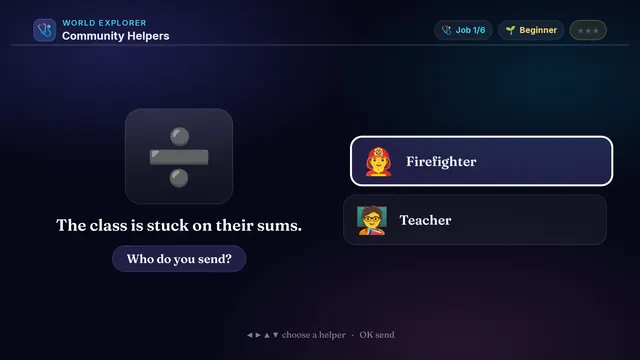
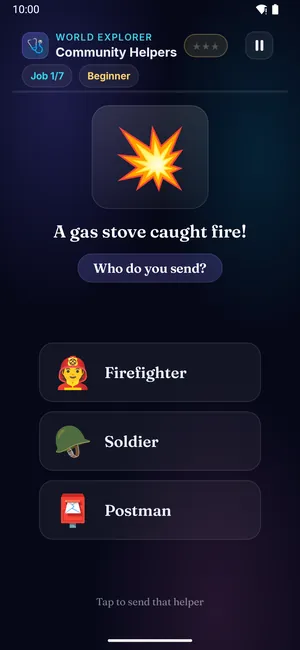
Community Helpers on a television Community Helpers on a phone
🩺

Community Helpers

Ages 3–13 3 min Easy

The town needs help! A fire, someone sick, a torn shirt — read what's needed and send the helper who does that job.

Builds

  • 🦸 Community helpers
  • 🧠 Who does what
  • 🤝 People who help us
  • 💬 Jobs & work

How to play · TV remote· touch

  1. See the job the town needs done
  2. Press ◀▶ to look at each helper
  3. Press OK to send the right one
  4. Match the helper to the job to win ⭐!
  5. Harder levels bring more helpers to choose from
  1. See the job the town needs done
  2. Swipe left or right to look at each helper
  3. Tap to send the right one
  4. Match the helper to the job to win ⭐!
  5. Harder levels bring more helpers to choose from
Did you know? A firefighter puts out fires and rescues people and pets.
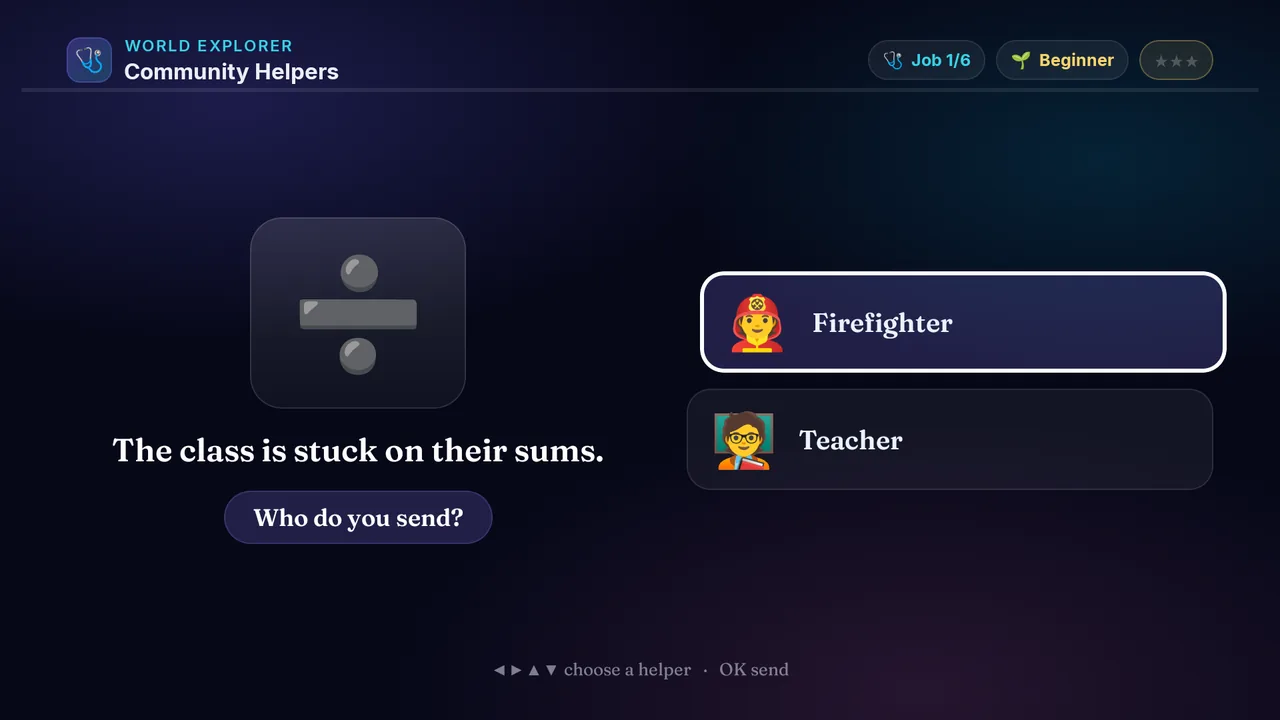
× Community Helpers full screenshot
Community Helpers — actual gameplay on Android TV
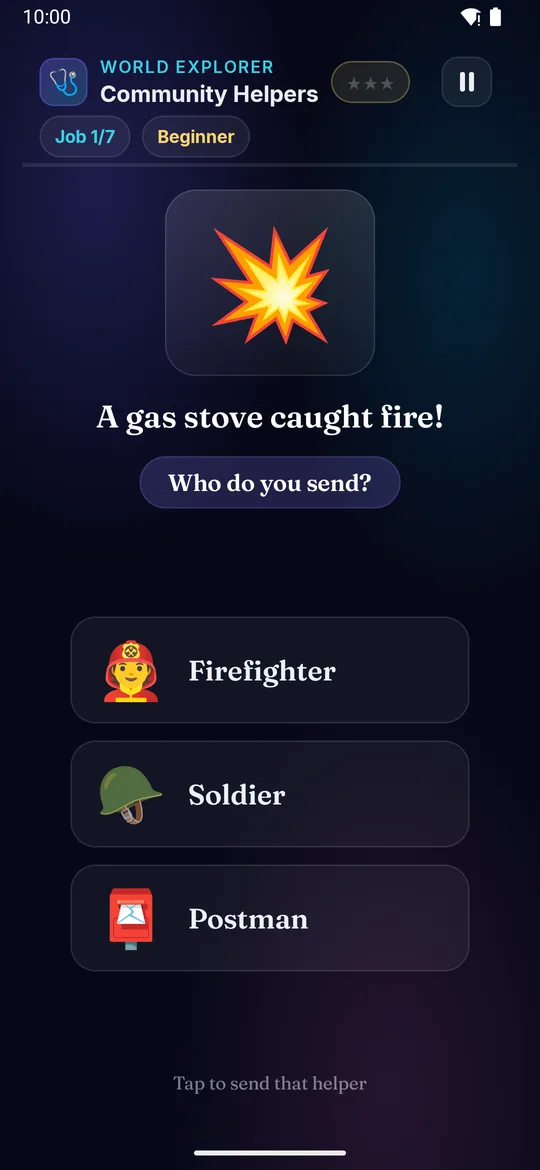
× Community Helpers full phone screenshot
Community Helpers — actual gameplay on a phone
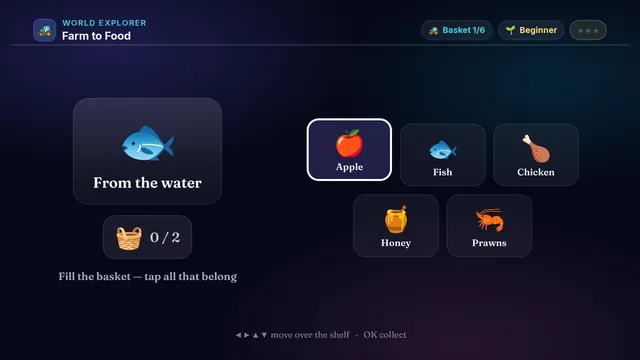
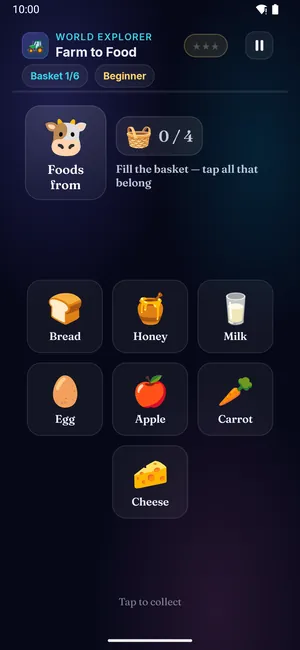
Farm to Food on a television Farm to Food on a phone
🚜

Farm to Food

Ages 3–13 3 min Easy

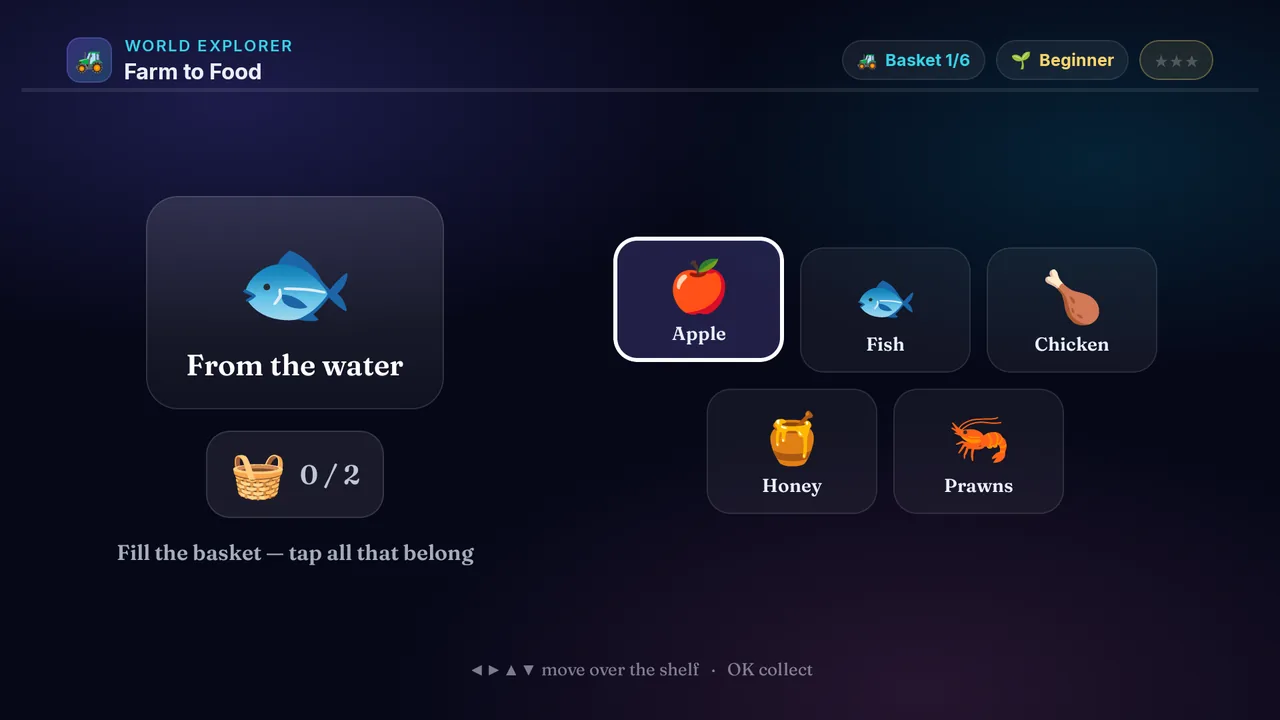
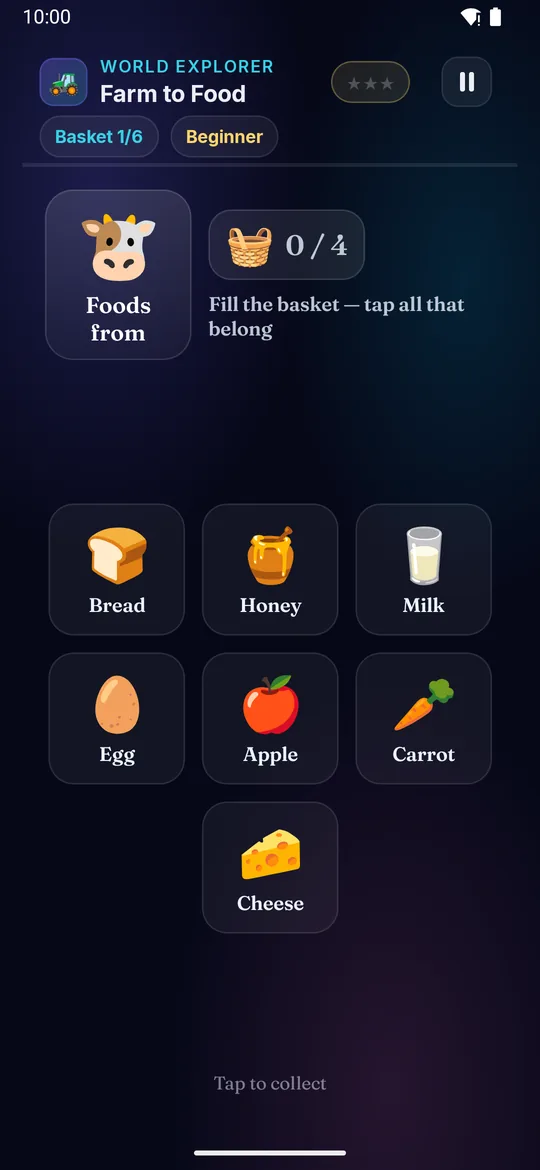
Where does our food come from? A cow, a wheat field, a bee — fill the basket with EVERY food it gives you, and leave the rest behind.

Builds

  • 🧺 Food from plants
  • 🐄 Food from animals
  • 🌱 Where food grows
  • 🍽️ Farm to plate

How to play · TV remote· touch

  1. See the plant or animal by the basket
  2. Press ◀▶▲▼ to move over the market shelf
  3. Press OK to pick a food it gives you
  4. Collect them all to fill the basket and win ⭐!
  5. Skip the foods that come from somewhere else
  1. See the plant or animal by the basket
  2. Swipe to move over the market shelf
  3. Tap to pick a food it gives you
  4. Collect them all to fill the basket and win ⭐!
  5. Skip the foods that come from somewhere else
Did you know? Milk, cheese and butter all come from a cow.
× Farm to Food full screenshot
Farm to Food — actual gameplay on Android TV
× Farm to Food full phone screenshot
Farm to Food — actual gameplay on a phone
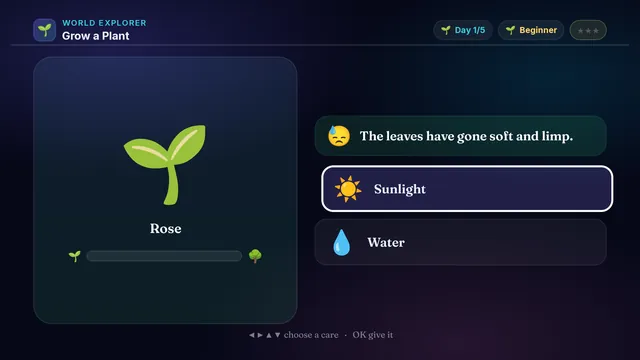
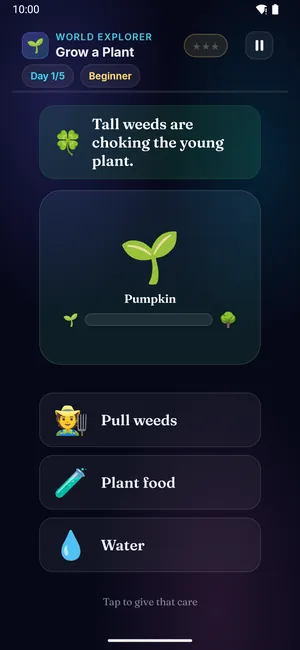
Grow a Plant on a television Grow a Plant on a phone
🌱

Grow a Plant

Ages 3–13 3 min Easy

Grow your own plant from a tiny seed! Each day it tells you what it needs — a drink, some sunshine, a pull of the weeds. Care for it and watch it bloom.

Builds

  • 🌱 What plants need
  • 💧 Water & sunlight
  • 🧠 Caring & patience
  • 🌻 Plant life cycle

How to play · TV remote· touch

  1. Look at what your plant needs today
  2. Press ◀▶ to choose a care
  3. Press OK to give it — the right care makes it grow!
  4. Grow it all the way to fruit or flower to win ⭐
  5. Never salt or fire — those hurt plants!
  1. Look at what your plant needs today
  2. Swipe left or right to choose a care
  3. Tap to give it — the right care makes it grow!
  4. Grow it all the way to fruit or flower to win ⭐
  5. Never salt or fire — those hurt plants!
Did you know? Plants need water, sunlight, air and good soil to grow.
× Grow a Plant full screenshot
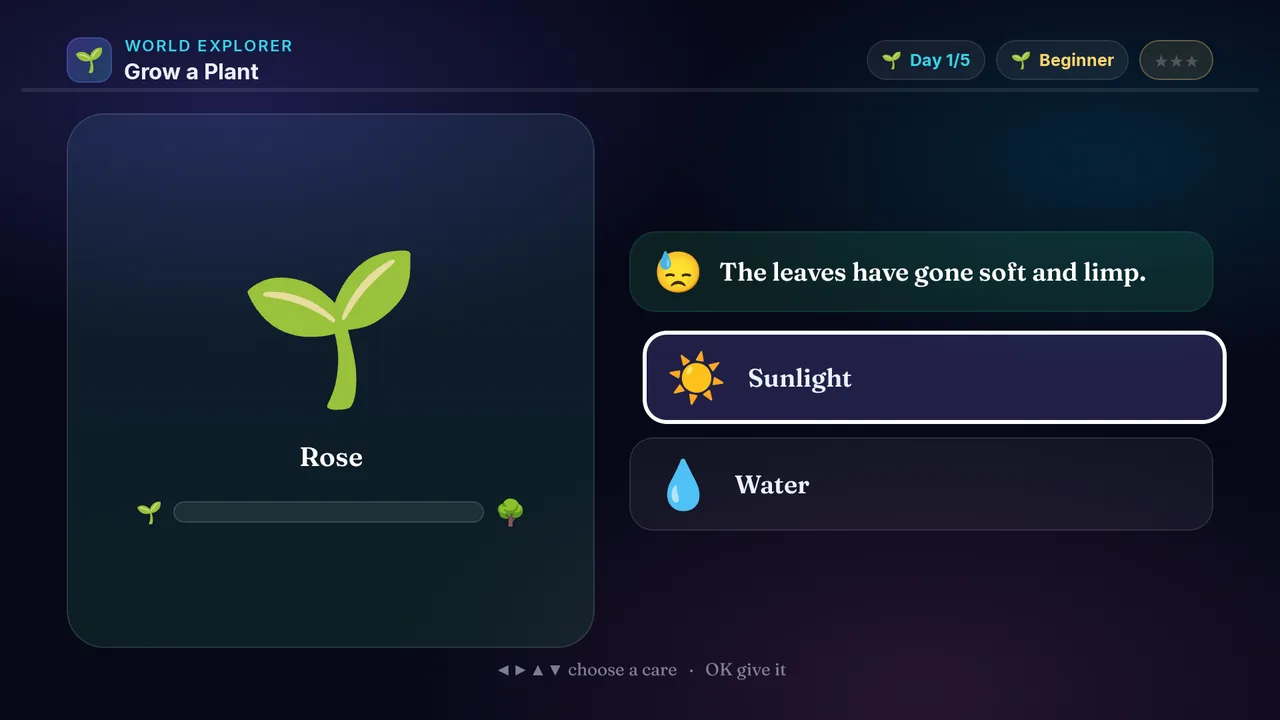
Grow a Plant — actual gameplay on Android TV
× Grow a Plant full phone screenshot
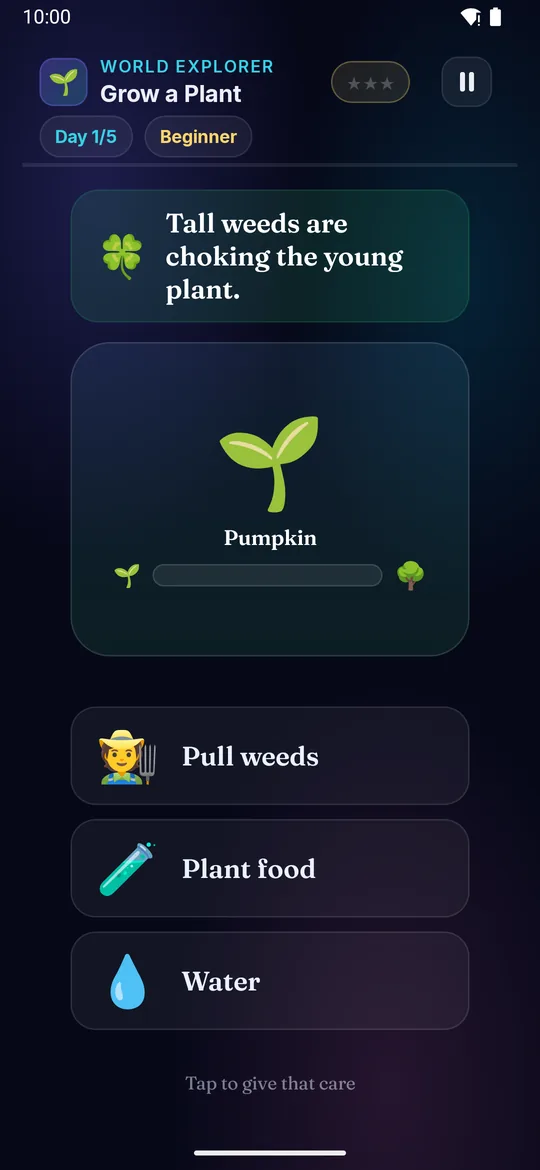
Grow a Plant — actual gameplay on a phone
Parts of a Plant on a television Parts of a Plant on a phone
🌿

Parts of a Plant

Ages 3–13 3 min Easy

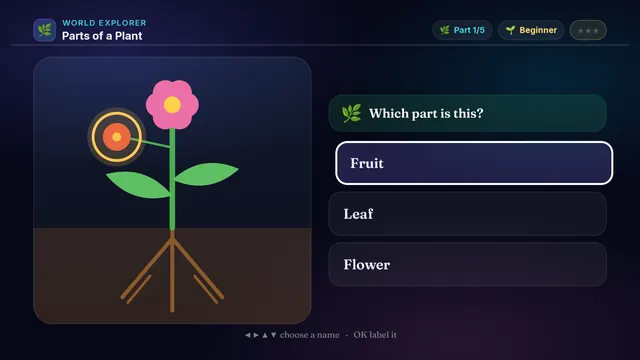
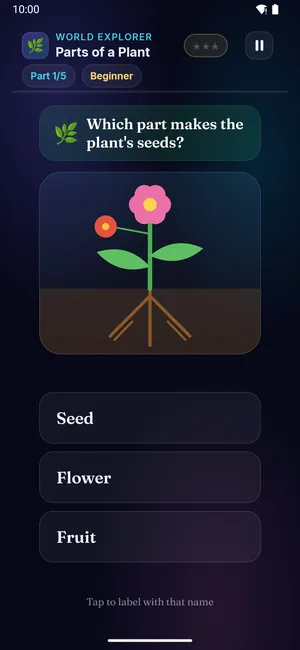
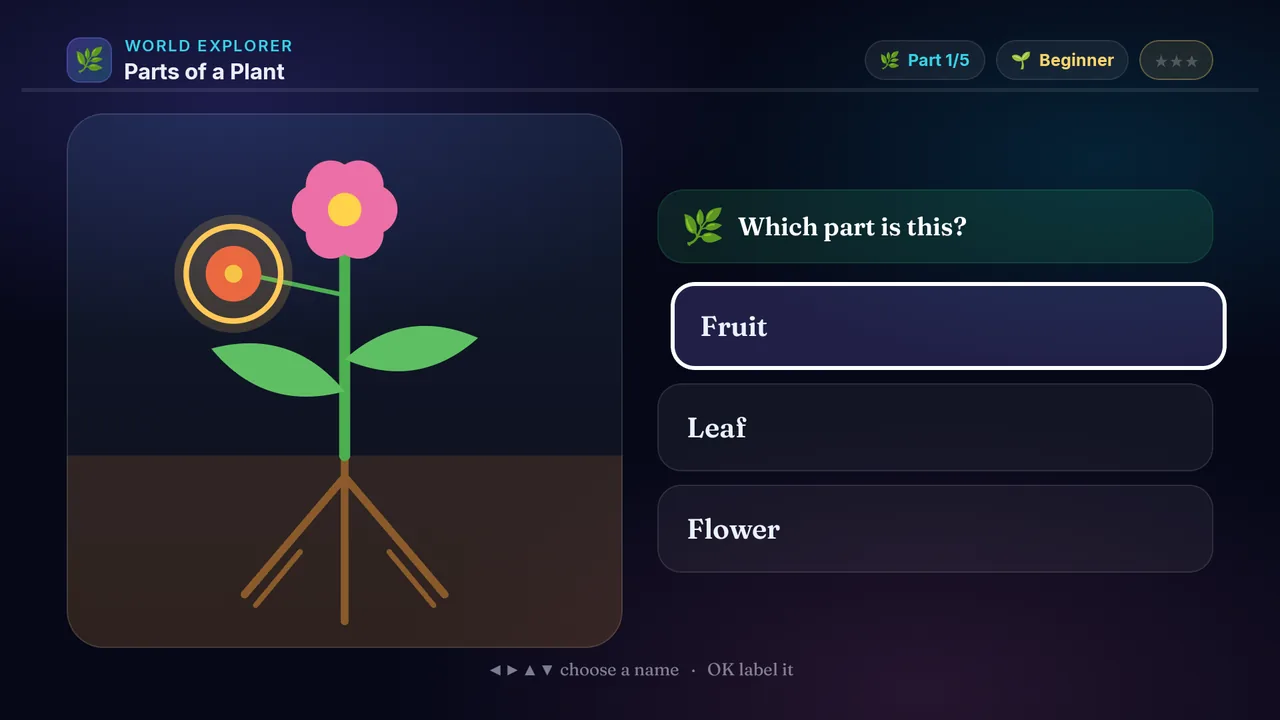
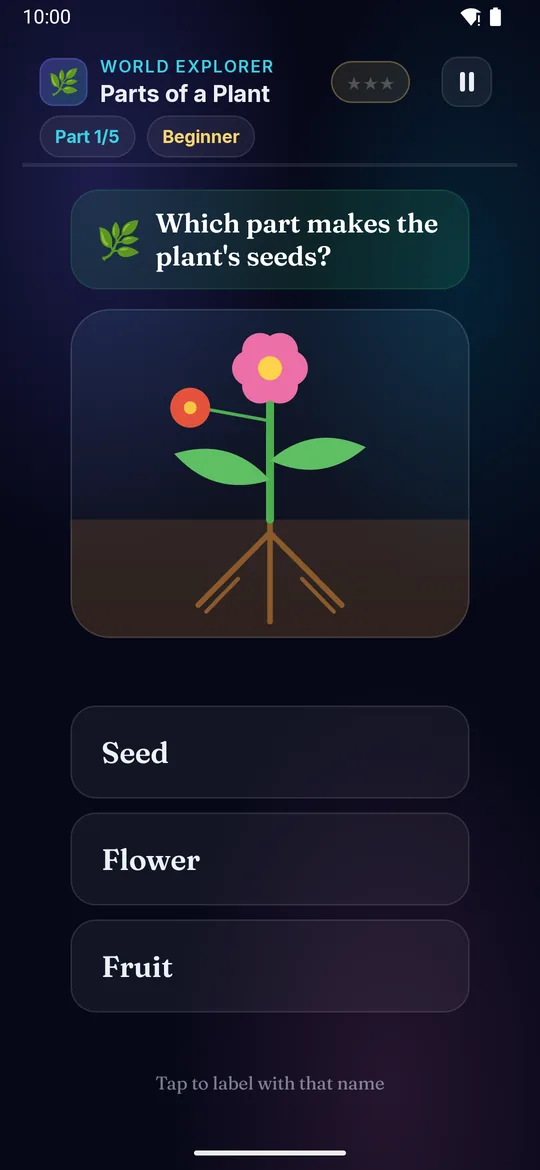
Meet the parts of a plant! The roots, the stem, the leaves, the flower — name each one as it lights up, then work out which part does which job.

Builds

  • 🌿 Parts of a plant
  • 🧠 What each part does
  • 🔎 Reading a diagram
  • 🌱 Roots to flower

How to play · TV remote· touch

  1. See which part of the plant is glowing
  2. Press ◀▶ to choose its name
  3. Press OK to label it on the diagram
  4. Name every part to win ⭐
  5. Harder levels ask what each part does
  1. See which part of the plant is glowing
  2. Swipe left or right to choose its name
  3. Tap to label it on the diagram
  4. Name every part to win ⭐
  5. Harder levels ask what each part does
Did you know? Roots hold the plant in the ground and drink water from the soil.
× Parts of a Plant full screenshot
Parts of a Plant — actual gameplay on Android TV
× Parts of a Plant full phone screenshot
Parts of a Plant — actual gameplay on a phone
Animal Homes on a television Animal Homes on a phone
🏡

Animal Homes

Ages 3–13 3 min Easy

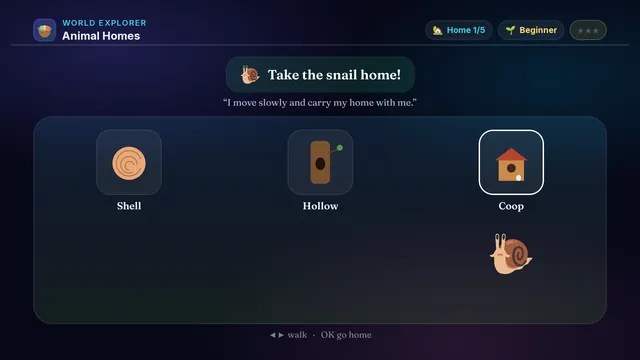
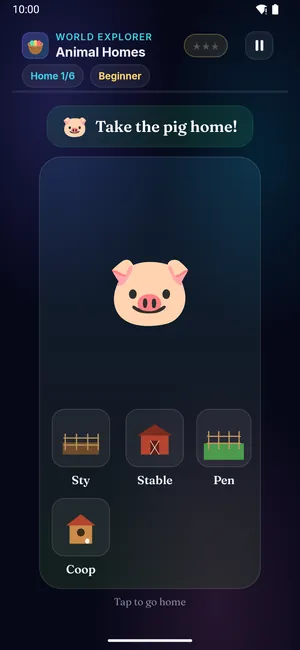
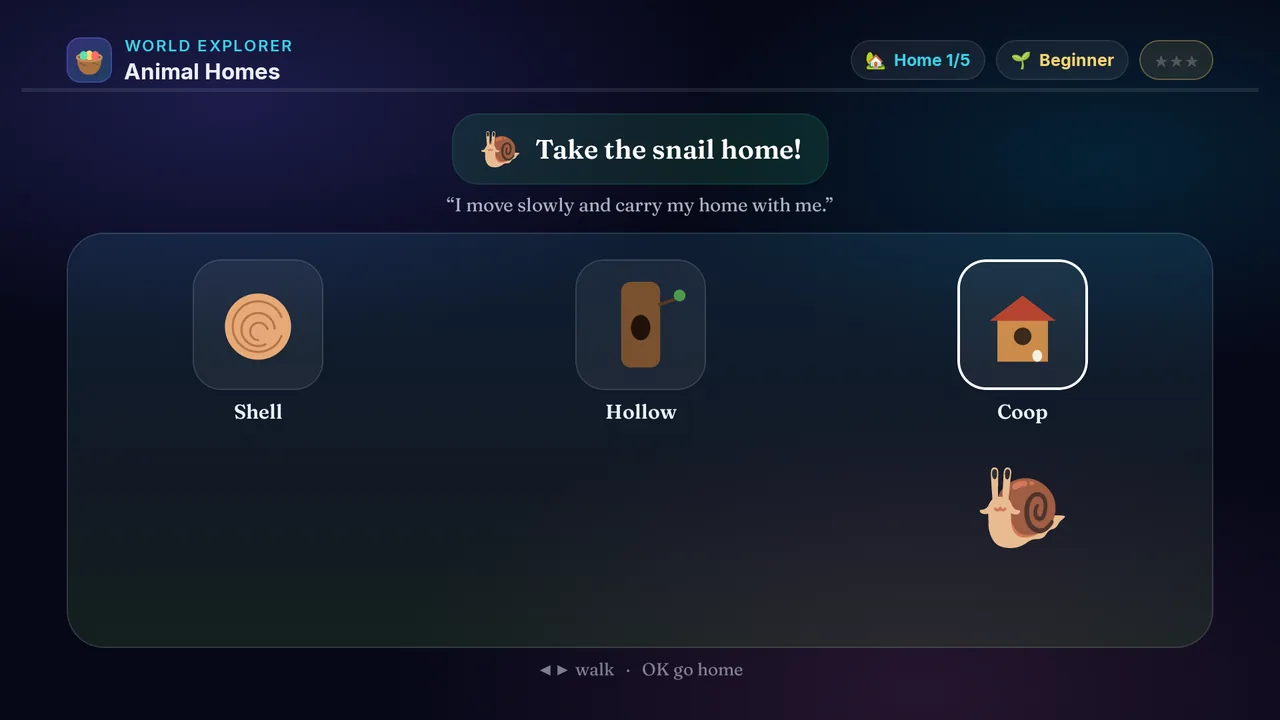
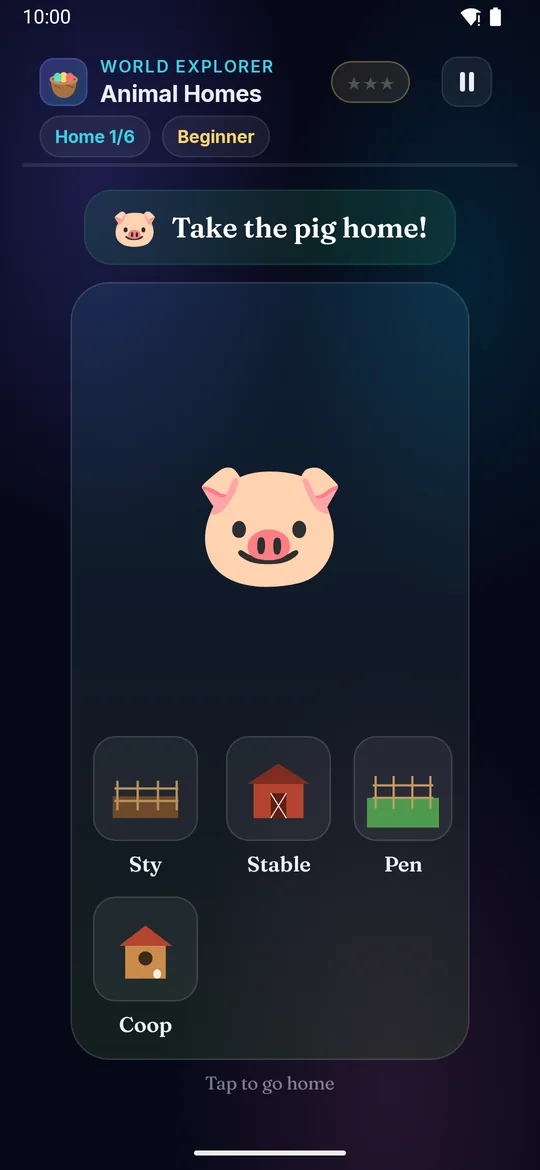
Every animal has a home! A bird has a nest, a bee has a hive, a rabbit has a burrow. Send each one to the right place and learn where they all live.

Builds

  • 🏡 Animals & their homes
  • 🐝 Nest, hive, burrow, web
  • 🧠 Matching & memory
  • 🌍 The world around us

How to play · TV remote· touch

  1. See which animal needs to go home
  2. Press ◀▶ to walk it along the homes
  3. Press OK to send it into a home
  4. The right home makes it hop inside — win ⭐
  5. Harder levels add tricky look-alike homes
  1. See which animal needs to go home
  2. Swipe left or right to walk it along the homes
  3. Tap to send it into a home
  4. The right home makes it hop inside — win ⭐
  5. Harder levels add tricky look-alike homes
Did you know? A squirrel's nest of twigs and leaves is called a drey.
× Animal Homes full screenshot
Animal Homes — actual gameplay on Android TV
× Animal Homes full phone screenshot
Animal Homes — actual gameplay on a phone
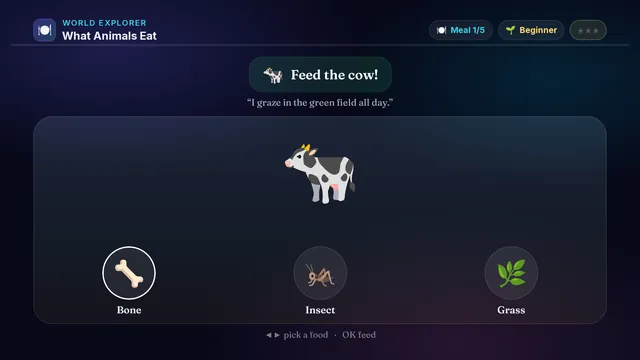
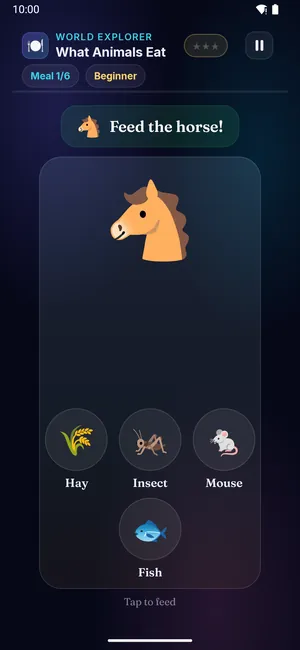
What Animals Eat on a television What Animals Eat on a phone
🍽️

What Animals Eat

Ages 3–13 3 min Easy

Feed all the hungry animals! A rabbit wants a carrot, a lion wants meat, a panda wants bamboo. Learn which animals eat plants, which hunt, and which catch bugs.

Builds

  • 🍽️ What each animal eats
  • 🌿 Plant-eaters & meat-eaters
  • 🧠 Matching & memory
  • 🌍 The world around us

How to play · TV remote· touch

  1. See which hungry animal needs feeding
  2. Press ◀▶ to pick a food from the counter
  3. Press OK to serve it
  4. The right food makes the animal gobble it up — win ⭐
  5. Harder levels have surprising eaters!
  1. See which hungry animal needs feeding
  2. Swipe left or right to pick a food from the counter
  3. Tap to serve it
  4. The right food makes the animal gobble it up — win ⭐
  5. Harder levels have surprising eaters!
Did you know? A giant panda looks like a bear, but it eats almost only bamboo.

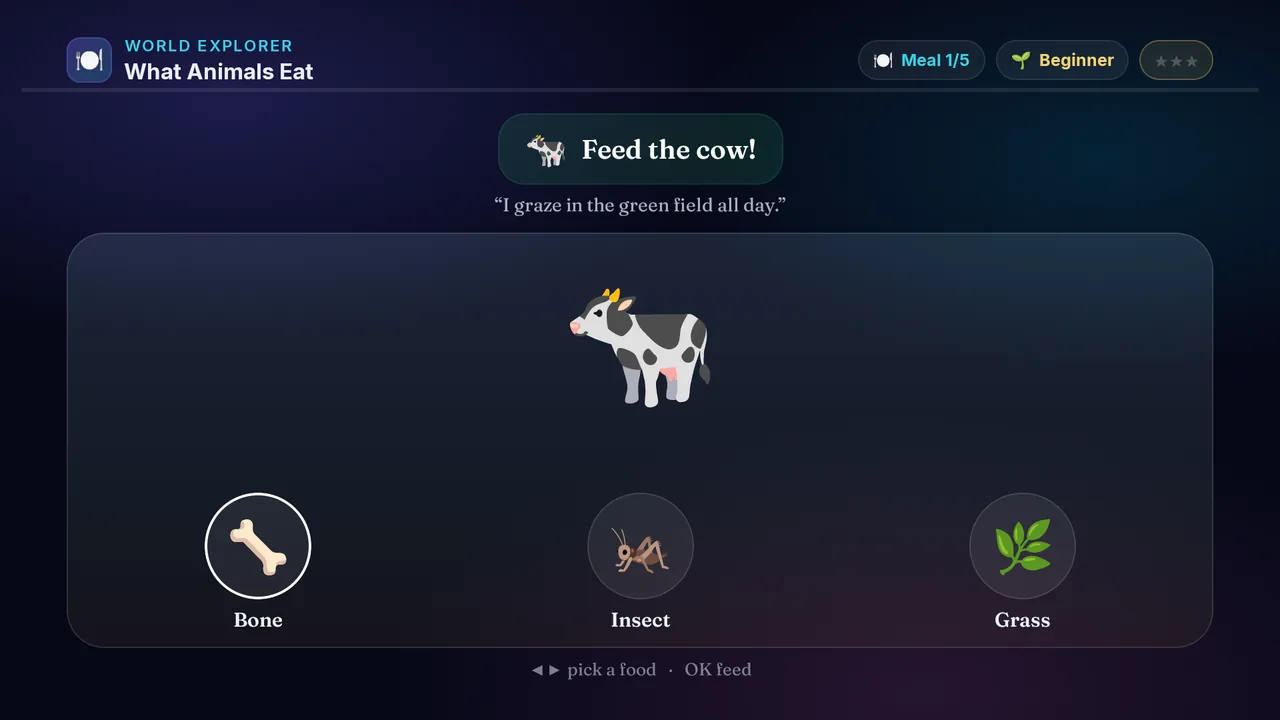
× What Animals Eat full screenshot
What Animals Eat — actual gameplay on Android TV
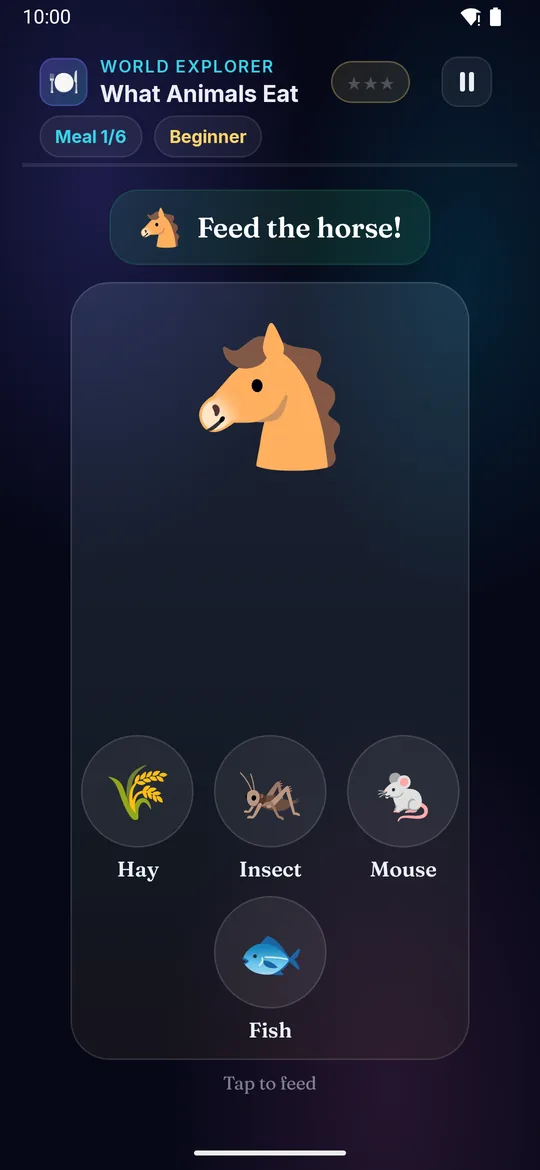
× What Animals Eat full phone screenshot
What Animals Eat — actual gameplay on a phone
Save Water on a television Save Water on a phone
💧

Save Water

Ages 3–13 3 min Easy
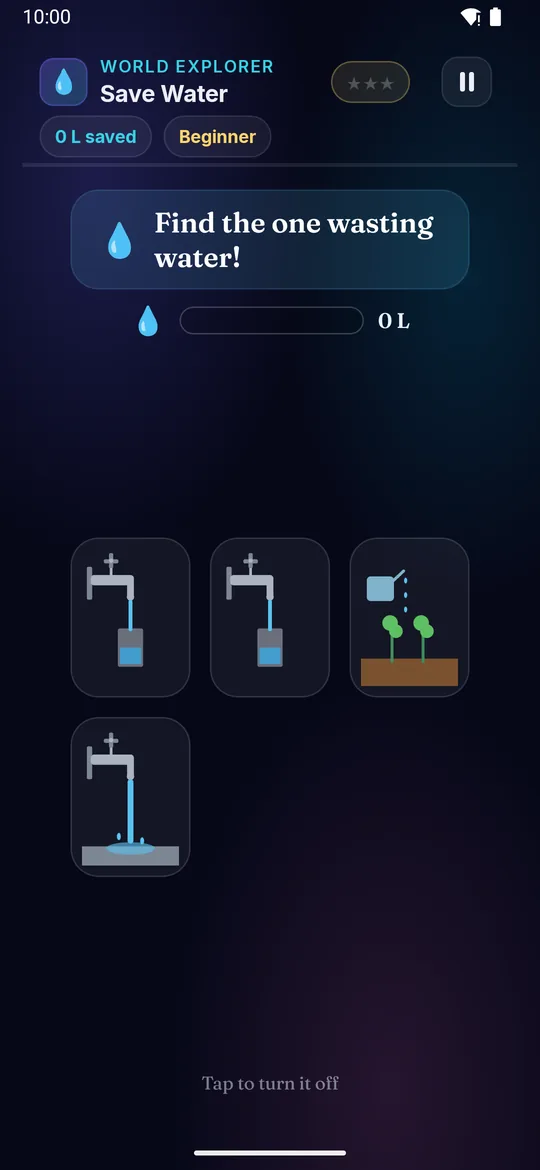
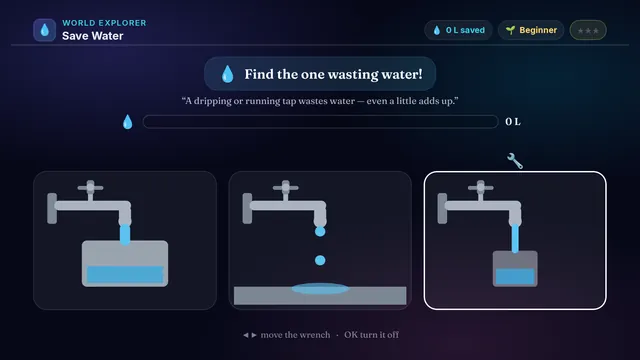
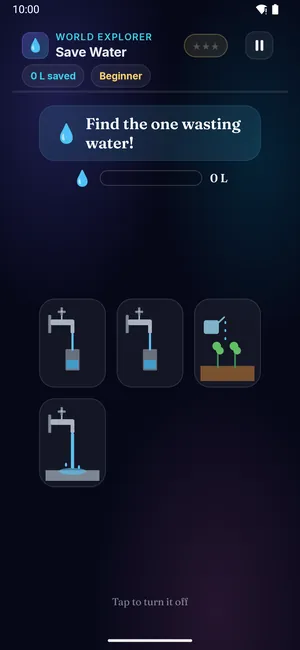
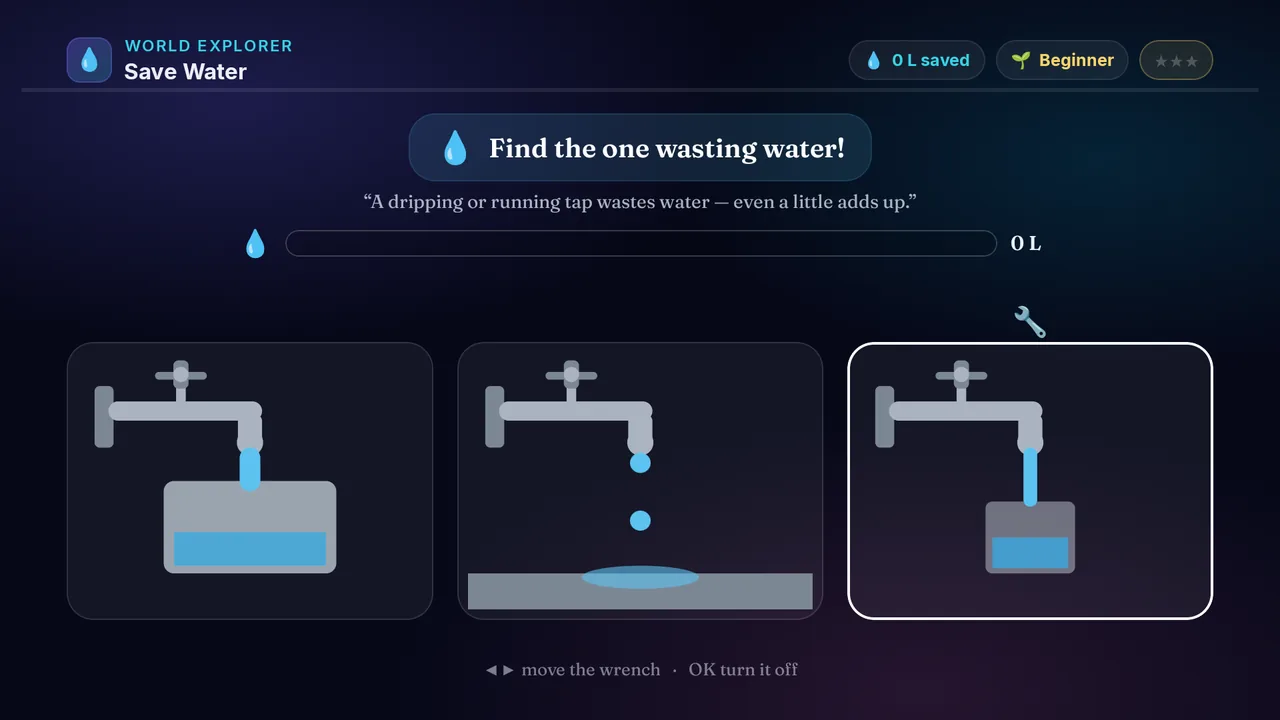
Be a water hero! Somewhere a tap is dripping or a bucket is overflowing, while other taps are being used properly. Spot the one wasting water.

Builds

  • 💧 Saving water
  • 🔍 Spotting waste
  • 🧠 Careful looking
  • 🌍 Caring for our world

How to play · TV remote· touch

  1. Look at all the taps, hoses and buckets
  2. Find the one wasting water on the ground
  3. Press ◀▶ to move the wrench to it
  4. Press OK to turn it off — the meter fills up! ⭐
  5. Leave the ones being used — that water isn't wasted
  1. Look at all the taps, hoses and buckets
  2. Find the one wasting water on the ground
  3. Swipe left or right to move the wrench to it
  4. Tap to turn it off — the meter fills up! ⭐
  5. Leave the ones being used — that water isn't wasted
Did you know? A dripping tap can waste enough water to fill many buckets in a day.
× Save Water full screenshot
Save Water — actual gameplay on Android TV
× Save Water full phone screenshot
Save Water — actual gameplay on a phone
Weather Ready on a television Weather Ready on a phone
⛅

Weather Ready

Ages 3–13 3 min Easy

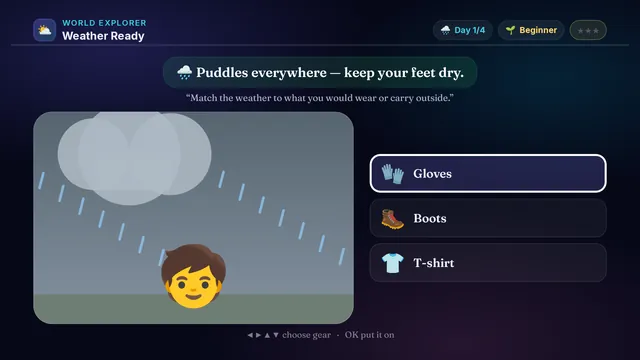
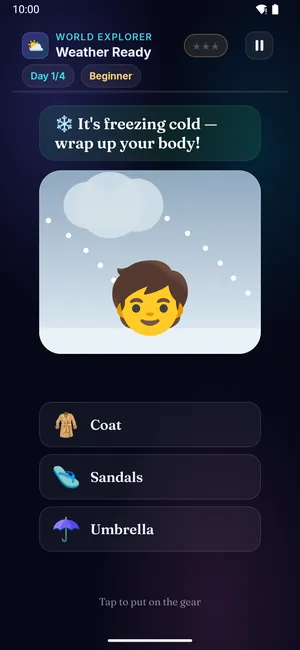
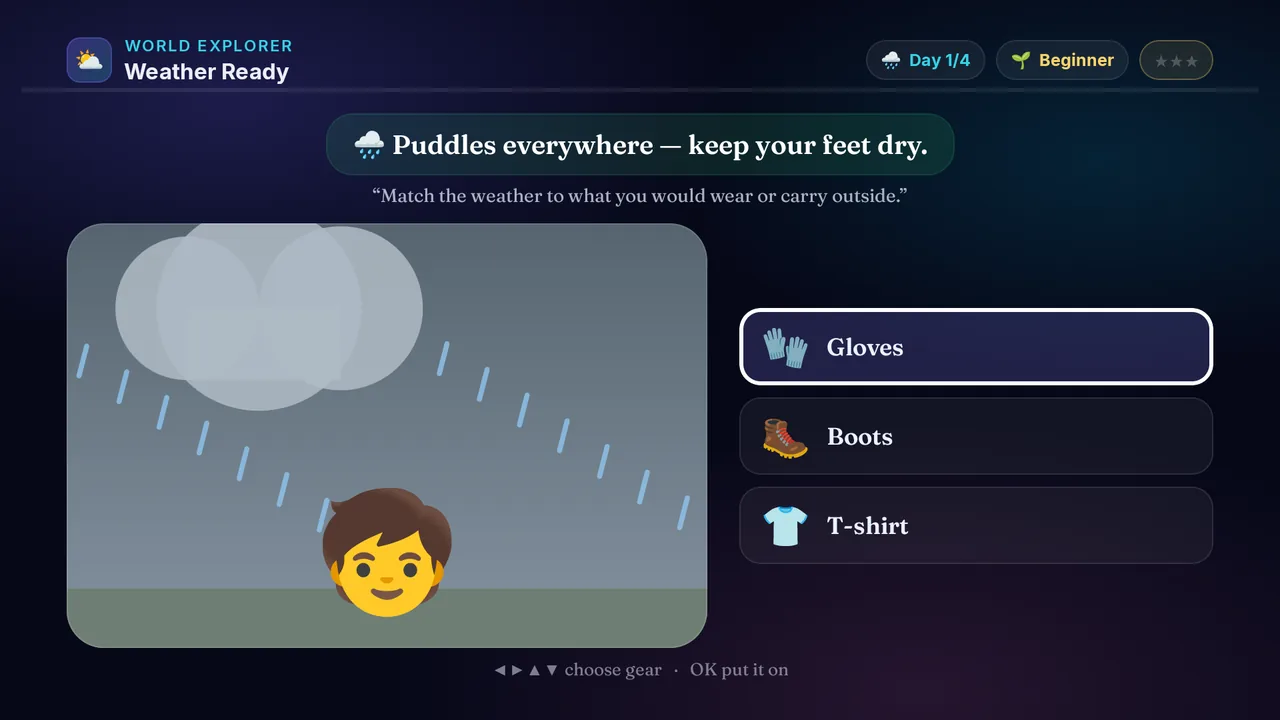
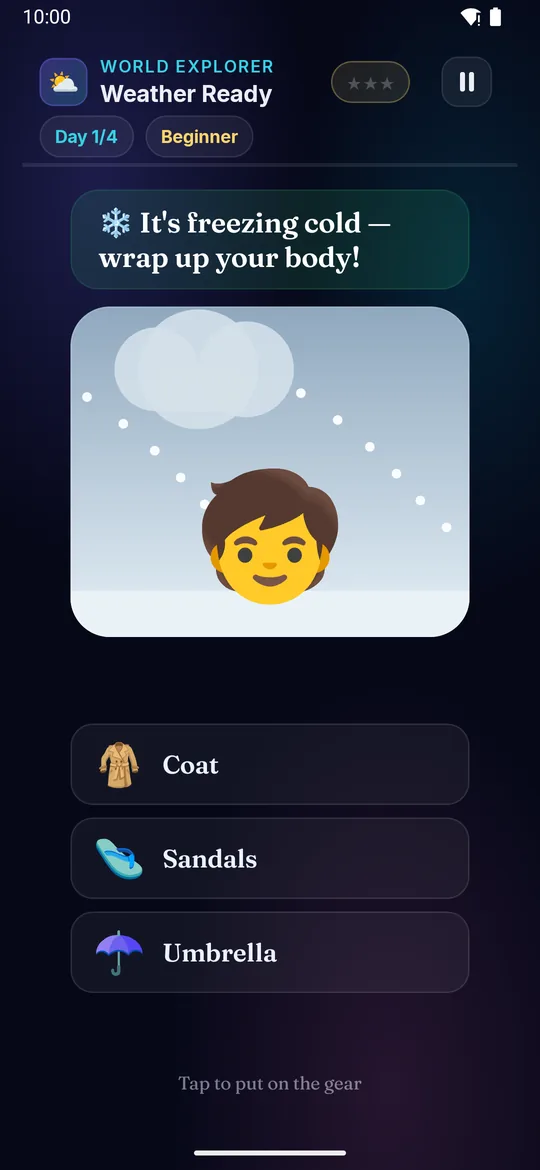
Get ready for any weather! Sunny, rainy or freezing — dress the kid for it. An umbrella for rain, a sun hat for sun, a warm coat for cold.

Builds

  • 🌦️ Sun, rain & cold
  • 🧥 What to wear & carry
  • 🧠 Matching & reasoning
  • 🌍 The world around us

How to play · TV remote· touch

  1. See what the weather is doing today
  2. Read what you need to stay comfy
  3. Press ◀▶▲▼ to choose the right gear
  4. Press OK to put it on — win ⭐
  5. Harder levels ask which part of you to protect
  1. See what the weather is doing today
  2. Read what you need to stay comfy
  3. Swipe to choose the right gear
  4. Tap to put it on — win ⭐
  5. Harder levels ask which part of you to protect
Did you know? An umbrella and rain boots keep you dry when it rains.
× Weather Ready full screenshot
Weather Ready — actual gameplay on Android TV
× Weather Ready full phone screenshot
Weather Ready — actual gameplay on a phone
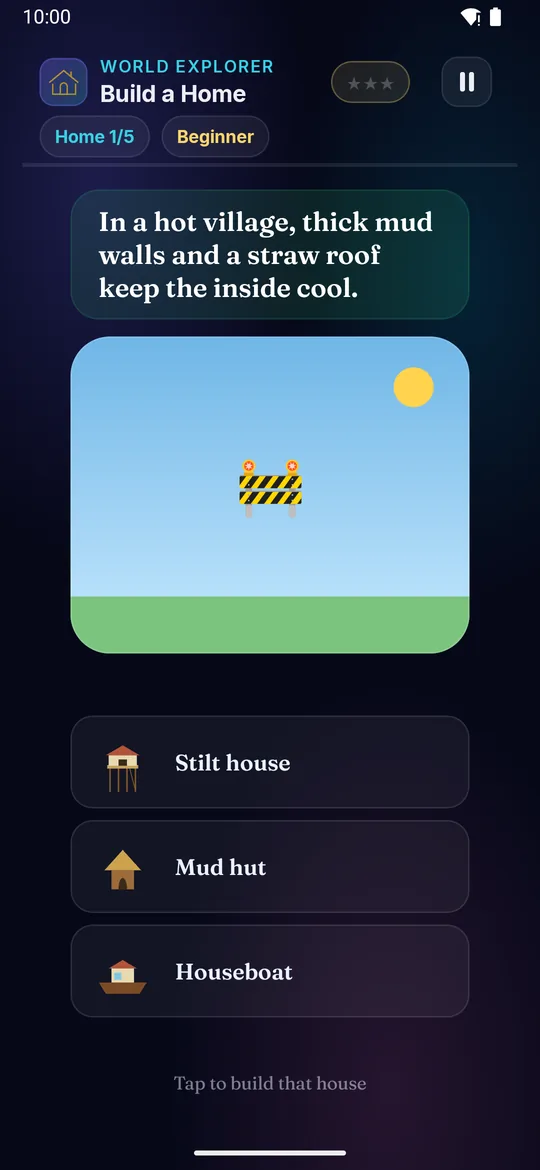
Build a Home on a television Build a Home on a phone
🏗️

Build a Home

Ages 3–13 3 min Easy

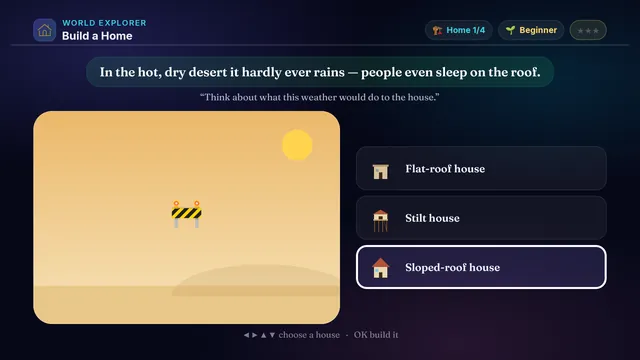
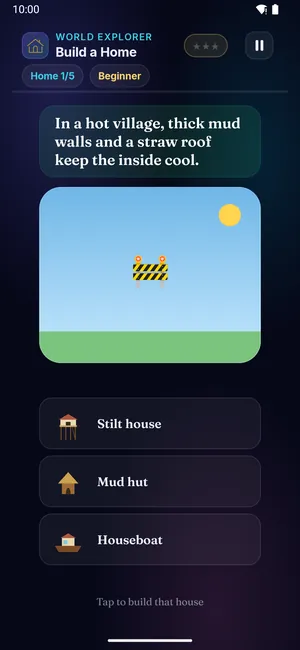
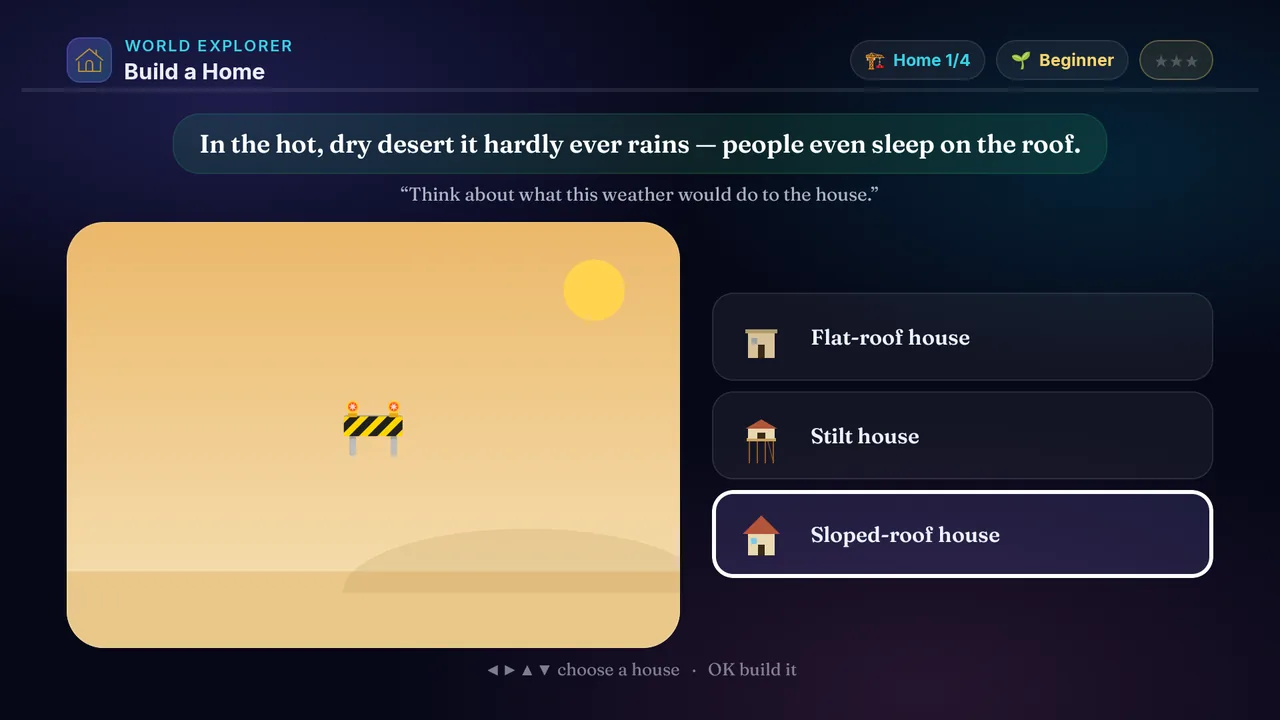
Be the builder! Every place needs a different house. Steep roofs shed snow, tall legs stand above floods, flat roofs suit the hot desert.

Builds

  • 🏗️ Houses around us
  • 🏔️ Homes for each place
  • 🧠 Cause & effect
  • 🌍 The world around us

How to play · TV remote· touch

  1. Look at the place and its weather
  2. Think what the house needs to cope with it
  3. Press ◀▶▲▼ to choose a house design
  4. Press OK to build it on the plot — win ⭐
  5. Harder levels have tricky look-alike houses
  1. Look at the place and its weather
  2. Think what the house needs to cope with it
  3. Swipe to choose a house design
  4. Tap to build it on the plot — win ⭐
  5. Harder levels have tricky look-alike houses
Did you know? In snowy hills, roofs are steep so heavy snow slides off instead of piling up.
× Build a Home full screenshot
Build a Home — actual gameplay on Android TV
× Build a Home full phone screenshot
Build a Home — actual gameplay on a phone
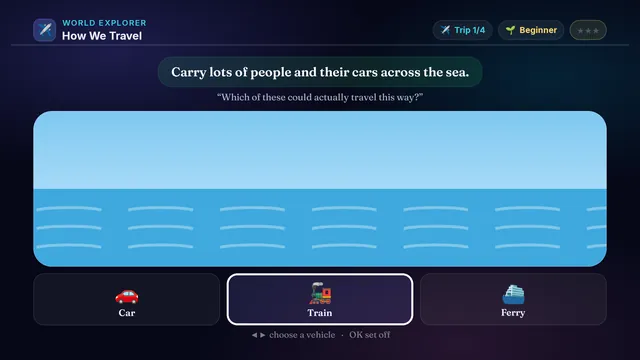
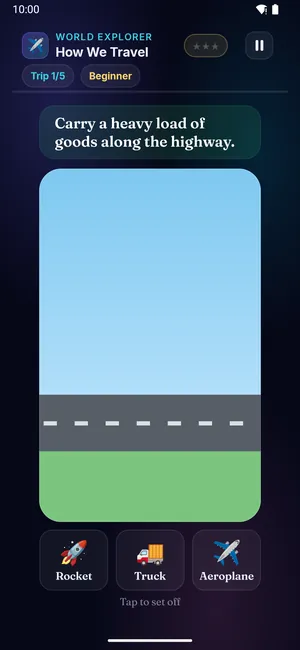
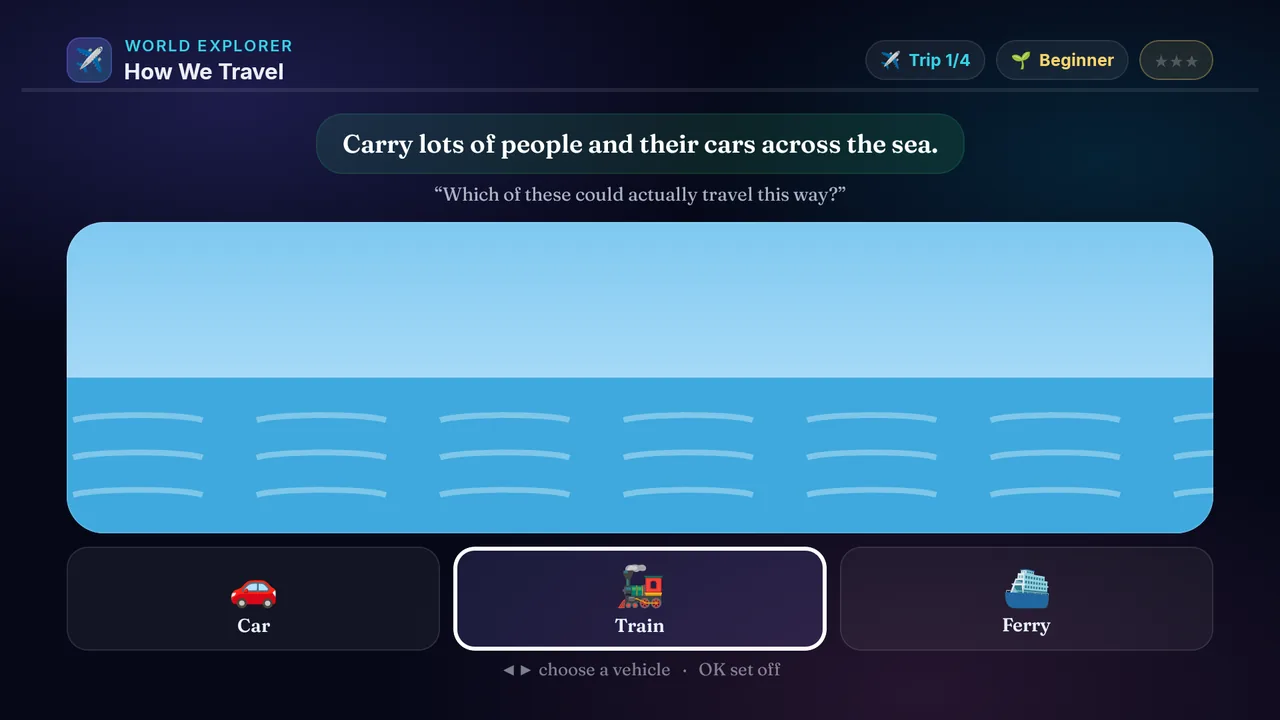
How We Travel on a television How We Travel on a phone
✈️

How We Travel

Ages 3–13 3 min Easy

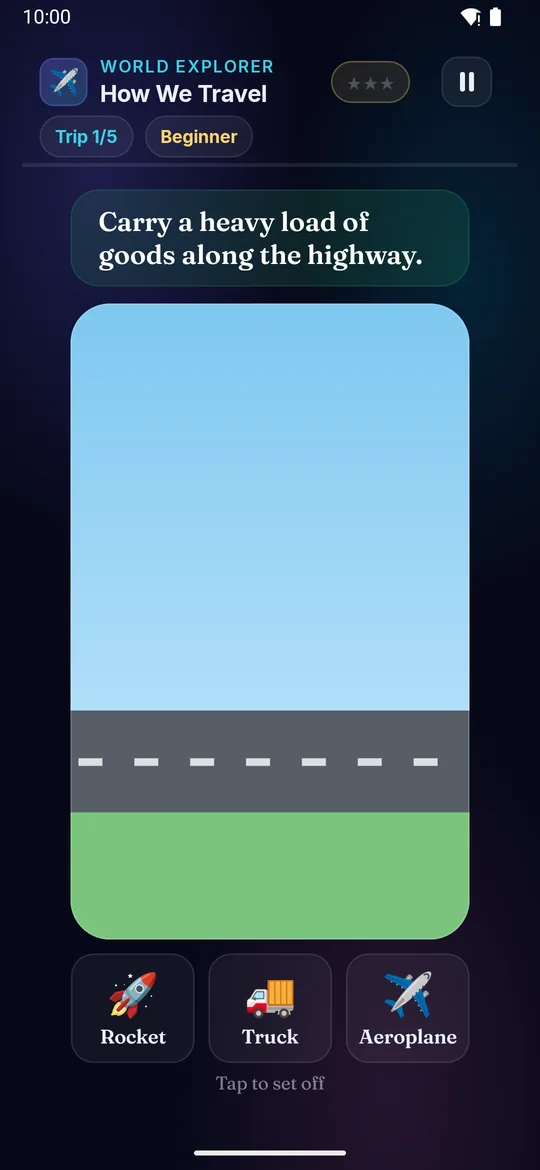
How will you get there? Some journeys are on land, some on water, some up in the air — a boat sails, a plane flies, a bus drives.

Builds

  • ✈️ Land, water & air travel
  • 🚂 Means of transport
  • 🧠 Matching & reasoning
  • 🌍 The world around us

How to play · TV remote· touch

  1. See the journey and its route
  2. Is it on land, on water or in the air?
  3. Press ◀▶ to choose a vehicle
  4. Press OK to set off — win ⭐
  5. Harder trips need just the right vehicle
  1. See the journey and its route
  2. Is it on land, on water or in the air?
  3. Swipe left or right to choose a vehicle
  4. Tap to set off — win ⭐
  5. Harder trips need just the right vehicle
Did you know? Boats, ships and ferries travel on water; ferries can even carry cars across.
× How We Travel full screenshot
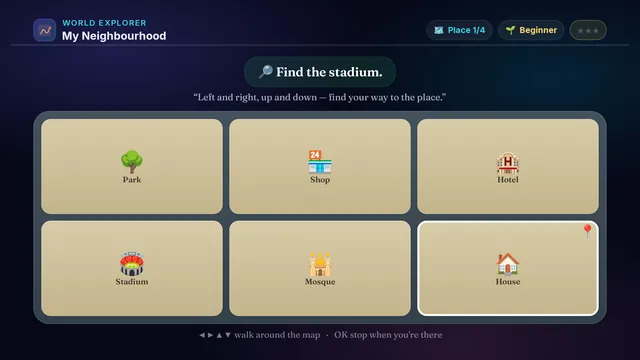
How We Travel — actual gameplay on Android TV
× How We Travel full phone screenshot
How We Travel — actual gameplay on a phone
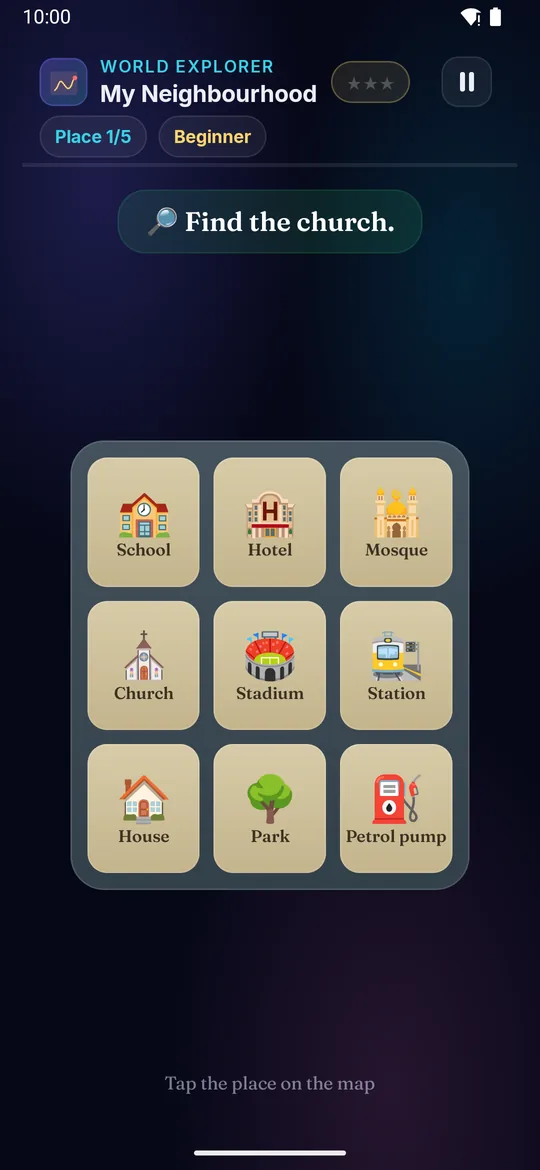
My Neighbourhood on a television My Neighbourhood on a phone
🗺️

My Neighbourhood

Ages 3–13 3 min Easy

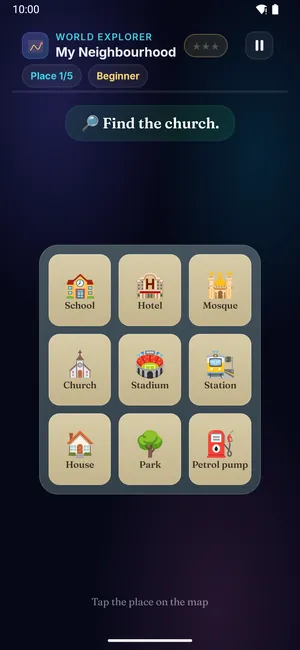
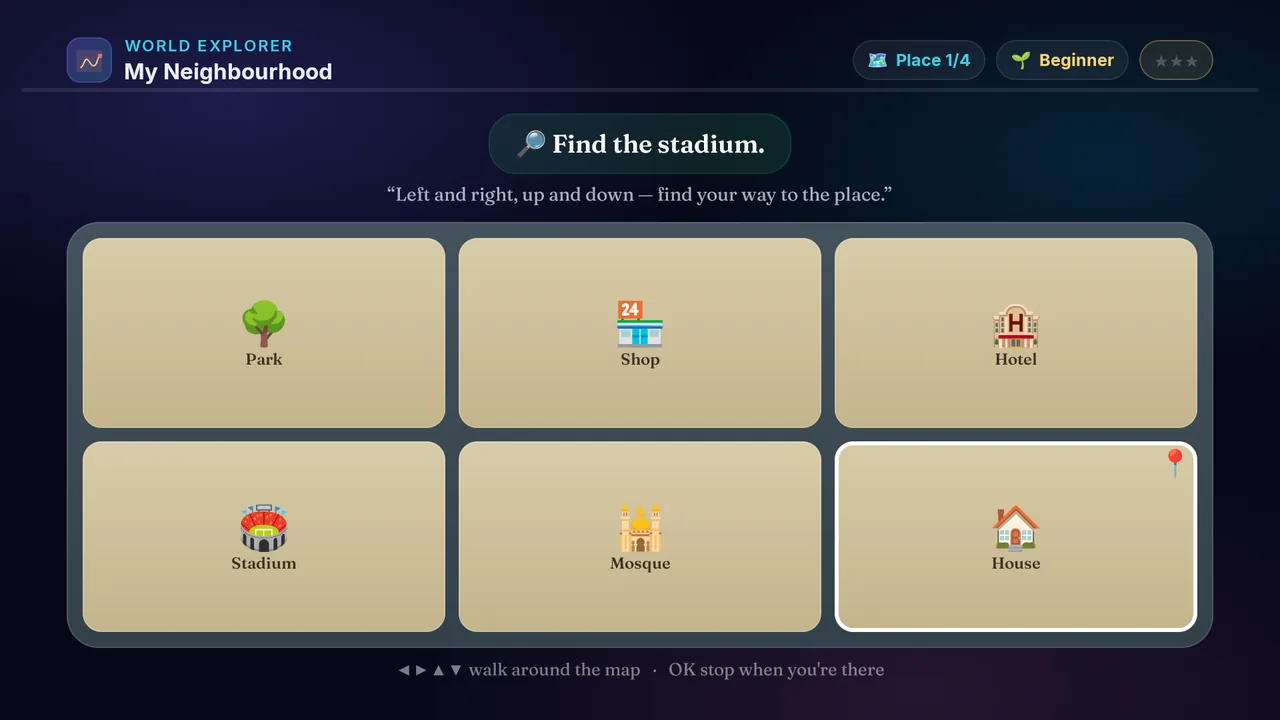
Explore your neighbourhood! A little map shows the school, the hospital, the park, the shop and more — find the place you're asked for.

Builds

  • 🗺️ Places around us
  • 🧭 Left, right & directions
  • 🧠 Map reading
  • 🌍 The world around us

How to play · TV remote· touch

  1. Read the place or direction you need to find
  2. Press ◀▶▲▼ to walk around the map
  3. Stop on the right place
  4. Press OK when you're there — win ⭐
  5. Harder levels give you directions to follow
  1. Read the place or direction you need to find
  2. Swipe to walk around the map
  3. Stop on the right place
  4. Tap when you're there — win ⭐
  5. Harder levels give you directions to follow
Did you know? A neighbourhood is all the places near your home — shops, a school, a park and more.
× My Neighbourhood full screenshot
My Neighbourhood — actual gameplay on Android TV
× My Neighbourhood full phone screenshot
My Neighbourhood — actual gameplay on a phone
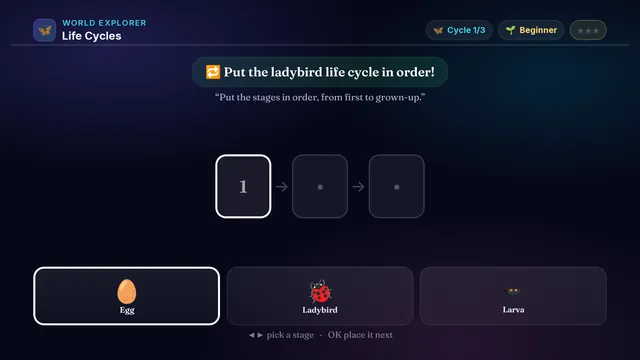
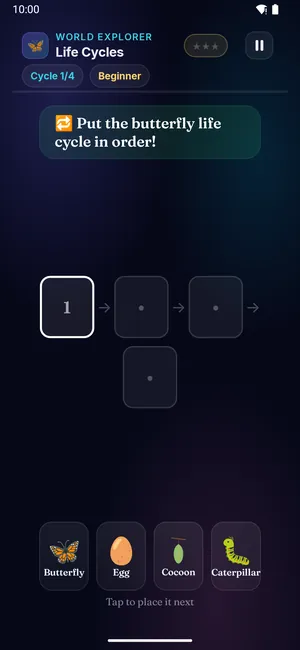
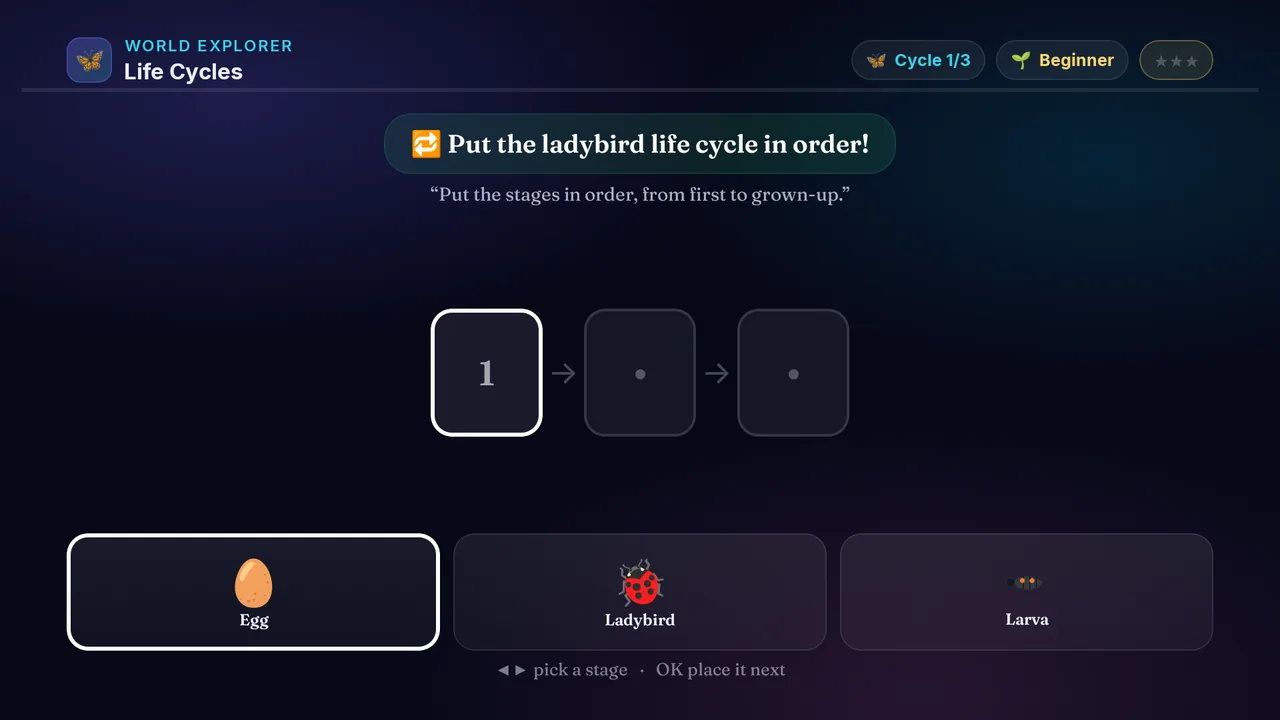
Life Cycles on a television Life Cycles on a phone
🦋

Life Cycles

Ages 3–13 3 min Easy

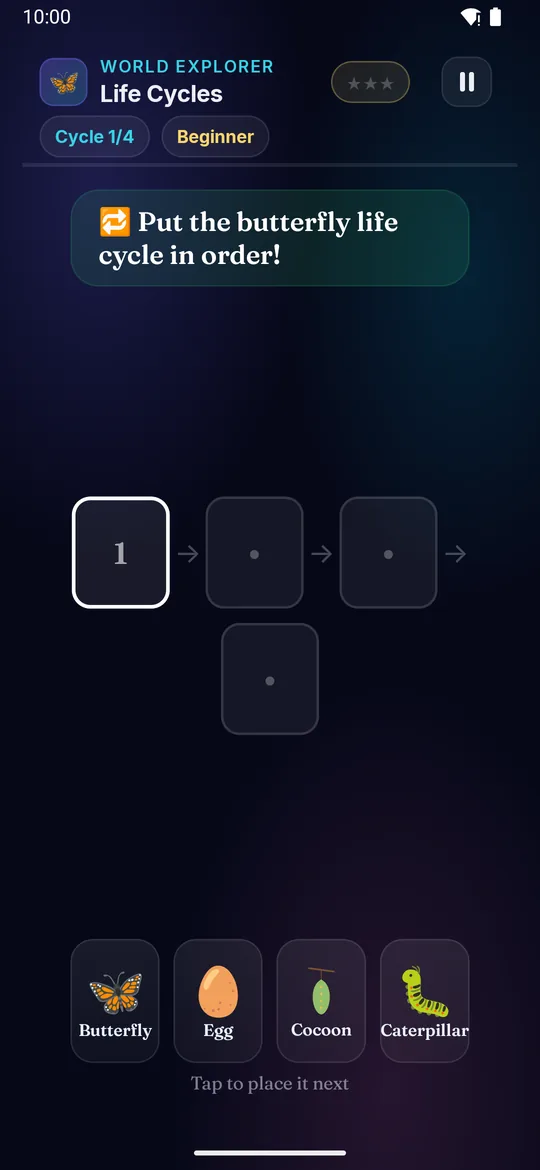
Every plant and animal grows in stages — a life cycle that goes round and round. An egg becomes a chick becomes a hen; a seed becomes a plant becomes a flower.

Builds

  • 🦋 How living things grow
  • 🔁 Order & sequence
  • 🌱 Plants & animals
  • 🧠 Science thinking

How to play · TV remote· touch

  1. Look at the jumbled stages in the tray
  2. Press ◀▶ to pick a stage
  3. Press OK to place it next in the cycle
  4. Start at the very beginning — an egg or a seed
  5. Fill the whole cycle in order — win ⭐
  1. Look at the jumbled stages in the tray
  2. Swipe left or right to pick a stage
  3. Tap to place it next in the cycle
  4. Start at the very beginning — an egg or a seed
  5. Fill the whole cycle in order — win ⭐
Did you know? A caterpillar makes a cocoon, then comes out as a beautiful butterfly!
× Life Cycles full screenshot
Life Cycles — actual gameplay on Android TV
× Life Cycles full phone screenshot
Life Cycles — actual gameplay on a phone